EasyManua.ls Logo

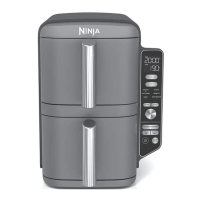
Ninja Double Stack XL SL400 Series - Match Cook

Ninja Double Stack XL SL400 Series
21 pages
Print Icon
To Next Page IconTo Next Page
To Previous Page IconTo Previous Page
Loading...
88
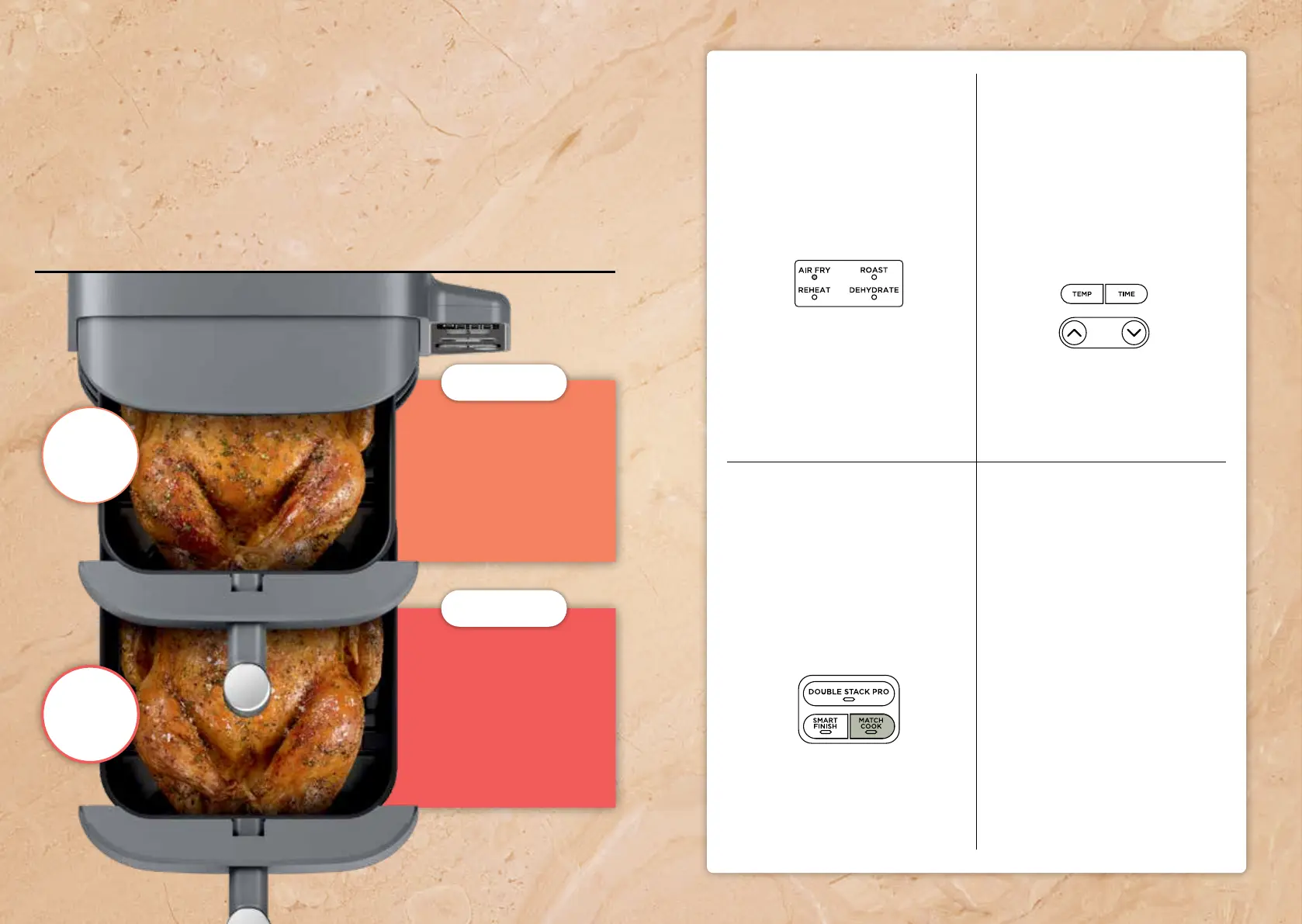
Select function
Place food in basket.
Select Zone 1.
Use the arrows to
select a cook function
(e.g., AIR FRY).
Begin cooking
Select MATCH COOK. Unit
will automatically set Zone
2 to match Zone 1.
Press the START/PAUSE
button to begin cooking.
Set temp & time
Select the TEMP button
and use the arrowsl to
set the temperature.
Select the TIME button
and use the arrows to
set the cook time.
Step 1
Step 3
Step 2
ninjakitchen.com 9
Match Cook
Sync your cook settings across both baskets
to use the full 10-qt cooking capacity at once.
Perfect for meal prep or to feed a crowd.
5-lb whole
chicken
5-lb whole
chicken
ZONE 2
ZONE 1
AIR FRY
350°F
65–70 MINS
AIR FRY
350°F
65–70 MINS

Related product manuals