2 3
ninjakitchen.com
ninjakitchen.com
CONTENTS
THANK YOU
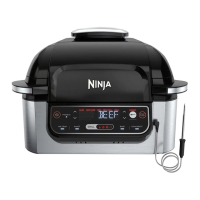
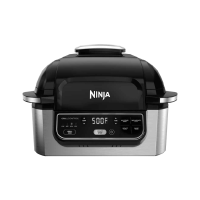
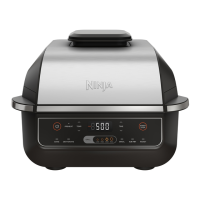
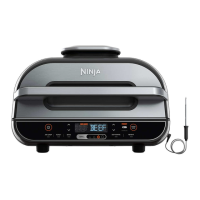
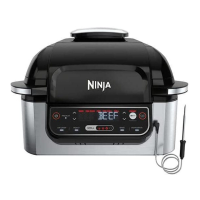
for purchasing the Ninja® Foodi® Smart Grill
Important Safeguards .................................4
Parts ................................................6
Getting to Know the Ninja® Foodi® Smart Grill .............7
Function Buttons ........................................7
Operating Buttons .......................................7
Before First Use .......................................7
Using the Ninja Foodi Smart Grill ........................8
Splatter Shield ...........................................8
GrillControl Technology ...................................8
Batch Grilling ........................................8
Using the Foodi Smart Thermometer ......................9
Using the Thermometer in Dierent Cooking Scenarios . 10
How to Correctly Insert the Thermometer ..............11
Cooking Functions .......................................12
Grill .................................................12
Air Crisp .............................................13
Roast .............................................. 14
Bake ................................................15
Dehydrate ...........................................16
Cleaning the Ninja Foodi Smart Grill ....................17
Replacement Parts ...................................17
Troubleshooting .....................................18
Warranty ............................................19
TECHNICAL SPECIFICATIONS
Voltage: 120V~, 60Hz
Watts: 1760W
TIP: You can find the model and serial
numbers on the QR code label on the
back of the unit by the power cord.
RECORD THIS INFORMATION
Model Number: �����������������
Serial Number: ������������������
Date of Purchase: ����������������
(Keep receipt)
Store of Purchase: ���������������
REGISTER YOUR PURCHASE
registeryourninja.com
Scan QR code using mobile device


 To Next Page
 Loading...