23
Applications & Settings
24
Applications & Settings
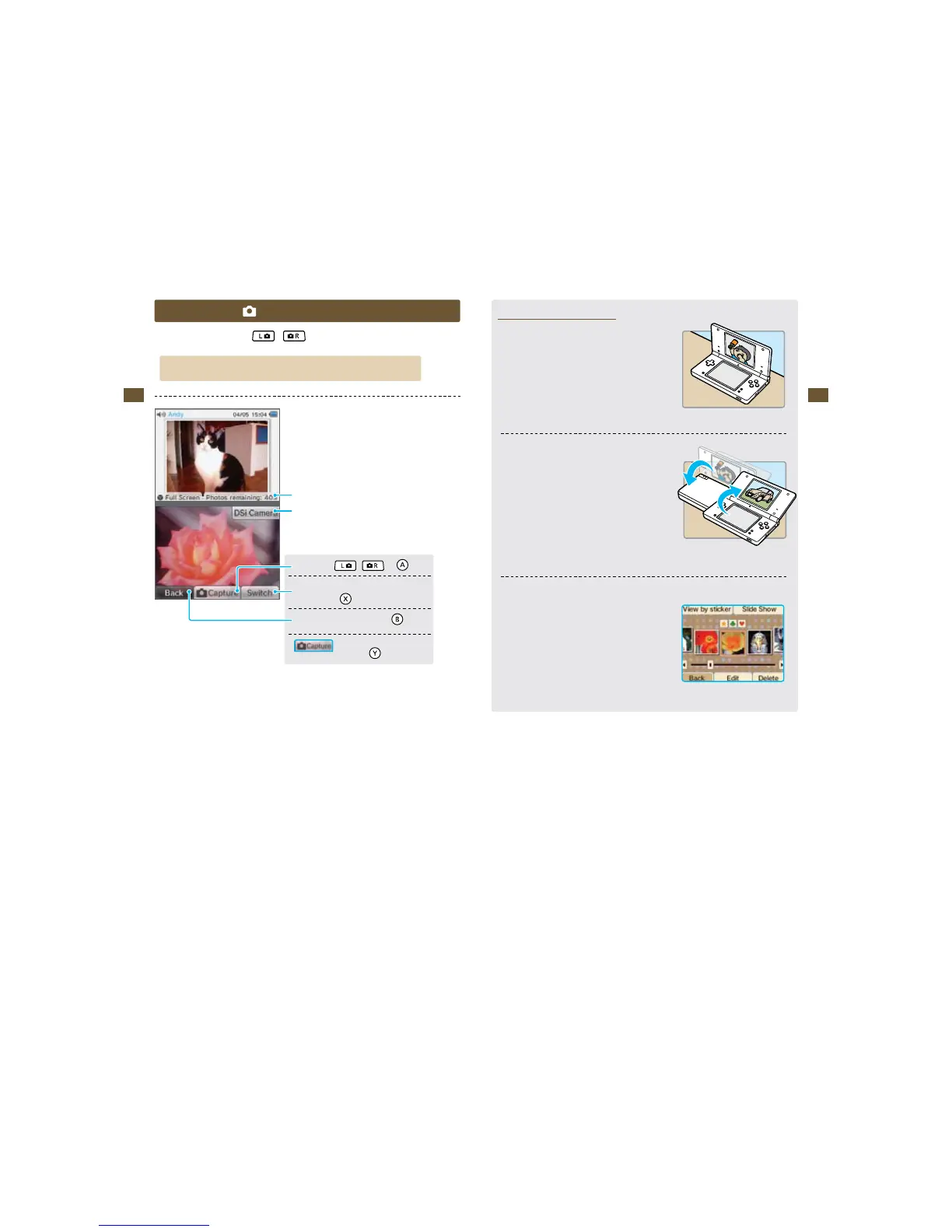
Camera Mode
On the Nintendo DSi Menu, press
or
to enter camera mode.
Photos you take will be saved to the Nintendo DSi system memory.
Number of photos remaining
Start Nintendo DSi Camera
5BLFBQIPUP
,
, or
Switch between inner and
PVUFSDBNFSBT
3FUVSOUPUIF/JOUFOEP%4J.FOV
Turn control displays
POBOEPò
(You can also use the buttons shown in parentheses.)
Top-Screen Photo Display
t1IPUPTUBLFOJODBNFSBNPEFXJMMBQQFBSPOUIFUPQ
screen of the Nintendo DSi Menu.
t*GZPVIBWFUBLFONVMUJQMFQIPUPTJODBNFSBNPEFUIF
photo that appears on the top screen will change every
time you turn the Nintendo DSi on or exit Sleep Mode by
opening the Nintendo DSi.
t:PVDBOVTFUIF/JOUFOEP%4J$BNFSBQIPUPBMCVNUP
select which photo appears on the top screen.
Nintendo DSi Camera
photo album
SD Cards can save up to 3,000 photos max, regardless of how much space they have.















 To Next Page