EasyManua.ls Logo

Nintendo DSI - System Settings Menu; System Settings Categories

Nintendo DSI
72 pages
Print Icon
To Next Page IconTo Next Page
To Previous Page IconTo Previous Page
Loading...
@
System
Settings
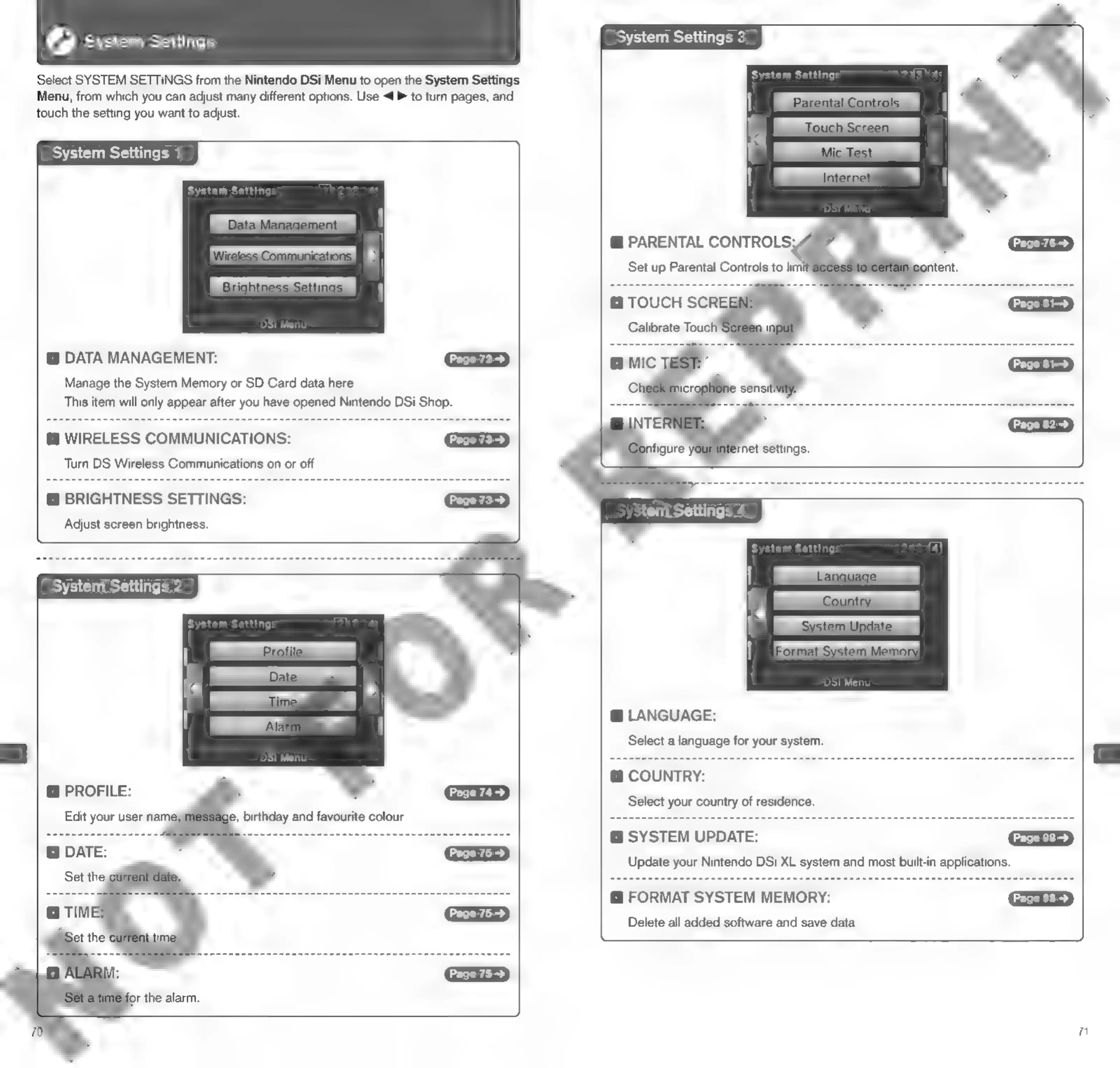
Select
SYSTEM
SETTINGS
from
the
Nintendo
DSi
Menu
to
open
the
System
Settings
Menu,
from
which
you
can
adjust
many
different
options.
Use
<P
to
turn
pages,
and
touch
the
setting
you
want
to
adjust.
System
Settings
1
DATA
MANAGEMENT:
Manage
the
System
Memory
or
SD
Card
data
here.
This
item
will
only
appear
after
you
have
opened
Nintendo
DSi
Shop.
@
WIRELESS
COMMUNICATIONS:
Turn
DS
Wireless
Communications
on
or
off.
@
BRIGHTNESS
SETTINGS:
Adjust
screen
brightness.
@
PROFILE:
Edit
your
user
nami
Page
74
>
je,
birthday
and
favourite
colour.
System
Settings
3
@
PARENTAL
CONTROLS;
.
Set
up
Parental
Controls
to
limi
Calibrate
Tot
DSi
Menu
@
LANGUAGE:
Select
a
language
for
your
system.
@
COUNTRY:
Select
your
country
of
residence.
@
SYSTEM
UPDATE:
Update
your
Nintendo
DSi
XL
system
and
most
built-in
applications.
@
FORMAT SYSTEM
MEMORY:
Delete
all
added
software
and
save
data.
ral

Other manuals for Nintendo DSI

Related product manuals