3736
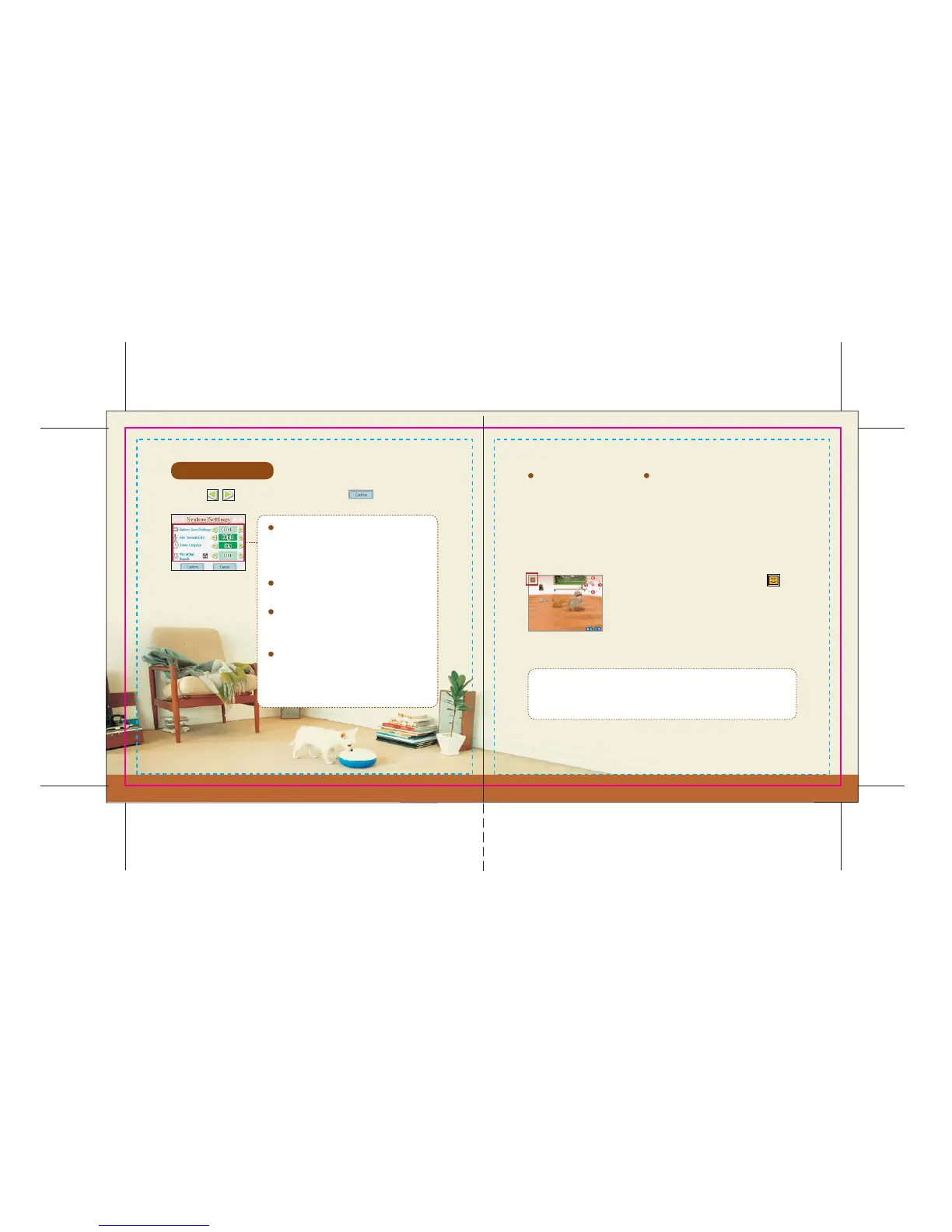
System Settings
Battery Save Settings
PictoChat Search
Mic Sensitivity
Time Display
PictoChat Search
Touch the icons to adjust all settings. Touch when you’re done.
Turn this option on to search for active PictoChat chat rooms while
playing Nintendogs. First you will need to access the system settings and
turn the PictoChat search function on. When you do so, your Nintendo
DS will continue searching wirelessly—even if you close it—but it will
consume more battery power than standard Sleep Mode.
If there are people using PictoChat nearby, the
icon will appear on-screen. You cannot automatically
switch to PictoChat from Nintendogs, so you will first
need to save your progress (pg. 9) on the Home screen
and then power-off your Nintendo DS. Next, turn your
Nintendo DS on again and access PictoChat.
In some cases, the PictoChat chat room you’ve found may become inactive
before you are able to switch from Nintendogs to PictoChat. Please refer to
your Nintendo DS hardware instruction booklet for help using PictoChat.
When set to On, the system's backlight will
automatically turn off after 10 minutes without
any input.
Adjust the sensitivity of the built-in microphone.
When set to Off, the clock will not appear on the
Top Screen.
Turn this option on to search for active nearby
PictoChat chat rooms. You can also choose how
you will be notified.




 To Next Page