3534
Nintendogs Information
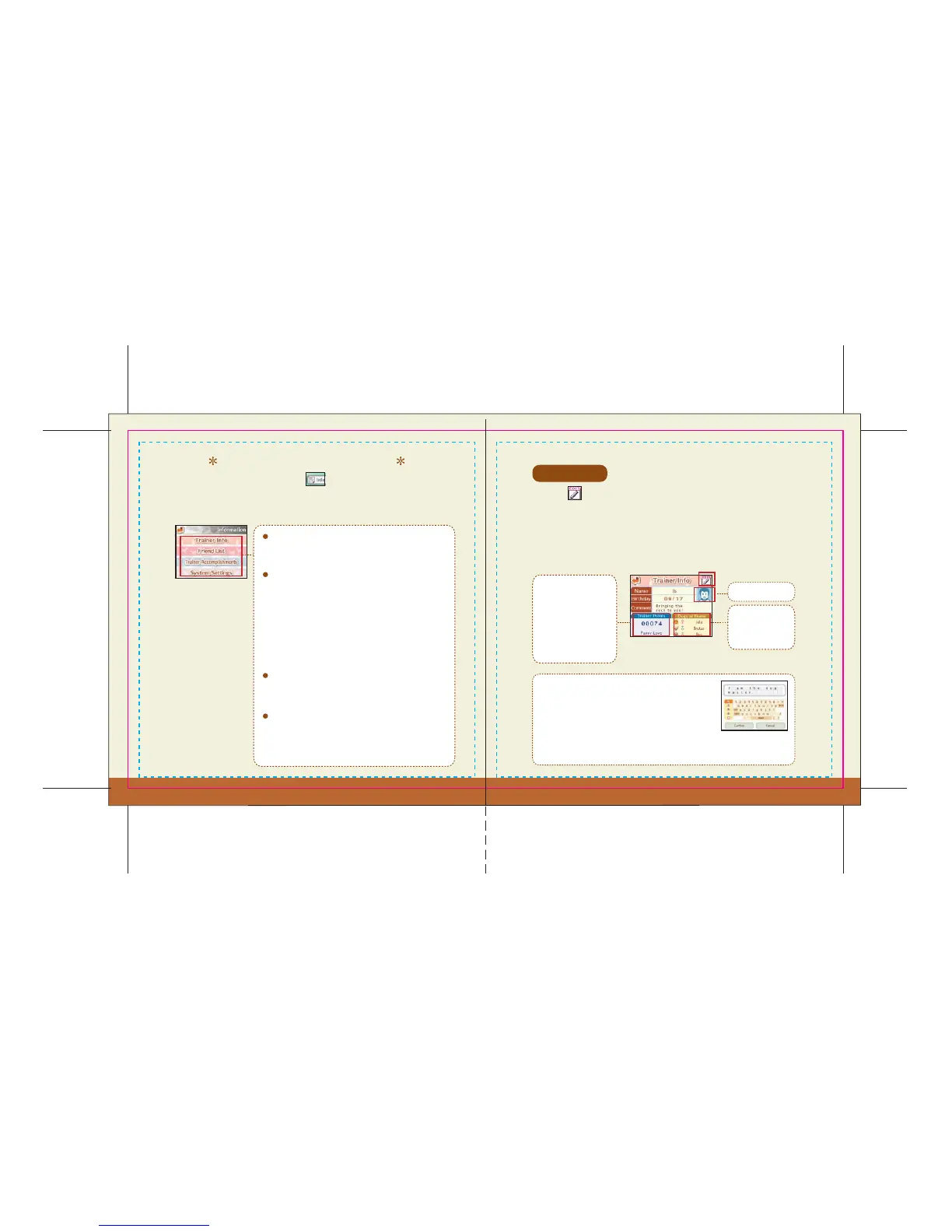
Trainer Info
Friend List
Trainer Accomplishments
Trainer Info
System Settings
The Go Out menu also features the icon. This is where you can go
to find all of your personal information, such as your Trainer Info and
Friend List.
Touch the icon to change the name, birth date, comment, or trainer icon
used in the game. Initially, the information in your Nintendo DS system
settings will be used automatically, but even if you change your trainer info, it
will not affect your Nintendo DS system settings. The information you’ve input
will automatically get sent to another trainer when you communicate with
them wirelessly in Bark Mode.
Read this to see what you've done as the trainer of
your dogs.
As you become closer to
your puppy, your trainer
points will increase.
Your trainer title will
change based on your
trainer points.
Trainer Icon
The dogs you are
raising at home
appear here.
Go here to check your best performances in the various
contests (pg. 29).
Choose this option to change system settings for
Nintendogs. See pg. 37 regarding searching for active
PictoChat rooms.
When changing your name or comment, be sure to use
a nickname and do not include personal information.
See the Nintendo DS instruction booklet for additional
privacy information. You will use the keyboard on the
Touch Screen to input text. When you’re done, touch
Confirm to finish. See pg. 11 for info on how to use the keyboard.
Go here to view a record of the Nintendogs trainers
you’ve linked up with via Bark Mode. Other trainers’
information will automatically get saved here when
you link up with them. You can save information for up
to 50 people. If you link up with more than 50 people,
your list will be updated by erasing the information
from your list, starting with the oldest information.



 To Next Page