28
Set Date
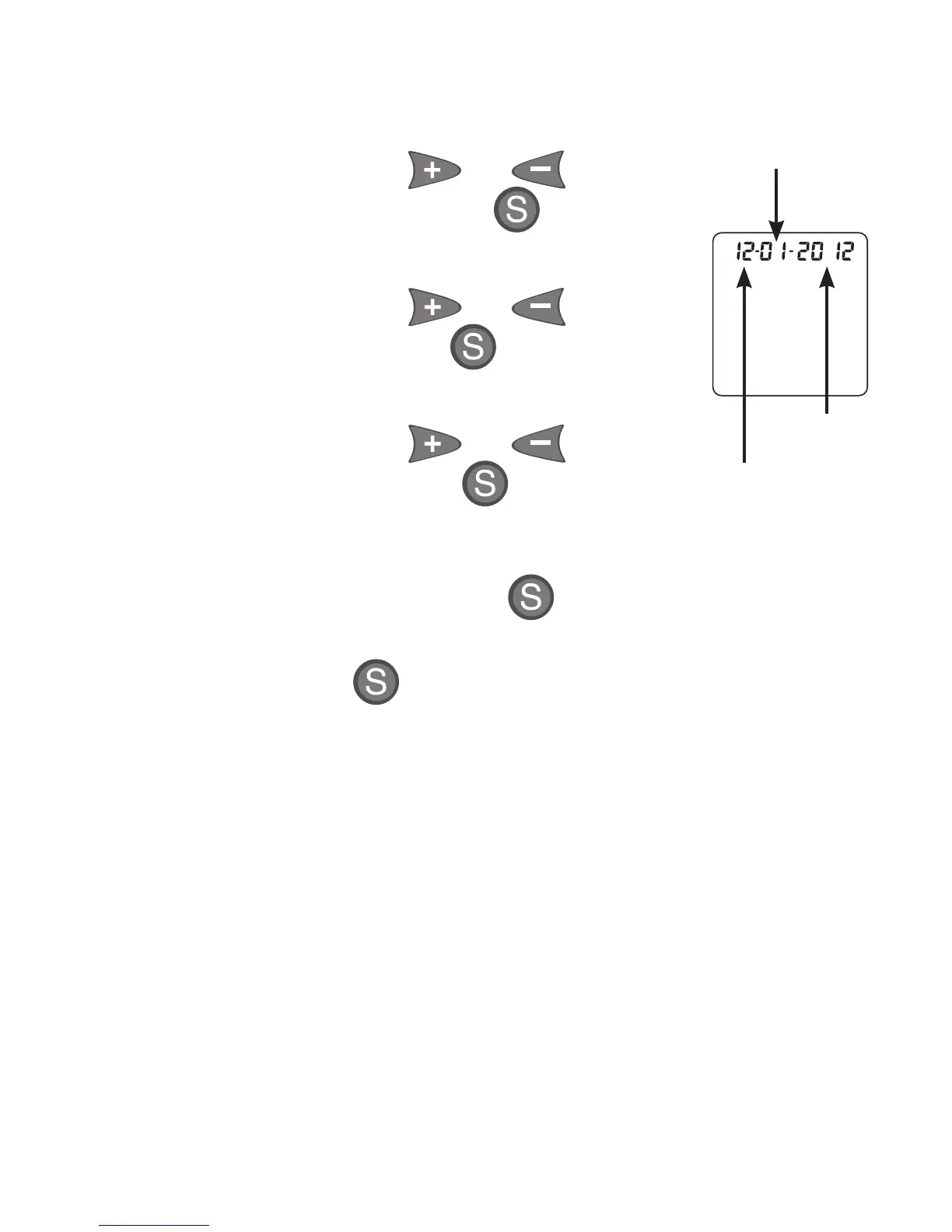
4. The month (number) flashes.
To change, press or to
select the month. Press to set.
5. The day (number) flashes.
To change, press or to
select the day. Press to set.
6. The year flashes
To change, press or to
select the year. Press to set.
Exit Set-up
To review settings, press . Make changes as
needed, per instructions above.
Press and hold until Display goes blank.
Options are saved. Meter turns off.
Month
Day
Ye ar



 To Next Page