EasyManua.ls Logo

NIPRO Diagnostics TRUEyou - User Manual

NIPRO Diagnostics TRUEyou
50 pages
Print Icon
To Next Page IconTo Next Page
Loading...
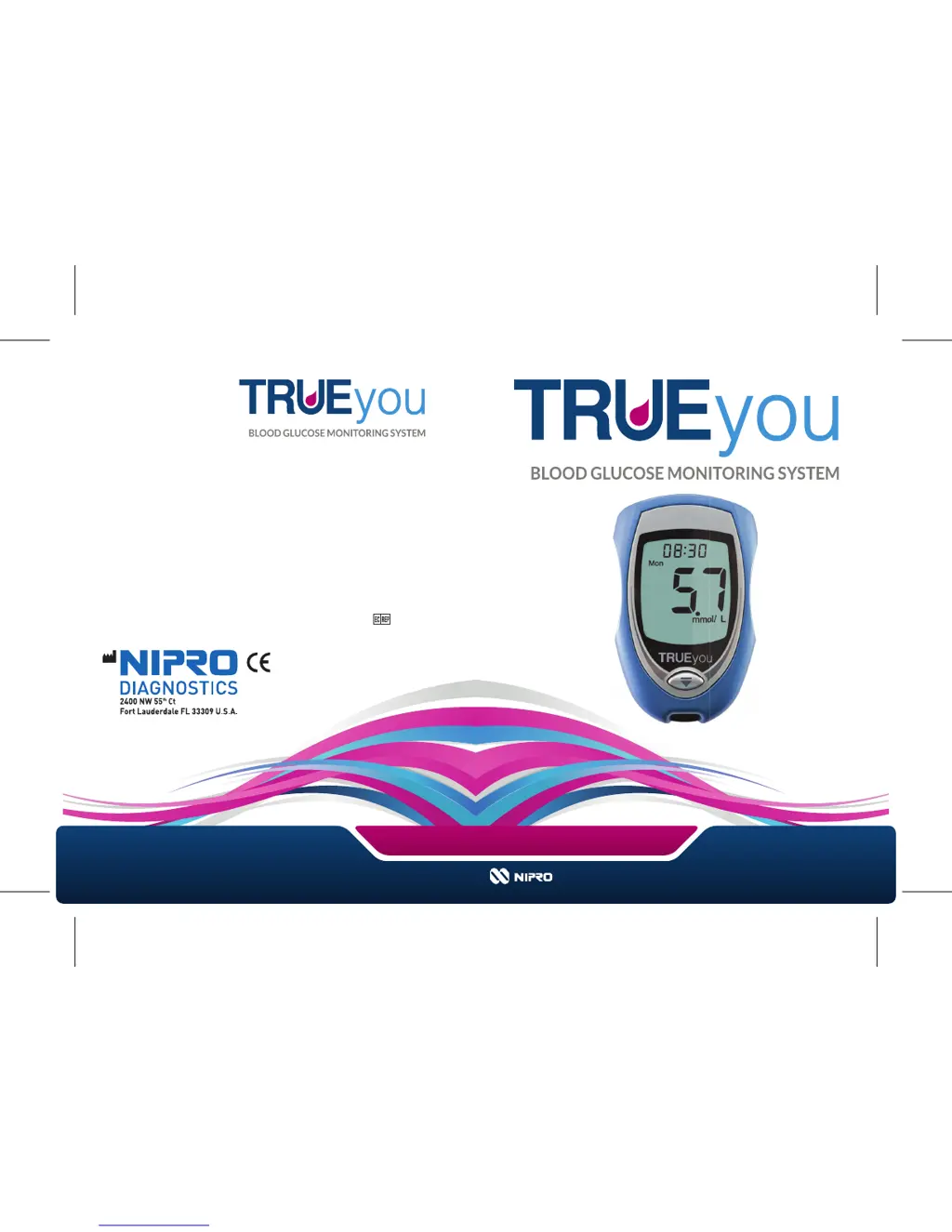
OWNER’S
BOOKLET
For assistance, please call
(UK: 0800 08 588 08
Distributed by:
Nipro Diagnostics (UK) Ltd
25 Barnes Wallis Road
Segensworth East
Fareham, Hampshire
PO15 5TT
© 2013 Nipro Diagnostics, Inc.
E4GBY03FD Rev. 20
LIFETIME WARRANTY
0197
Nipro Europe nv
Weihoek 3H
193 0 Zaventem
Belgium

Questions and Answers

  • L
    Lisa HunterJul 31, 2025
    Why my NIPRO Diagnostics Blood Glucose Meter doesn't turn on?
    • R
      Rebecca OlsonJul 31, 2025
      If your NIPRO Diagnostics Blood Glucose Meter doesn't turn on after inserting the test strip, several factors could be at play. First, ensure the test strip is correctly inserted, not upside down or backwards, and fully pushed into the meter. If that's not the issue, check the battery. A dead or weak battery can prevent the meter from powering on, so try replacing it, making sure the positive ('+') side faces up. If the problem persists, it could be a meter error, and you should call for assistance.
  • A
    Alicia WardAug 4, 2025
    What to do if NIPRO Diagnostics Blood Glucose Meter doesn't start after applying sample?
    • N
      Nicole AllenAug 4, 2025
      If your NIPRO Diagnostics Blood Glucose Meter doesn't beep or start testing after applying the sample, it might be due to a few reasons. One possibility is that the sample drop was too small, in which case you should repeat the test with a new test strip and a larger drop. Another reason might be that the sample was applied after the two-minute shut-off; repeat the test with a new test strip, ensuring you apply the sample within two minutes of inserting the test strip. It could also be a problem with the test strip itself, so try repeating the test with a new one. If none of these solutions work, there might be an issue with the meter, and you should call for assistance.
  • S
    sandersashleyAug 8, 2025
    What to do if NIPRO Diagnostics Blood Glucose Meter shows out of range low results?
    • J
      Justin EdwardsAug 9, 2025
      If you receive out of range low results on your NIPRO Diagnostics Blood Glucose Meter, contact your doctor immediately.
  • G
    George WellsAug 13, 2025
    How to fix temperature error on NIPRO Diagnostics Blood Glucose Meter?
    • E
      Emily GarciaAug 13, 2025
      If you're getting a temperature error on your NIPRO Diagnostics Blood Glucose Meter, it's likely because the meter or test strips are either too cold or too hot. To resolve this, move the meter and test strips to an area with a temperature between 10°C and 40°C. Then, wait about 10 minutes for the system to reach room temperature before attempting to test again.
  • G
    Gail SantosAug 17, 2025
    What to do if NIPRO Diagnostics Blood Glucose Meter shows out of range high results?
    • D
      Derek FosterAug 17, 2025
      If your NIPRO Diagnostics Blood Glucose Meter displays out of range high results, retest with a new test strip.
  • B
    Brittany WilsonAug 21, 2025
    What to do if NIPRO Diagnostics Blood Glucose Meter is not detecting sample?
    • E
      Elijah MejiaAug 21, 2025
      If the sample is not detected or you suspect you are using the wrong test strip with your NIPRO Diagnostics Blood Glucose Meter, retest with a new test strip and a larger sample.
  • M
    Matthew FigueroaAug 26, 2025
    What to do if NIPRO Diagnostics Blood Glucose Meter shows meter error?
    • D
      daniel67Aug 26, 2025
      If your NIPRO Diagnostics Blood Glucose Meter shows a meter error, call for assistance.

Summary

System Introduction and Warranty

LIFETIME WARRANTY

Details the warranty coverage for the blood glucose meter.

FAST TEST GUIDE

Provides a quick, two-step guide for performing a blood glucose test.

INTRODUCTION

Welcomes users and outlines the system's purpose and commitment.

Understanding and Setting Up Your TRUEyou System

IMPORTANCE OF BLOOD GLUCOSE MONITORING

Explains why monitoring blood glucose is crucial for diabetes management.

IMPORTANT HEALTH and SAFETY INFORMATION

Covers critical warnings and precautions for safe use of the system.

KNOW THE SYSTEM

Introduces the components and features of the TRUEyou meter.

Meter and Components

Details the meter, its display, test strips, and control solution.

GETTING STARTED

Guides users through initial setup and quality control procedures.

Quality Control Testing

Explains the importance and methods of performing quality control tests.

Performing Tests and Managing Data

TESTING BLOOD

Covers obtaining samples, performing tests, and interpreting results.

Obtaining a Blood Sample

Explains how to obtain a blood sample from the fingertip or forearm.

How to Test Blood Glucose

Step-by-step guide for performing a blood glucose test with the meter.

Unusual Blood Glucose Test Results

Explains how to interpret and react to abnormal test results.

MEMORY

Explains how to view stored glucose test results and averages.

METER SET UP

Guides users through setting the meter's time, date, and alerts.

Set Ketone Test Alert

Instructions for enabling and configuring the Ketone Test Alert.

Maintenance, Troubleshooting, and Technical Information

CARE, CLEANING;DISINFECTING

Provides instructions on how to care for and clean the meter and supplies.

Meter Care

Specific guidance on cleaning the blood glucose meter.

CHANGING BATTERY

Step-by-step instructions for replacing the meter's battery.

TROUBLESHOOTING

Helps users resolve common issues encountered with the meter.

Messages

Explains error messages displayed by the meter and their solutions.

SYSTEM SPECIFICATIONS

Lists the technical details and operating parameters of the TRUEyou system.

EMC Safety Information

Information regarding electromagnetic compatibility and safe usage environments.

REFERENCES

Lists sources and citations used in the manual.

NIPRO Diagnostics TRUEyou Specifications

General IconGeneral
Blood SampleCapillary whole blood
Sample Size0.5 μL
Test Time4 seconds
Memory500 test results
Measuring Range20-600 mg/dL
Hematocrit Range30-55%
Sample TypeFresh capillary whole blood
Operating Temperature50°F to 104°F (10°C to 40°C)
Relative Humidity10-90%
BatteryOne 3-volt lithium battery (CR2032)

Related product manuals