METER SET UP
Meter Set Up is to be used if changes need to be
made to the pre-set time and date, to turn on the
Ketone Test Alert and Testing Reminders, or if
settings need to be reset because of battery change.
Note: Meter turns o aer 2 minutes of non-use.
If Meter turns o at any time during Set Up,
all settings are saved. e
Meter takes you back to
Step #1.
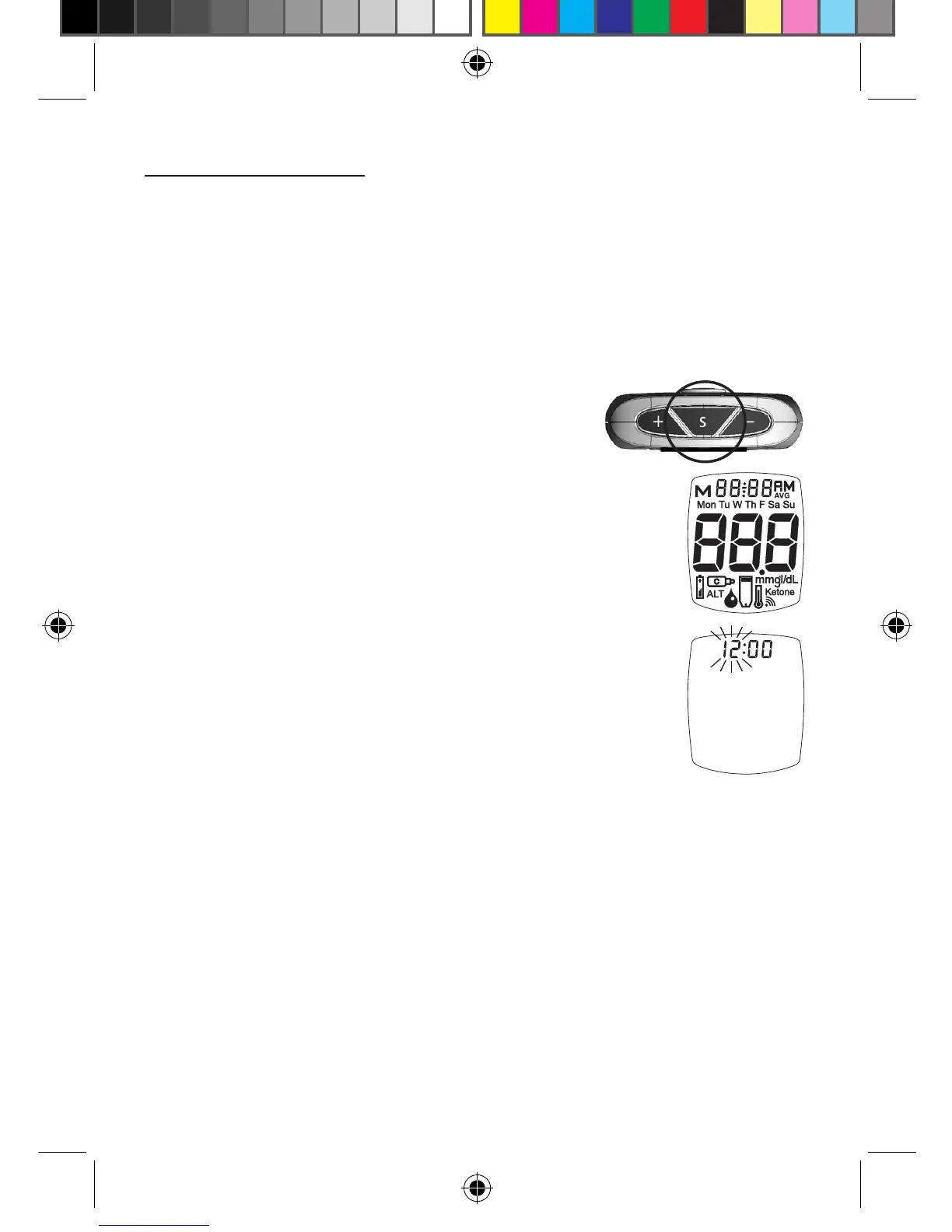
1. Press and hold “ S ” Button until
the full Display is shown and a tone
sounds (around 5 seconds). Release
“ S ” Button.
2. e hour ashes. Press the “ + ”
Button to scroll up the hour or the
“ - ” Button to scroll down the hour.
Release “ + ” or “ - ” Button when
the correct hour displays.
Press “ S ” Button and release to
save the hour and go to the next
step.
Note: Clock is factory set to 24 hour clock.
30
Tyou_OB_Guts_E4GBY03FDr20.indd 30 11/8/13 1:43 PM



 To Next Page