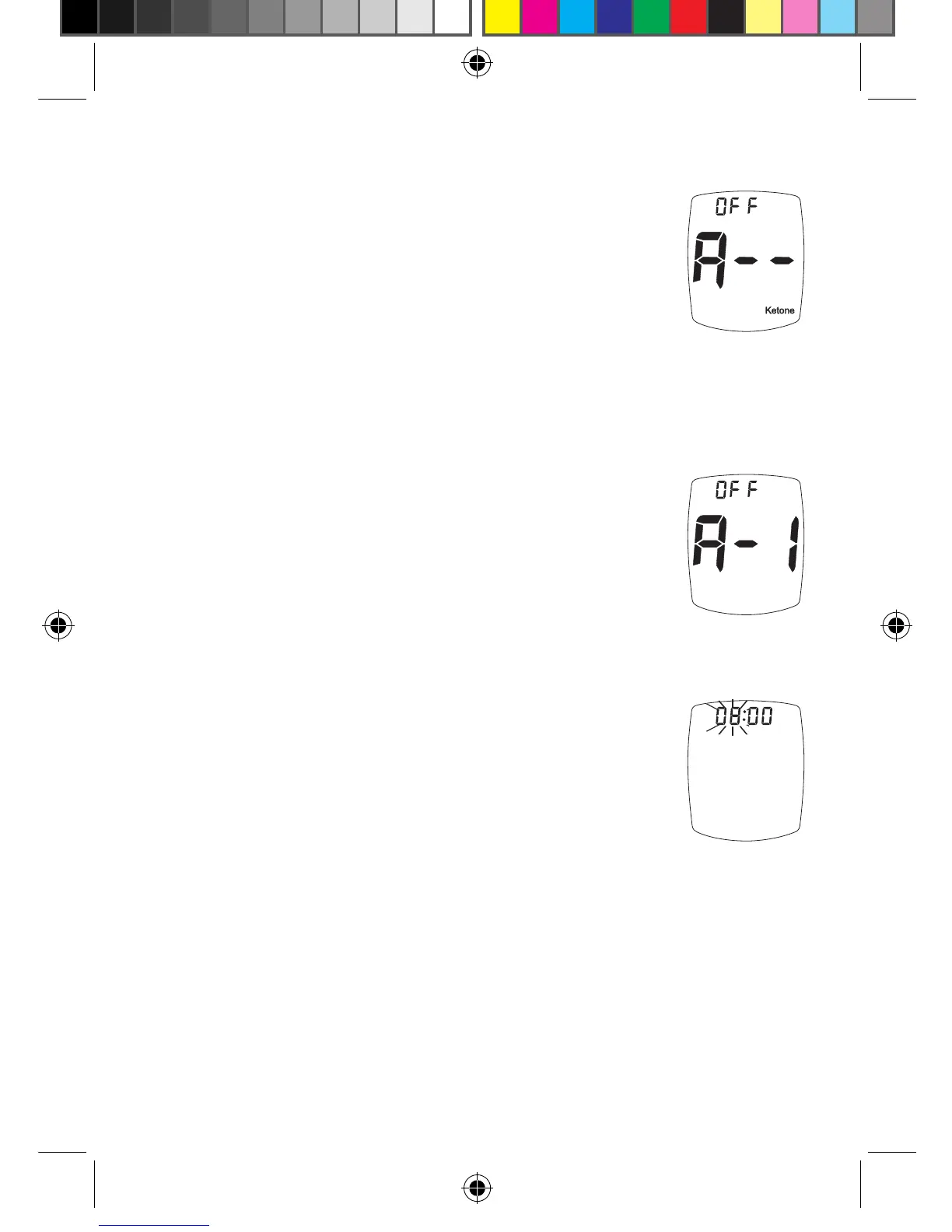
Set Ketone Test Alert
7. Aer setting year, press “ + ” or
“ - ” Button to turn Alert on or o.
Press “ S ” Button to set and go to
the Testing Reminders.
Set Testing Reminders
Up to four Testing Reminders per day may be set.
Reminder sounds at set time for 10 seconds.
To set the Testing Reminders:
8.
Aer pressing “ S ” Button to set
Ketone Test Alert, Display shows rst
Reminder setting (A-1). Press “ + ”
Button (on) or “ - ” Button (o) to turn
Reminder on or o.
9. If “on” is chosen, press “ S ” Button.
e hour ashes. Press the “ + ”
Button to scroll up the hour or the
“ - ” Button to scroll down the hour.
Release “ + ” or “ - ” Button when
the correct hour displays. Press “ S ”
Button and release to save the hour
and go to the minutes set up.
If “o” is chosen and the “ S ” Button is
pressed, the Meter goes to the next Testing
Reminder.
32
Ketone Test
Alert
Tyou_OB_Guts_E4GBY03FDr20.indd 32 11/8/13 1:43 PM



 To Next Page