30
Viewing Results in Memory
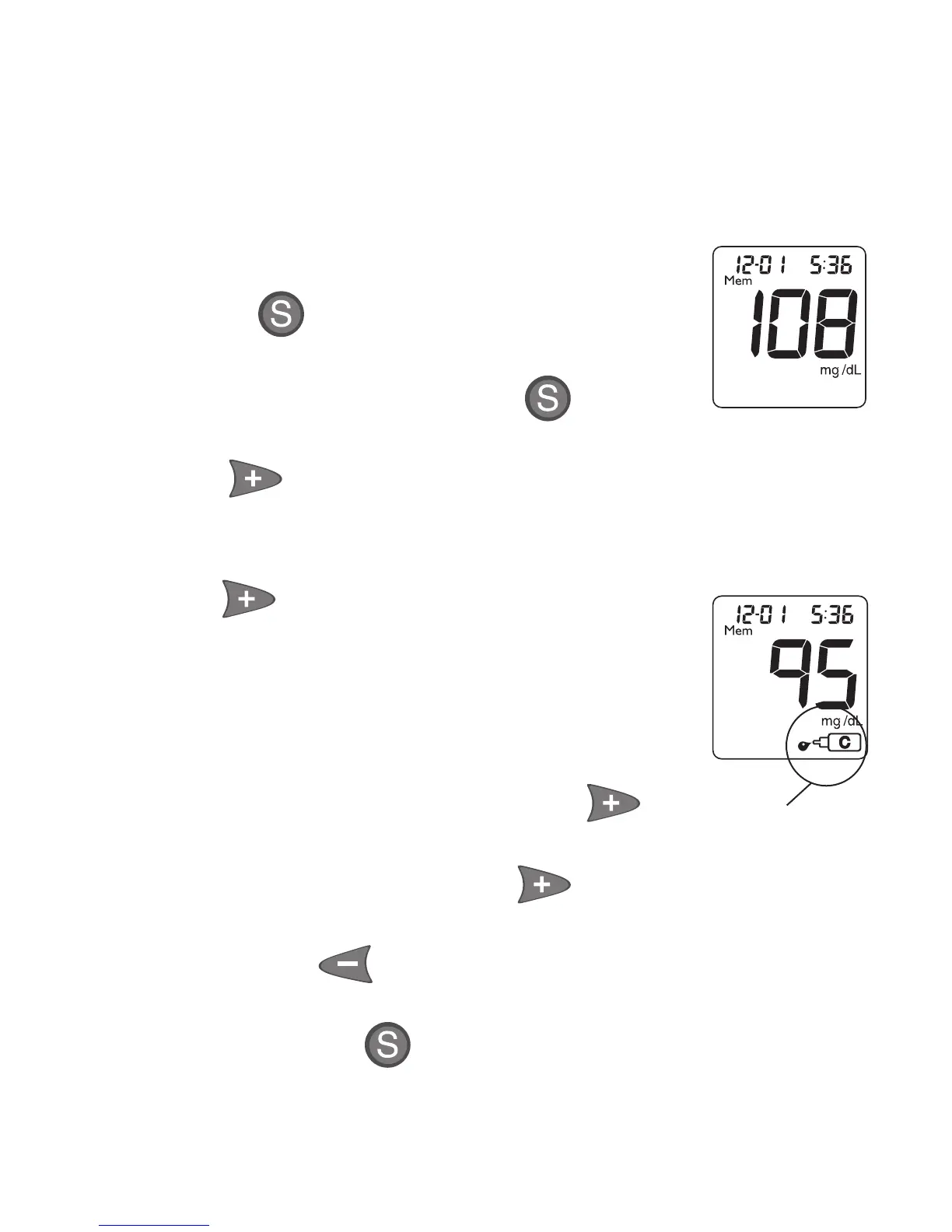
Memory stores 365 results, which are displayed
from most recent to oldest. The oldest result is
removed from Memory when Memory is full and a
new result is added.
1.
Start with Meter off. Press and
release . Meter displays date
and time followed by 14 and 30 Day
Morning Averages. Press again to
view most recent result in Memory.
2. Press and release to advance
to the first blood glucose result in
Memory.
3.
Press and release again to view the
latest Control Test result. The Control
Test result shows the Control Symbol in
Display. Only one Control Test result is
stored in Memory.
4. Continue to press and release
to advance through the blood
glucose results. Holding scrolls
through the results quickly. Press
and release to reverse through
the results.
5. Press and hold to turn Meter off. Meter
also turns off automatically after 2 minutes of
inactivity.
Memory
Control
Symbol



 To Next Page