EN-5
Note:
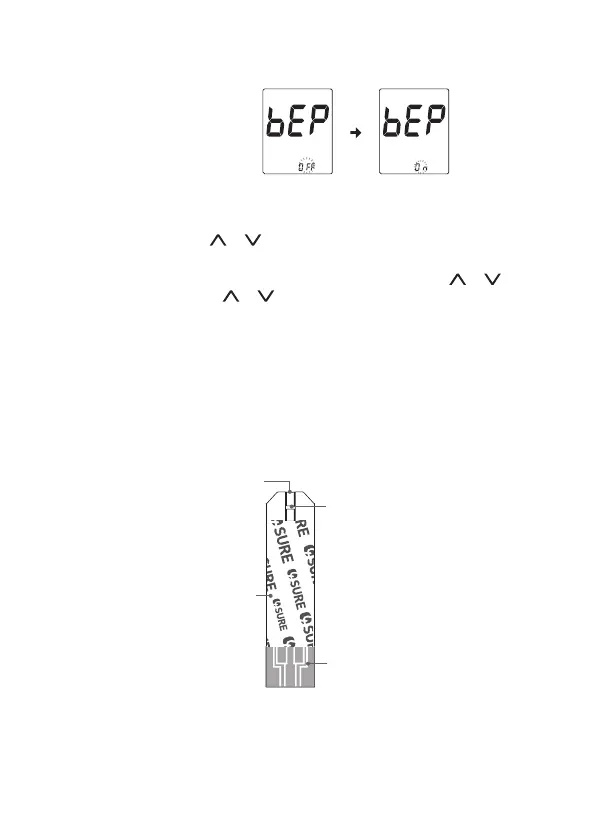
• Press to select Beep On or Beep O. Press MAIN button to conrm.
• When Beep is turned o, the alarm function will remain eective.
• You may set it up to four reminder alarms.
• To turn o the alarm, press or to change On to OFF. Press MAIN button to
conrm.
• When the alarm goes o, the device will automatically turn on. Press or to mute
the alarm. If you do not press or , the device will beep for 2 minutes then switch
o.
• If the device is idle for 2 minutes during the setting mode, it will turn o automatically.
Absorbent Hole
Apply a drop of blood
here. The blood will be
automatically absorbed.
Conrmation Window
This is where you conrm
if enough blood has been
applied to the absorbent hole
in the strip.
Test Strip Handle
Hold this part to insert
the test strip into the slot.
Contact Bars
Insert this end of the test strip
into the meter. Push it in rmly
until it will go no further.
5. Blood Glucose Testing
Before Testing Blood Glucose
Blood Glucose Test Strip Appearance
Inserting a Test Strip
Insert the test strip into its slot.
Important!
The front side of test strip should face up when inserting the test strip. Test results
might be wrong if the contact bar is not fully inserted into the test slot.


 To Next Page