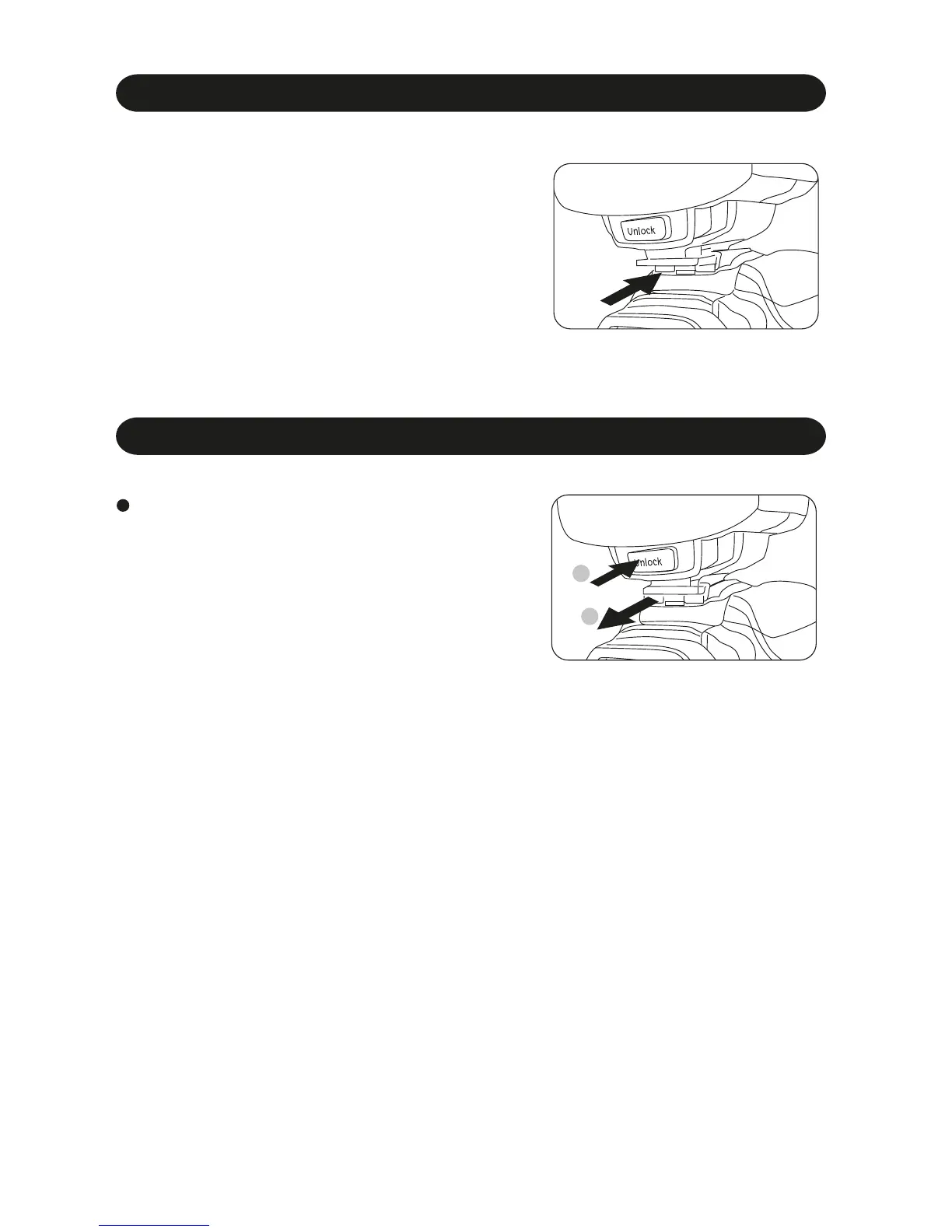
Mounting i40 on the camera
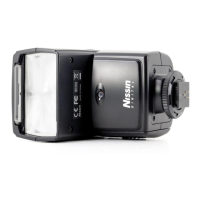
Removing i40 from the camera
Press the unlock button and slide the mounting
foot of i40 off the hotshoe of the camera.
Slide the mounting foot of i40 into the
hotshoe of the camera.
Make sure that the mounting foot will lock
(with a “click”) when it has been inserted
completely.
1.
2.
6
2
1



 To Next Page