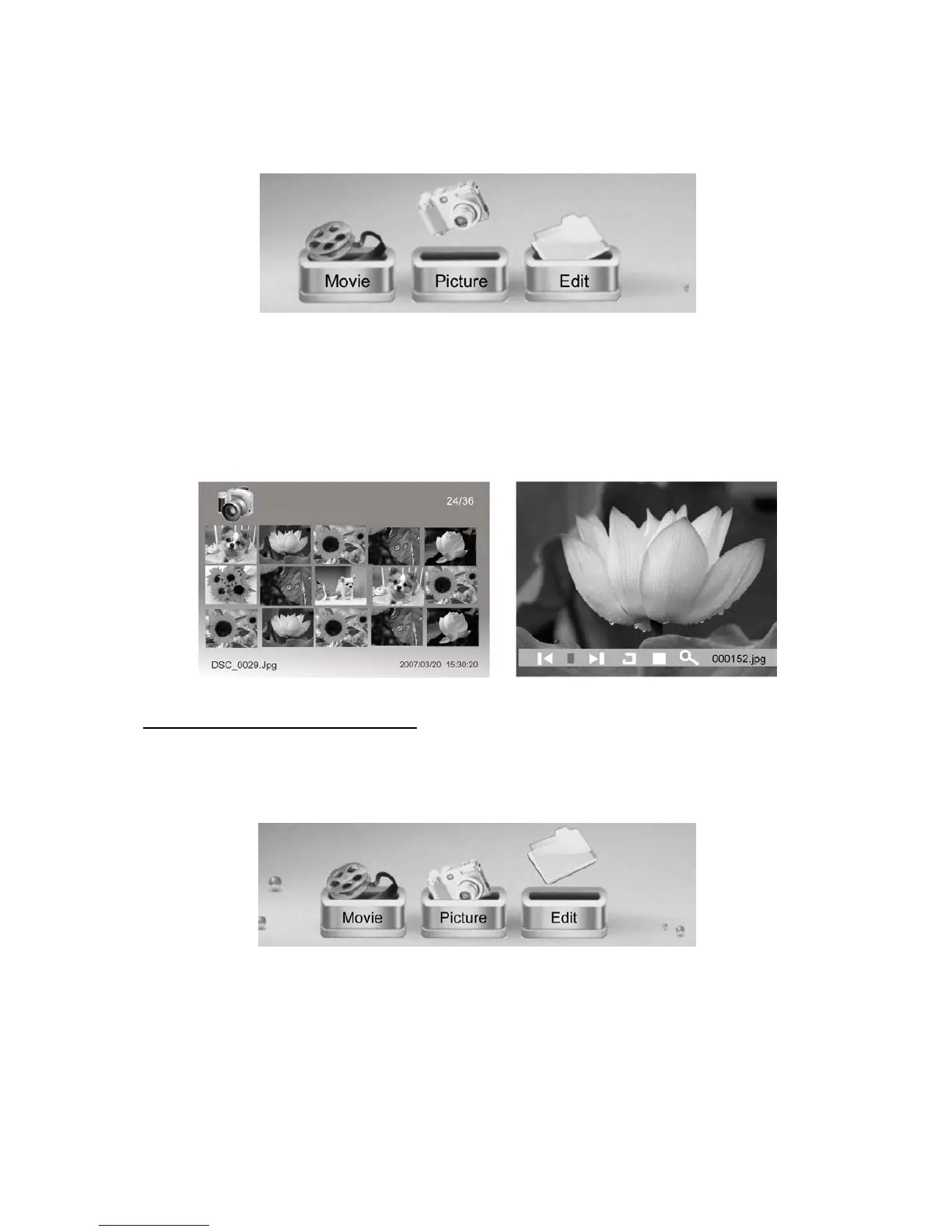
During a slideshow, you can press the MENU button and an info bar will appear on the screen.
This allows you to skip back and forth through the slideshow, rotate a photo, stop the slideshow
or zoom in on a photo.
Press [◀][▶] and ENTER to make a selection.
Note: To remove the info bar from the screen, just press ‘MENU’ again.
Viewing Your Photos from a Folder
If you have photos in a specific folder that you want to view separately, go to ‘Edit’ in the
Menu and press ENTER:
You should see a list of individual files and folders on the device. Locate the folder you wish to
open, so it is highlighted yellow. Then press ENTER. Now press ENTER again to start viewing
photos from just this folder.



 To Next Page