P. 5
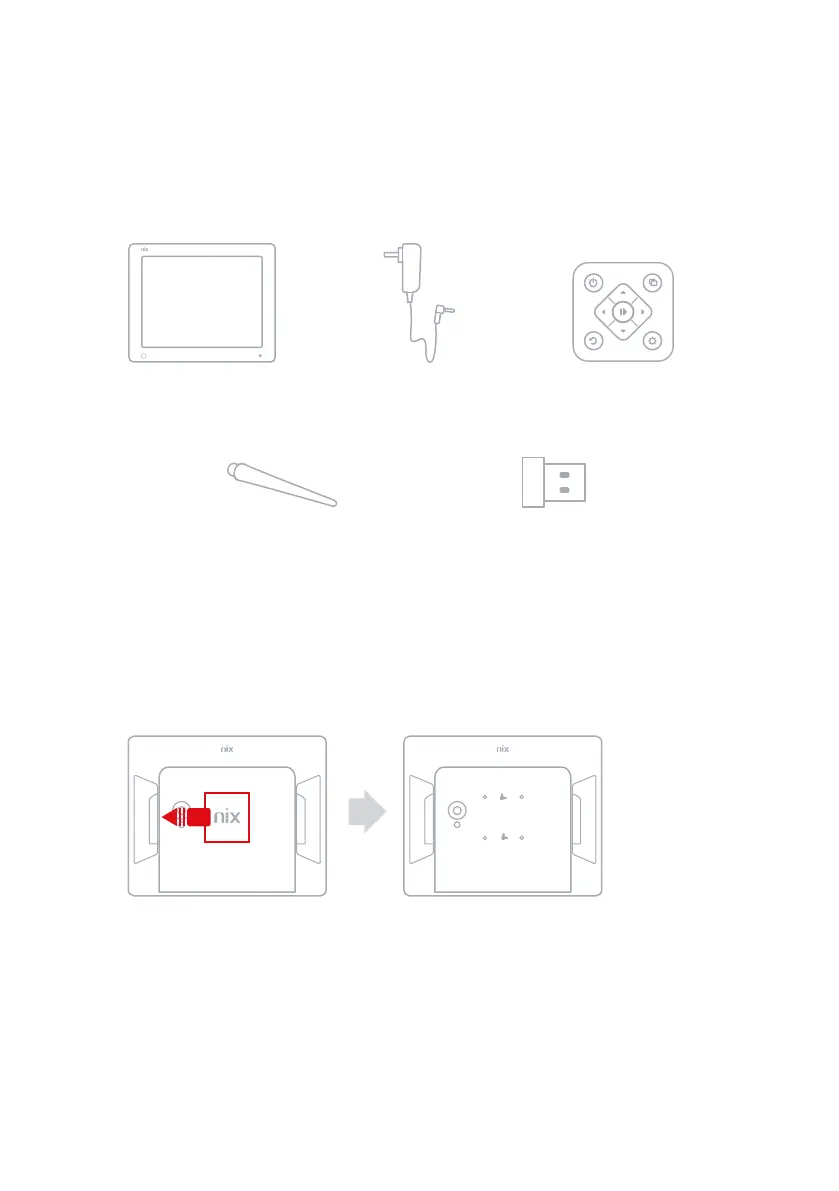
Box Contents1.4
Digital Frame
Remote Control
Power Adaptor
USB Memory StickScrew-in stand
Wall-mounting your Digital Frame 1.5
Slide the back-plate from the back of the digital frame to reveal the 75 x 75 mm VESA
mount holes.
NOTE: If you intend to wall-mount the frame, you can change the orientation of the
display by referring to Display Settings in the Settings Menu (Sect 3.5).


 To Next Page