P. 7
Main Menu3.1
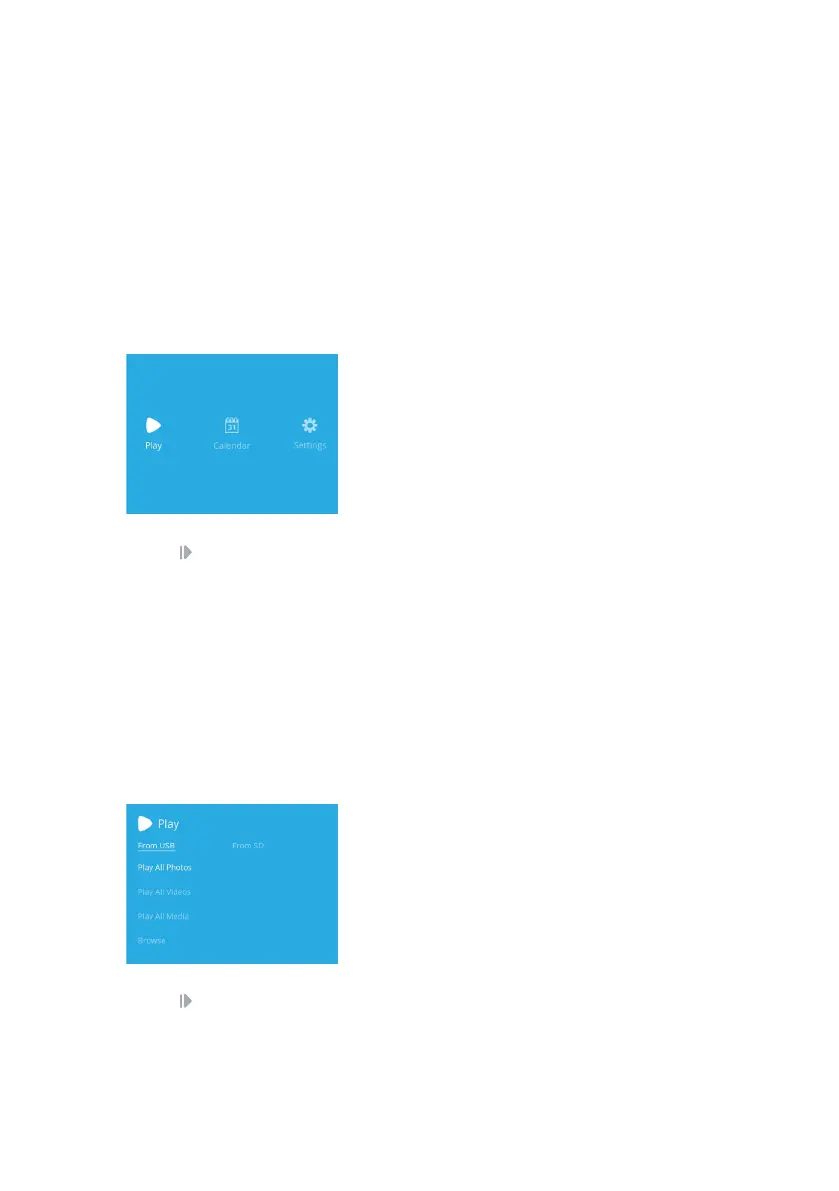
Once powered on, the digital frame will load and you will be greeted by the Main Menu screen.
Navigate the Main Menu using the 4-way navigation pad on the remote control or back of
the frame.
Press to select an option.
Play3.2
Insert an SD Card and/or a USB Stick into the back of your Digital Frame. Once the
frame successfully reads your media device, a notication “New storage is ready to
use” will appear.
Select what media device you want to play content from (media device will not be
selectable if not inserted):
Play All Photos
Play All Videos
Play All Media
Browse
Play
Calendar
Settings
View content from your inserted storage devices
View photos within a calendar
Congure the settings for your Digital Frame
All JPEG photo les will be played
All MP4 video les will be played
All photos and videos will be played
Search for photos and videos you want to play
Press to select an option.
Getting Started
3


 To Next Page