P.10
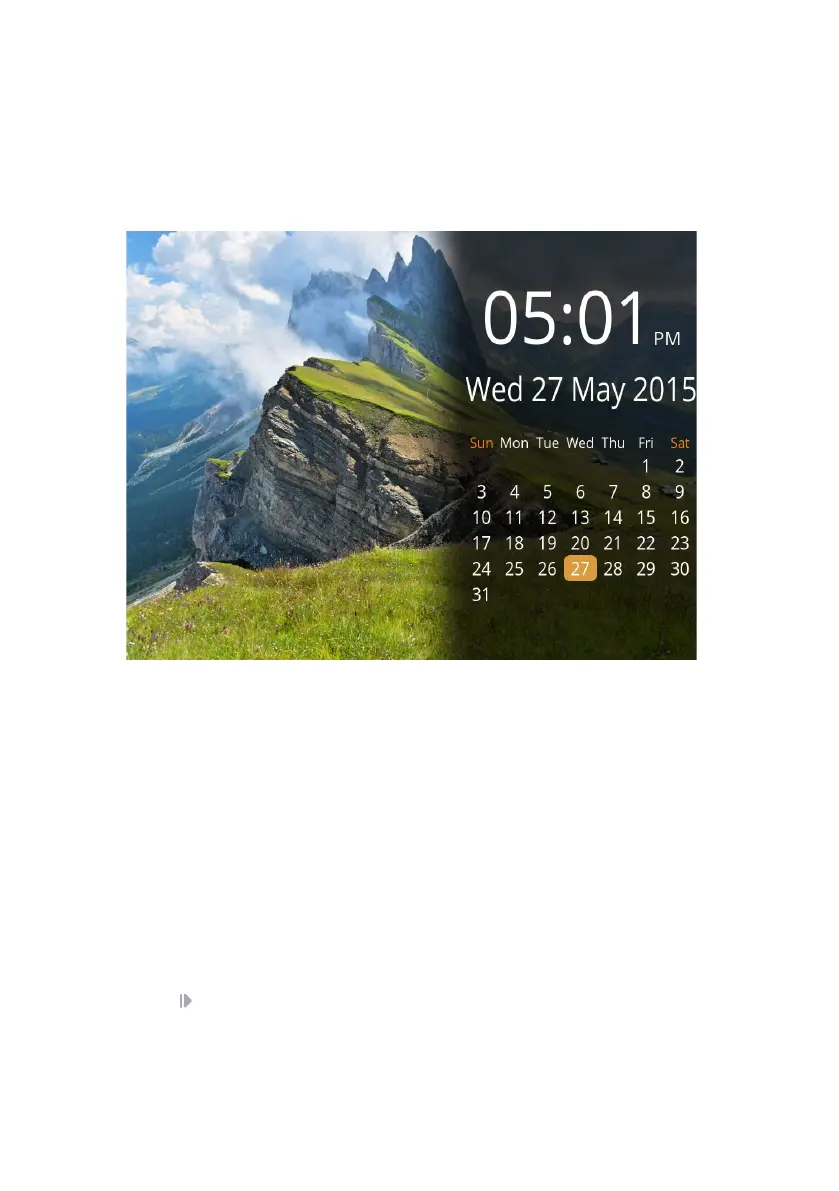
Calendar3.4
Display a Calendar and Clock over your photos from your inserted default media
device. Please note that videos will not play in Calendar mode.
To congure the time, this can be changed in Time Settings in the Settings Menu
(Sect 3.5)
Settings3.5
Navigate the Settings Menu using the 4-way navigation pad on the remote control
or back of the frame. There are three options:
Display
Time
General
Change the settings of your display and slideshow
Set the clock and calendar time
Congure settings for your frame
Press to select an option.



 To Next Page