10
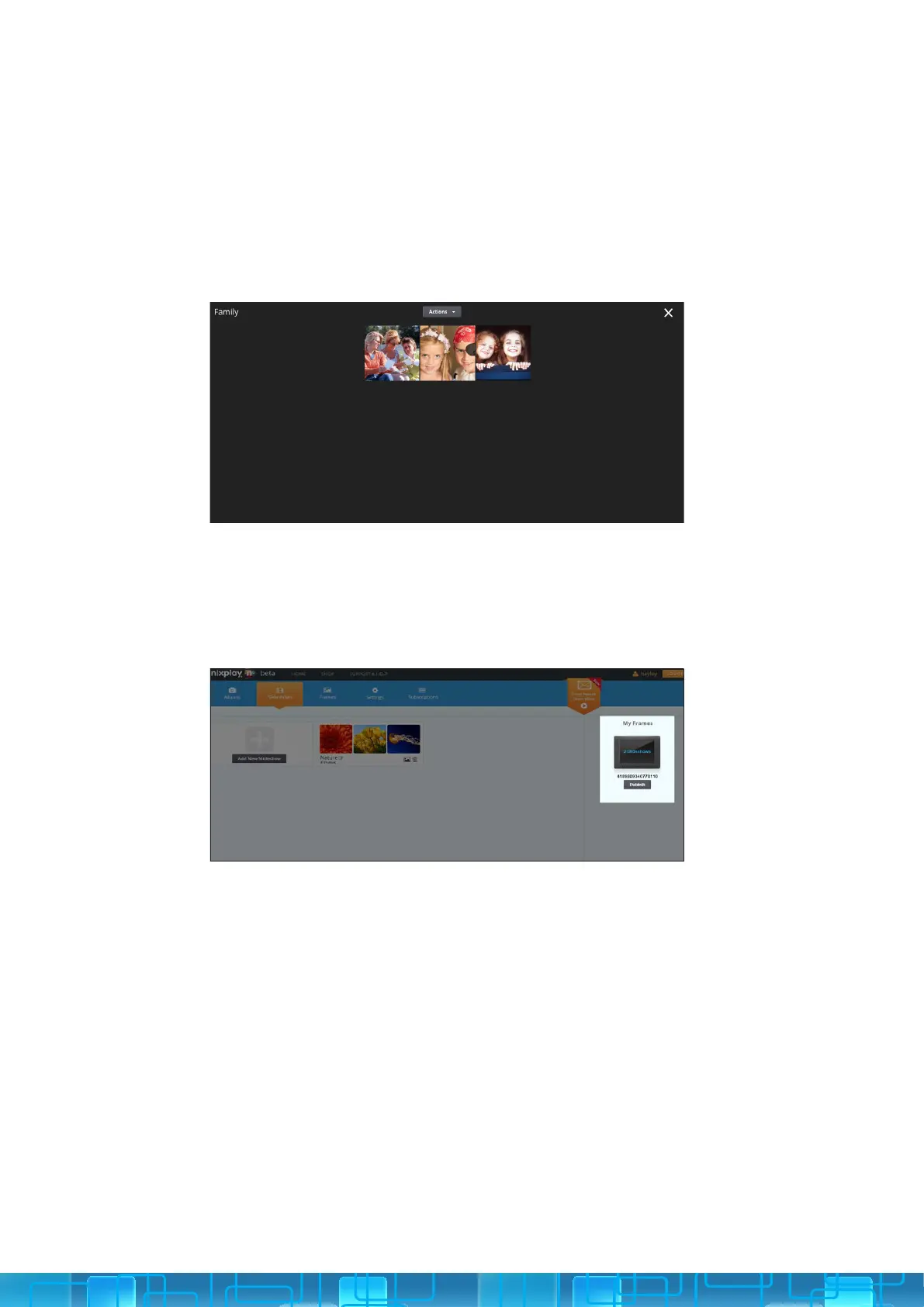
1. Select Slideshows tab.
2. Click on the Slideshow you want to manage. You can use the Action
button to shue or remove photos. Or you can simply drag and drop
them into a new order.
3. Select Save to save the changes that you make.
1. Under the Slideshows tab, simply select the relevant Slideshow and
drag it onto the relevant Frame in the My Frames section.
2. Click Publish and this slideshow will be sent directly to the frame.
MANAGING YOUR SLIDESHOWS
SENDING A SLIDESHOW TO YOUR CLOUD FRAME
3.1.vii
3.1.viii



 To Next Page