6
To start uploading photos, creating albums and publishing slideshows to your Cloud
Frame, please log in to your nixplay Account at www.nixplay.com.
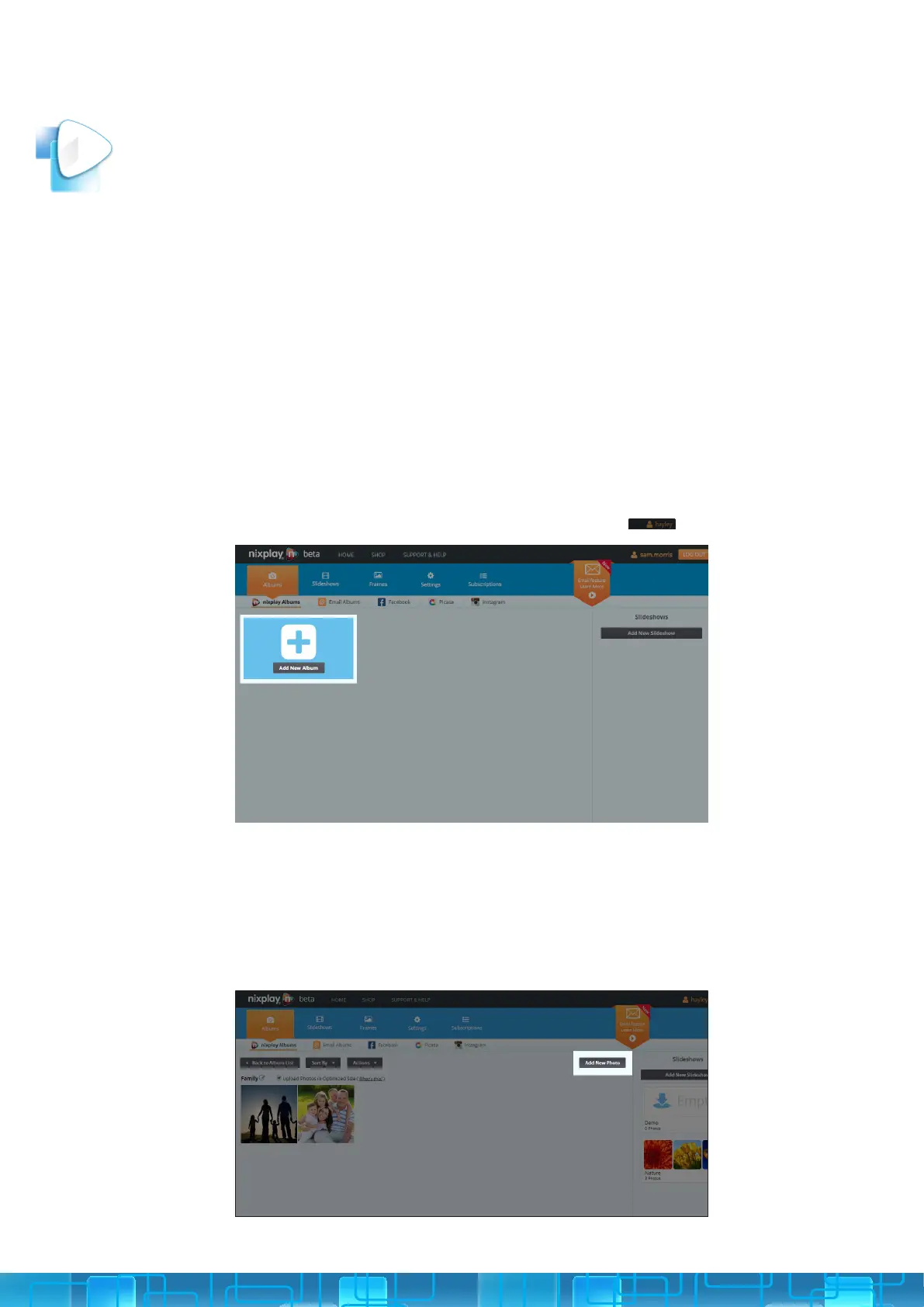
1. Under the Albums tab, select Add New Album.
2. Name New Album and select OK. Please note you can rename your Album at
any time.
3. You’ll now get a message telling you Album Created. You can either click
Open Album & Add Photos to start adding photos or if you want to do this
later, click No Thanks, I’ll Do It Later.
1. Select the Albums tab, and then the nixplay Albums tab.
2. Select the Album you want to add photos to and select Add New Photo.
Alternatively, you can transfer your photos by simply dragging the les from
your computer into the page when inside an Album.
nixplay CLOUD ACCOUNT
3
PHOTOS, ALBUMS & SLIDESHOWS
CREATING AN ALBUM
ADDING PICTURES TO AN ALBUM
3.1
3.1.i
3.1.ii
First, create an album to store your photos in.



 To Next Page