11
The @mynixplay email address you use to send messages to your Frame
is the same address that you use to login. Please note that this address
can only be used for receiving photos to your Cloud Frame, it can’t be
used as a regular email address.
In your Settings Tab, there is a dedicated @mynixplay tab which allows
you to set up your Email Photo Settings.
Enjoying photos on your nixplay Cloud Frame is really easy, with our @mynixplay
Email Feature.
EMAILING A PHOTO TO YOUR FRAME
@MYNIXPLAY.COM ADDRESS
MANAGING YOUR EMAIL PHOTO SETTINGS
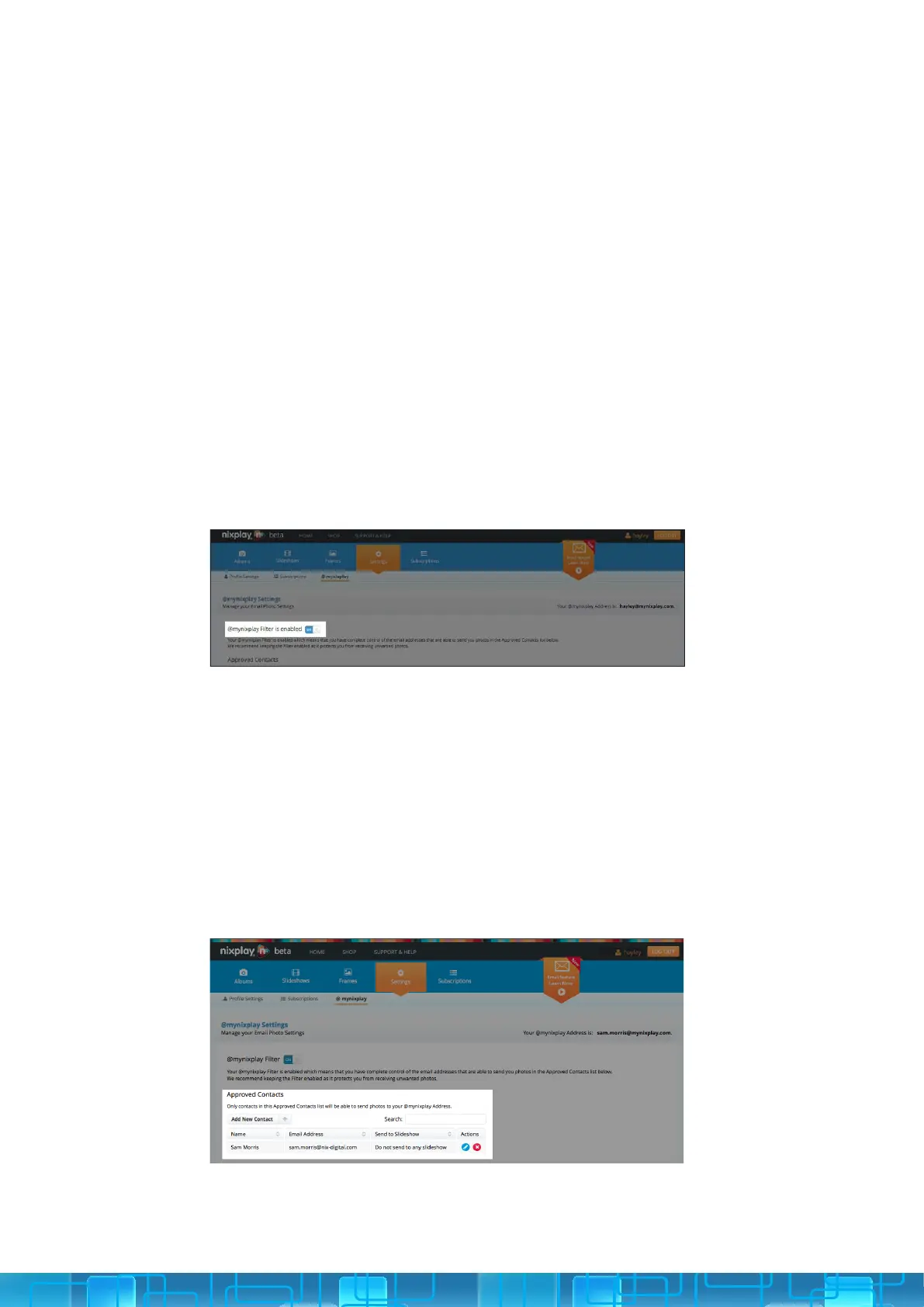
EMAIL ALBUM FILTER: For your privacy and security your @mynixplay
Filter is enabled by default, this gives you the control to choose who is
allowed to email you photos.
APPROVED CONTACTS: With your lter enabled you can set up and
manage all of your email contacts under the Approved Contacts section.
To add a new contact simple click Add new Contact and type in their
name and email address.
You can also choose to have these photos added to a specic Slideshow,
which means they’ll be directly sent to the frame that this Slideshow has
been assigned to.
You can edit or delete the Approved Contacts settings, when ever you
want.
3.2
3.2.i
3.2.ii



 To Next Page