4
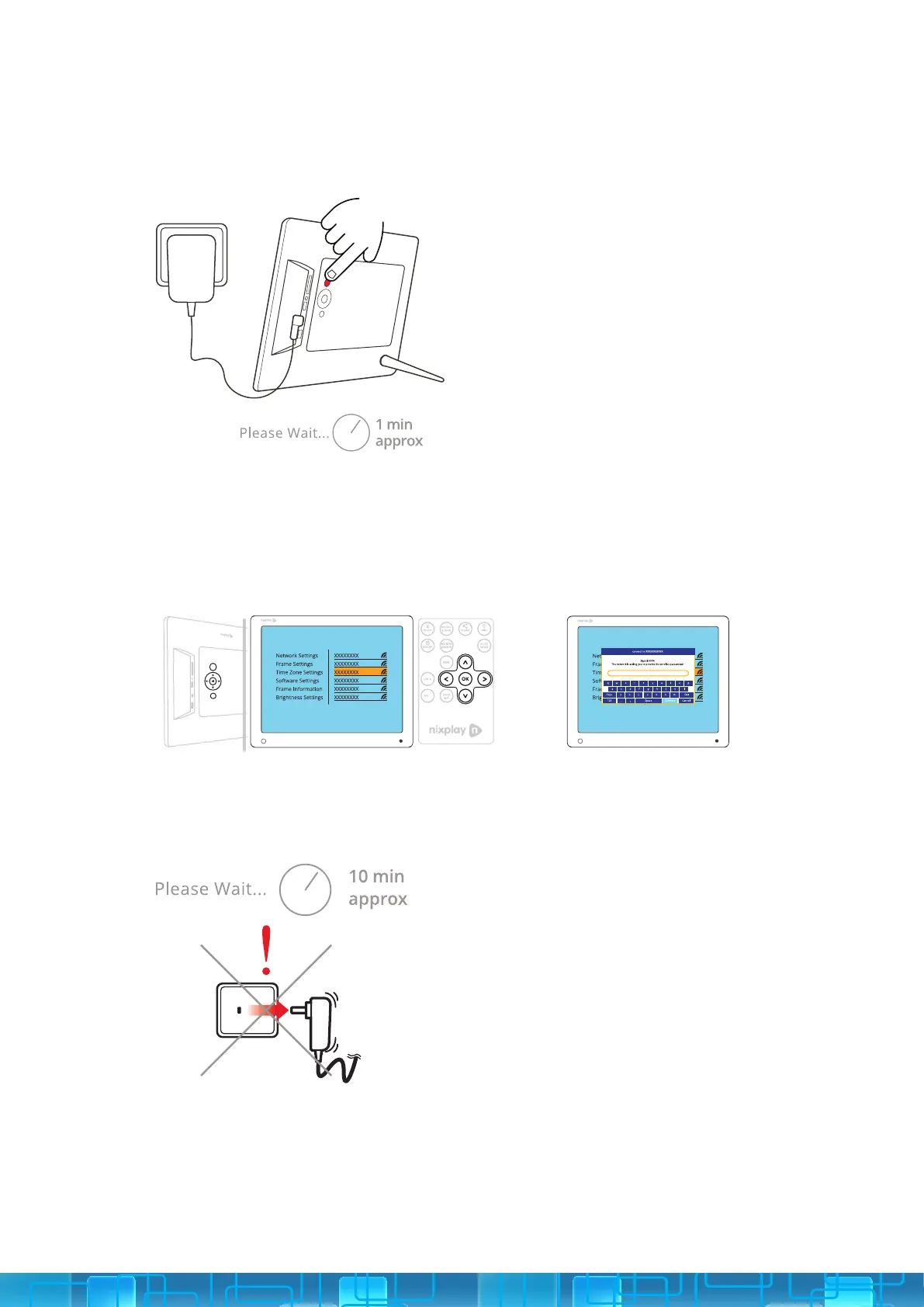
PRESS AND HOLD THE POWER BUTTON: This is located on the back of your
Cloud Frame or you can use the ON/OFF button on your Remote.
CONNECT TO YOUR WIFI: Use the UP/DOWN arrows on the Remote or the
4-Way Key on the back of the Frame. Press OK to select your WiFi. Then enter
your WiFi password and select the Connect button.
WAIT FOR UPDATE: This process may take up to 10 minutes.
4.
5.
6.



 To Next Page