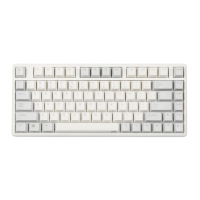
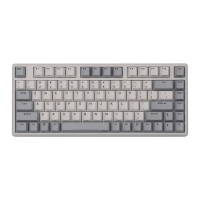
read custom configuration under custom mode.
When the “M” light is on, the keyboard is under custom mode, all the custom
functions can be used.
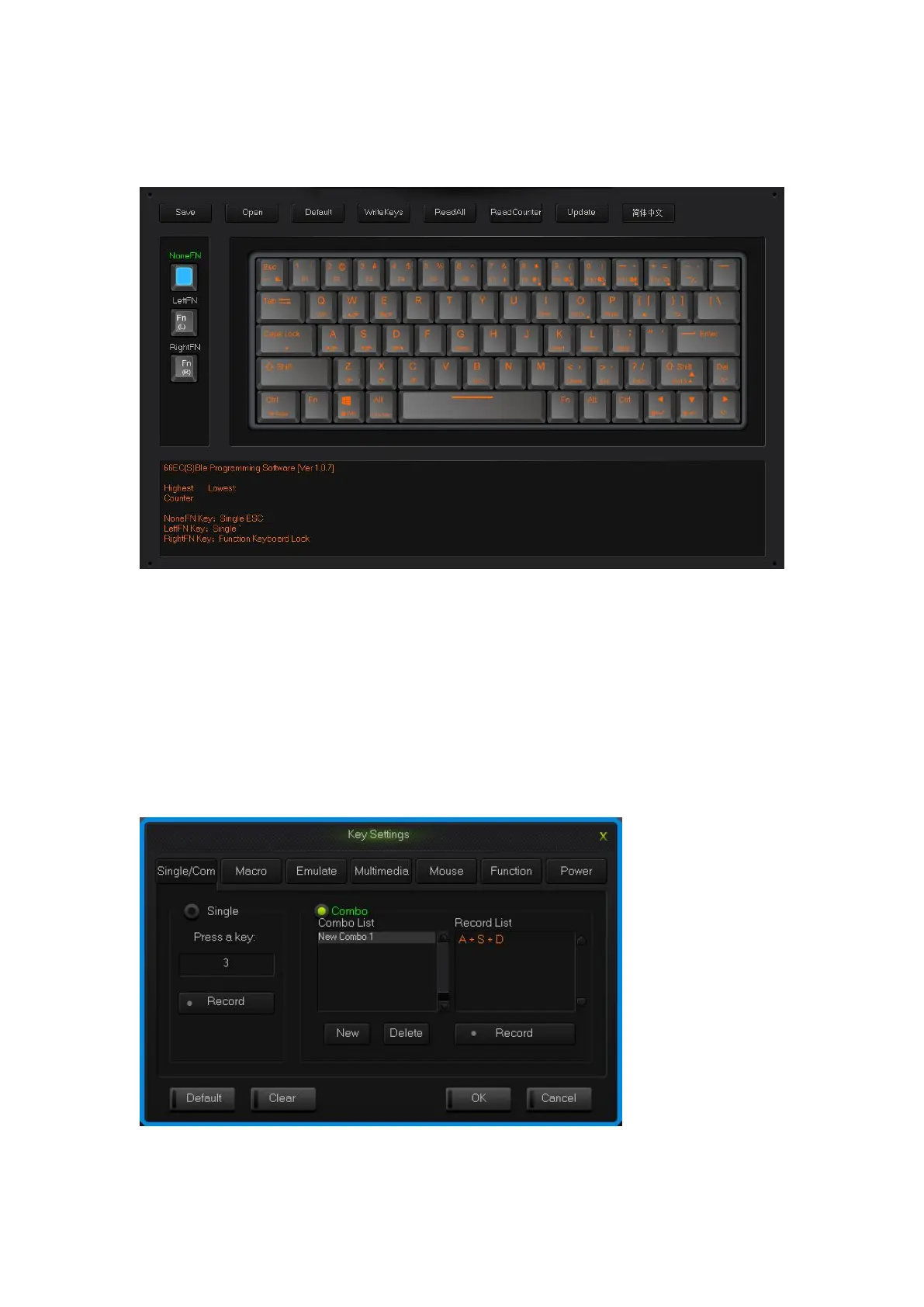
Programming Software Main Interface
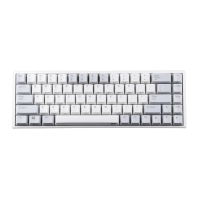
2.1 single key/ combine keys
1.Single click on the key you need to configure, click “Uni/ combo” in the
“KeySettings” surface.
2.Choose “Single” or “Combo”, single click “Record” to record the keys, combine
keys can record six at most.
3.single click “OK”.
Single/Combo keys surface


 To Next Page