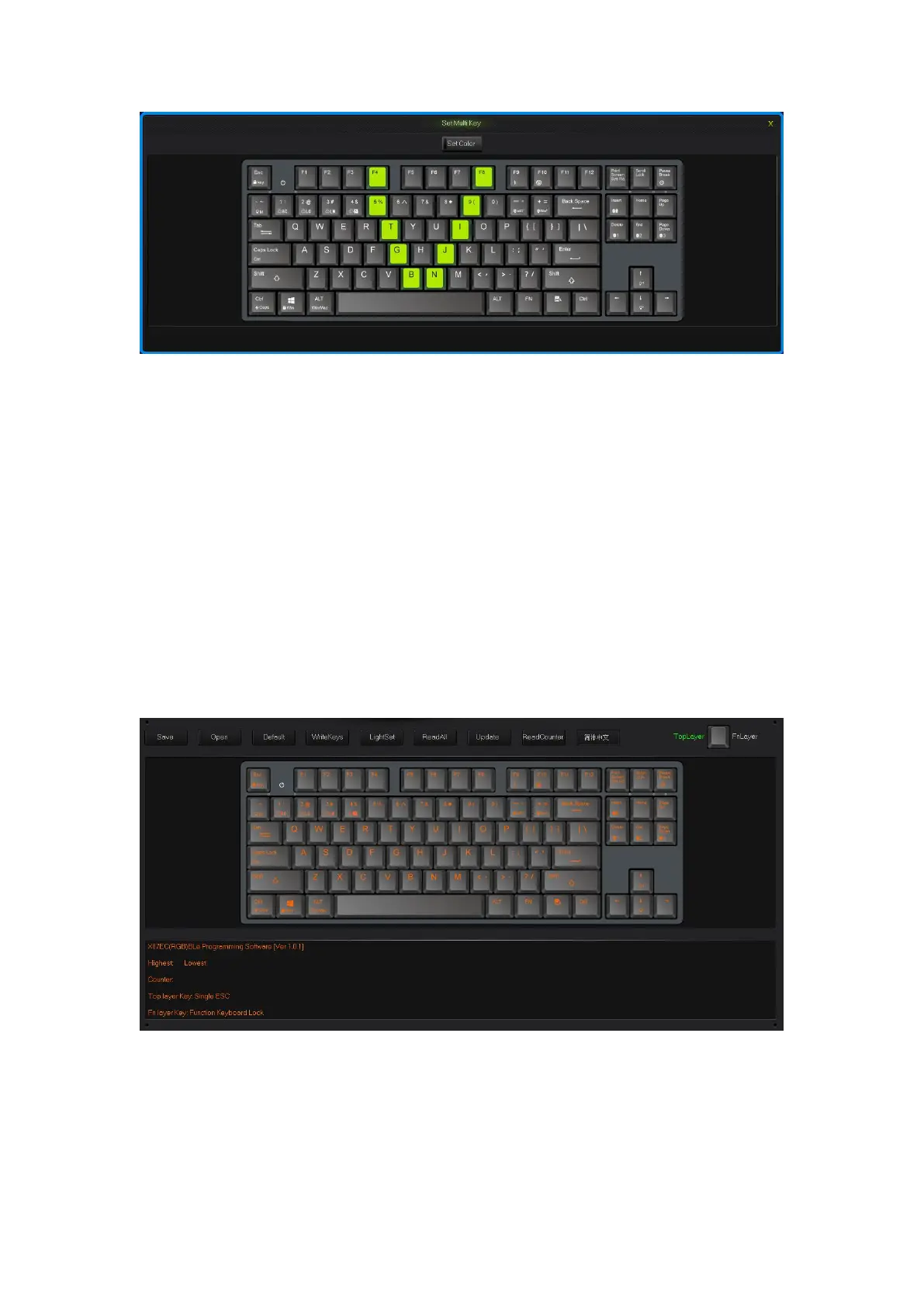
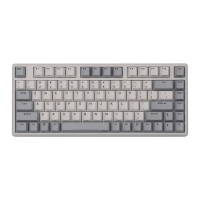
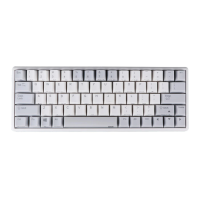
Set Multi Key interface
How to configure keyboard:
Under OFFICE mode, press the “M” key on the top right corner , “M” light turn on,
then goes into custom mode. And goes into the OFFICE mode in the opposite way.
All keys on the keyboard are divided into Top layer and FN layer, FN layer can output
only when combine with FN key.
When finish the set up of all keys in programming software, to save and synchronize
the configure with keys, single click the “WriteKeys” in the main screen.
Single click the “Read configuration” in the main screen, it will read the
standard configuration of OFFICE mode when under the OFFICE mode and
read custom configuration under custom mode.
When the “M” light is on, the keyboard is under custom mode, all the custom
functions can be used.
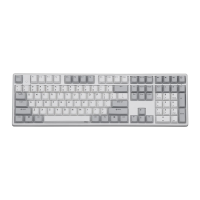
Programming Software Main Interface
2.1 single key/ combine keys
1.Single click on the key you need to configure, click “Uni/ combo” in the
“KeySettings” surface.


 To Next Page