EasyManua.ls Logo

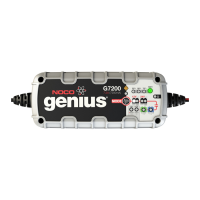
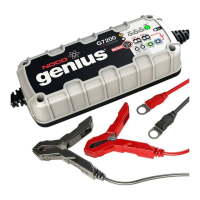
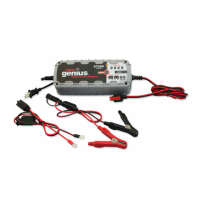
NOCO Genius G7200 - G7200 Interface Guide Details; Mode Button and LED Functions

NOCO Genius G7200
52 pages
Print Icon
To Previous Page IconTo Previous Page
Loading...
Interface Guide
geniuschargers.com
NGC7200A
G7200
7.2A
(7200mA)
12V & 24V
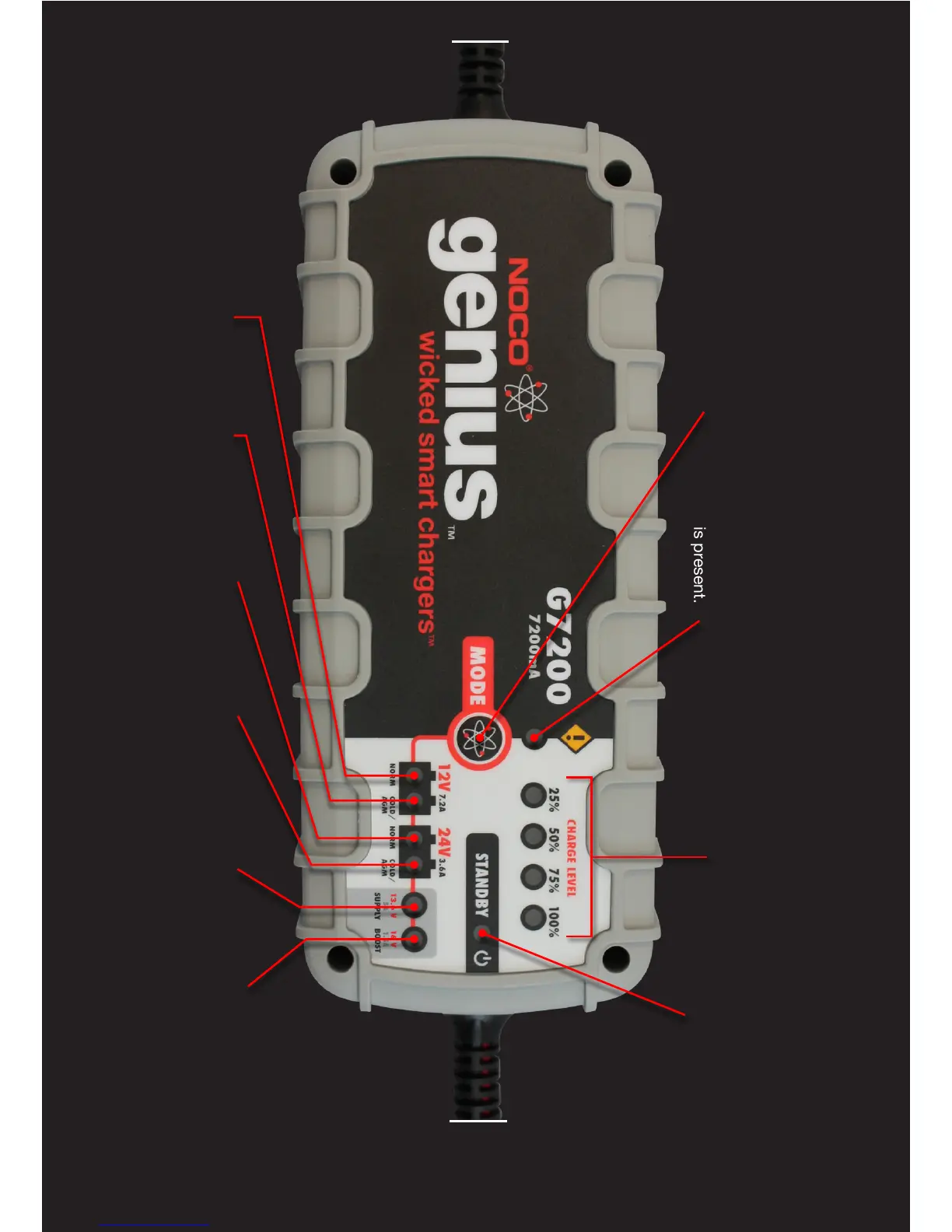
ERROR LED
The ERROR LED (Orange)
will illuminate when an error
condition or reverse polarity
is present.
MODE BUTTON
The MODE button is used
to select the charging
modes manually.
24V NORM
LED
Charge mode
for24V Wet,
Gel and MF
batteries.
(14-120Ah)
12V NORM
LED
Charge mode
for 12V Wet,
Gel and MF
batteries.
(14-230Ah)
13.6V SUPPLY
LED
A 12V charge
mode for
maintenance
charging or low
voltage batteries.
(14-230Ah)
24V COLD/AGM
LED
Charge mode
for 24V batteries
below 32°F
(0°C) and AGM
batteries.
(14-120Ah)
12V COLD
/AGM LED
Charge mode
for 12V batteries
below 32°F
(0°C) and AGM
batteries.
(14-230Ah)
16VBOOST
LED
A 12V charge
mode for
recovering battery
capacity from
sulfated batteries.
(14-230Ah)
CHARGE LEVEL
Indicates the current
charge level of the
battery.
STANDBY LED The
STANDBY LED (Green)
illuminates when a
charging mode has
not been selected.

Table of Contents

Other manuals for NOCO Genius G7200

Related product manuals