3
QUICK START WITH YOUR SMARTPHONE
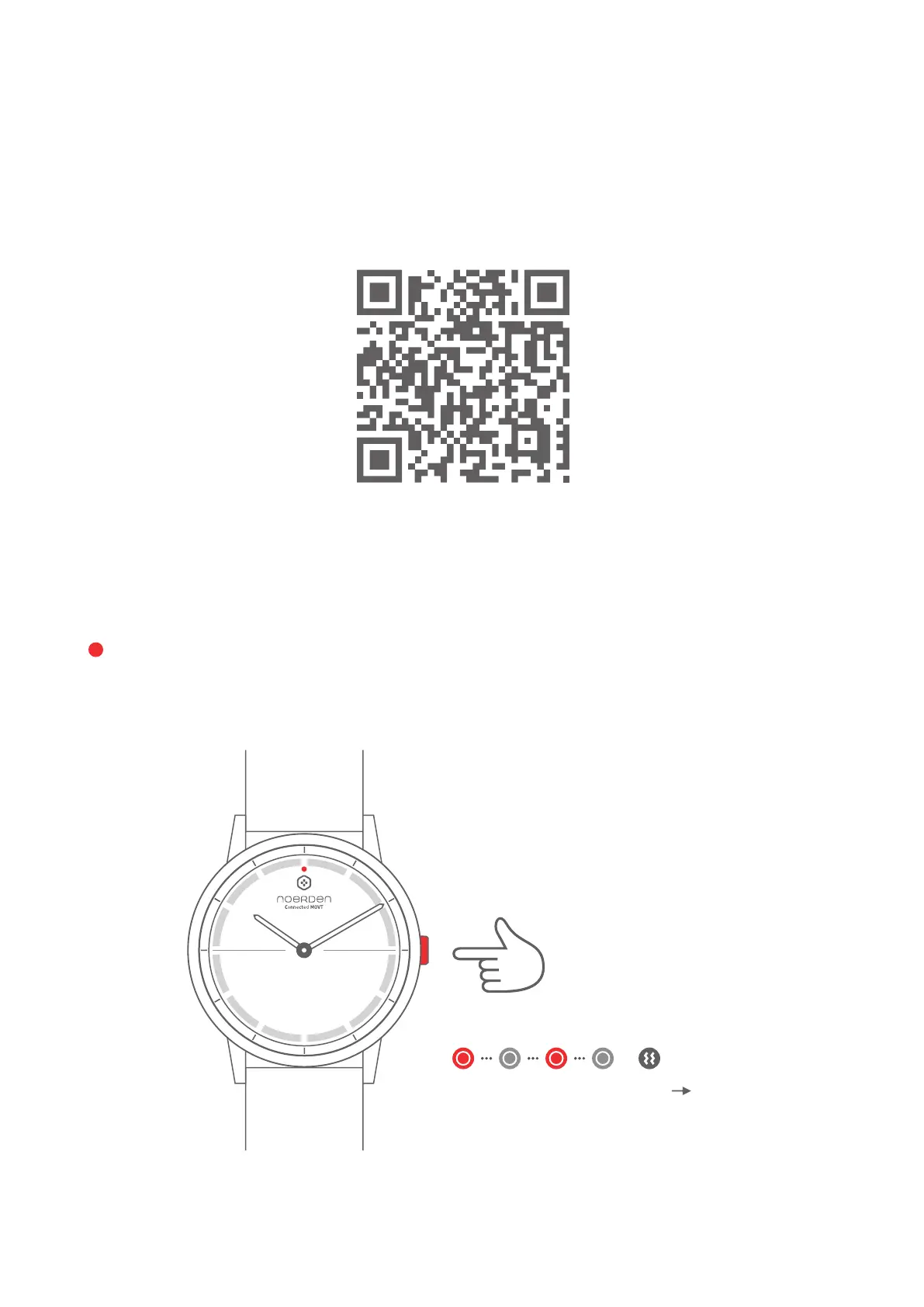
Scan the QR code to download the NOERDEN App
or search for NOERDEN in the App Store or on Google Play.
TURN ON YOUR WATCH
Press and hold
the button
for 3 seconds
ON
The indicator light
flashes red and the
watch vibrates
Press and hold the button for 3 seconds. The indicator light will flash quickly and the watch
will vibrate. After that, your watch is automatically switched on.



 To Next Page