8
Press once
Note: Your watch must be connected to your phone via Bluetooth. This function
must be switched ON in the 'Device' menu of the NOERDEN App.
Do Not Disturb
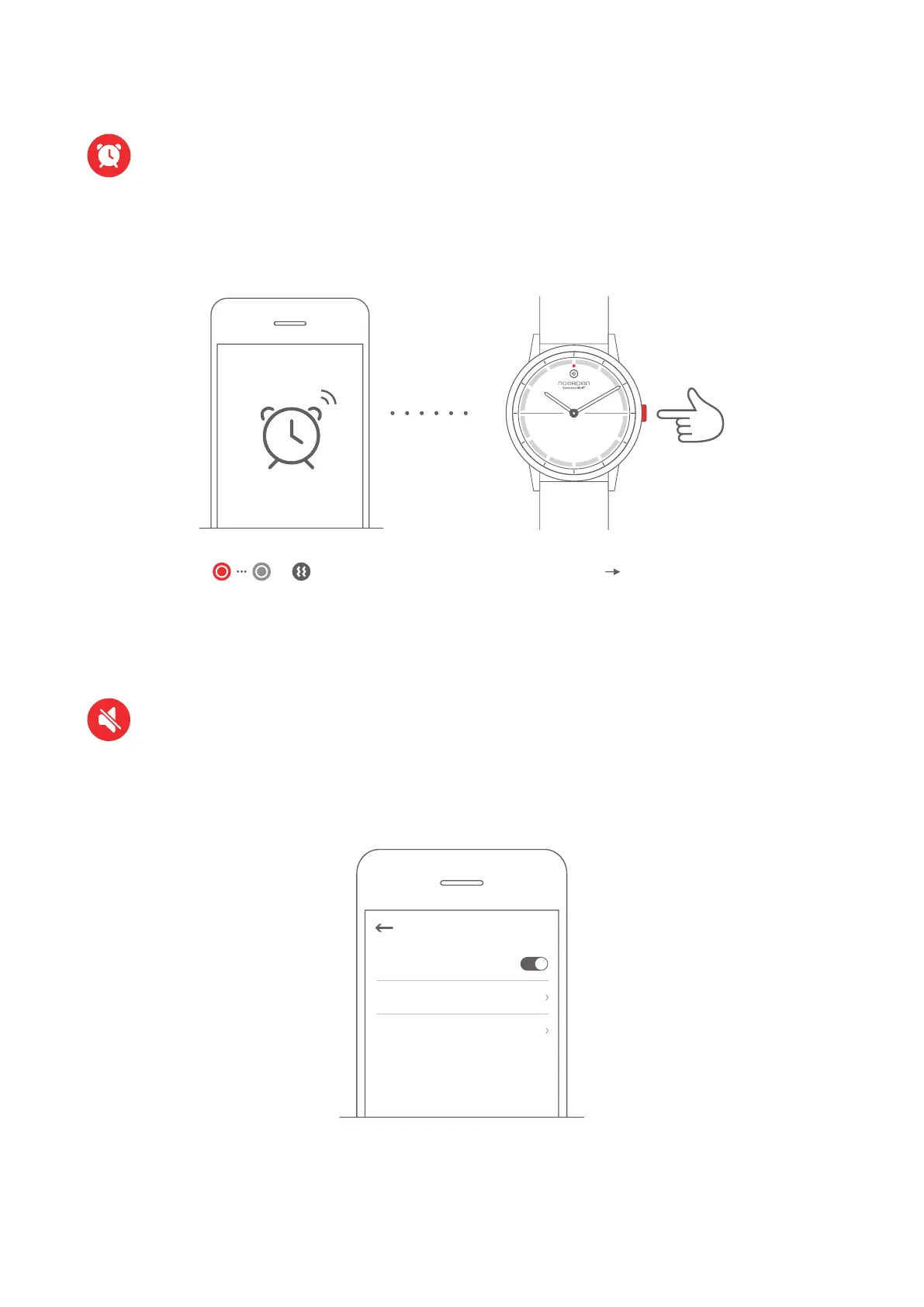
To wake-up gently, you can set a silent alarm time on the NOERDEN App.
Note: Your watch must be connected to your phone via Bluetooth. This function
must be switched ON in the 'Device' menu of the NOERDEN App.
Silent Alarm
AM 06:00
PM 11:00
Do not disturb
Do not disturb
Starting time
Finishing time
Your watch will vibrate for 8 seconds. To turn it off, press the button once.The indicator
light will flash once in red and your watch will vibrate once.
In 'Do Not Disturb' Mode, all calls and notifications – except alarms, will be silenced.
The default time is set from 11pm to 6am or you can change it in the 'Do Not Disturb' page
in the NOERDEN App.
Your watch will vibrate and the
indicator light will flash red once.
Turn off Alarm



 To Next Page