INSTALLING
Mounting
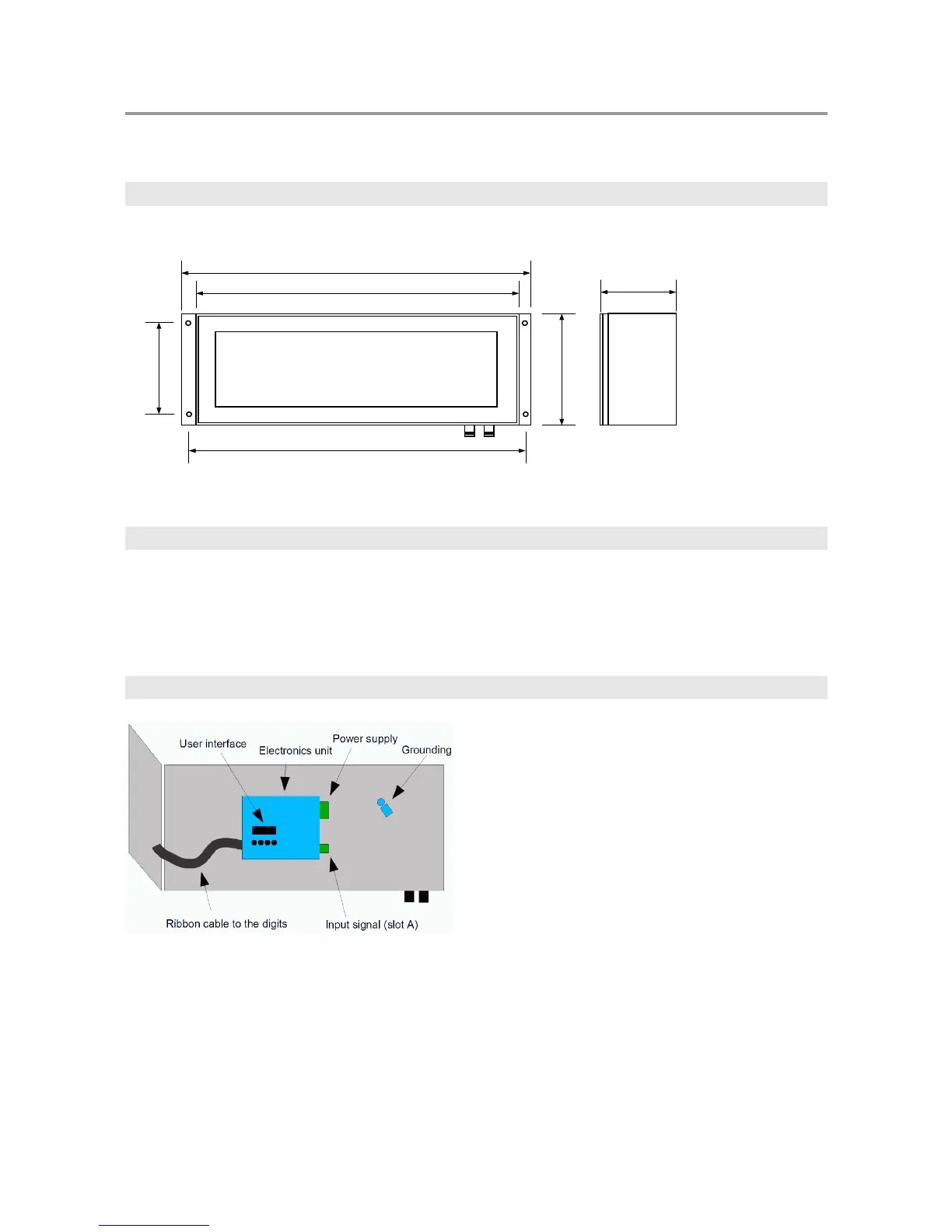
Dimensions for 1000F, 1100F, and 1800F:
Opening the case
To access the electrical connections and the small user interface used for configuring the unit, the steel case
has to be opened. First unscrew all the screws surrounding the display, then lift off the black steel frame and
the red plexiglass. Finally unscrew the screw that is located on the right hand side of the rightmost digit. Now
the display assembly may be turned away on its hinges.
Inside the main case
The electronics unit
The electronics unit may be opened or detached from the case. To open it, unscrew the four M3 screws that
are holding the cover on its corners. If the unit has to be detached, unscrew the other screws on its top and
bottom sides. Normally there is no need to open the electronics unit. Caution! Opening the electronics
unit exposes parts carrying lethal voltages on units powered with more than 24 V supply!
4



 To Next Page