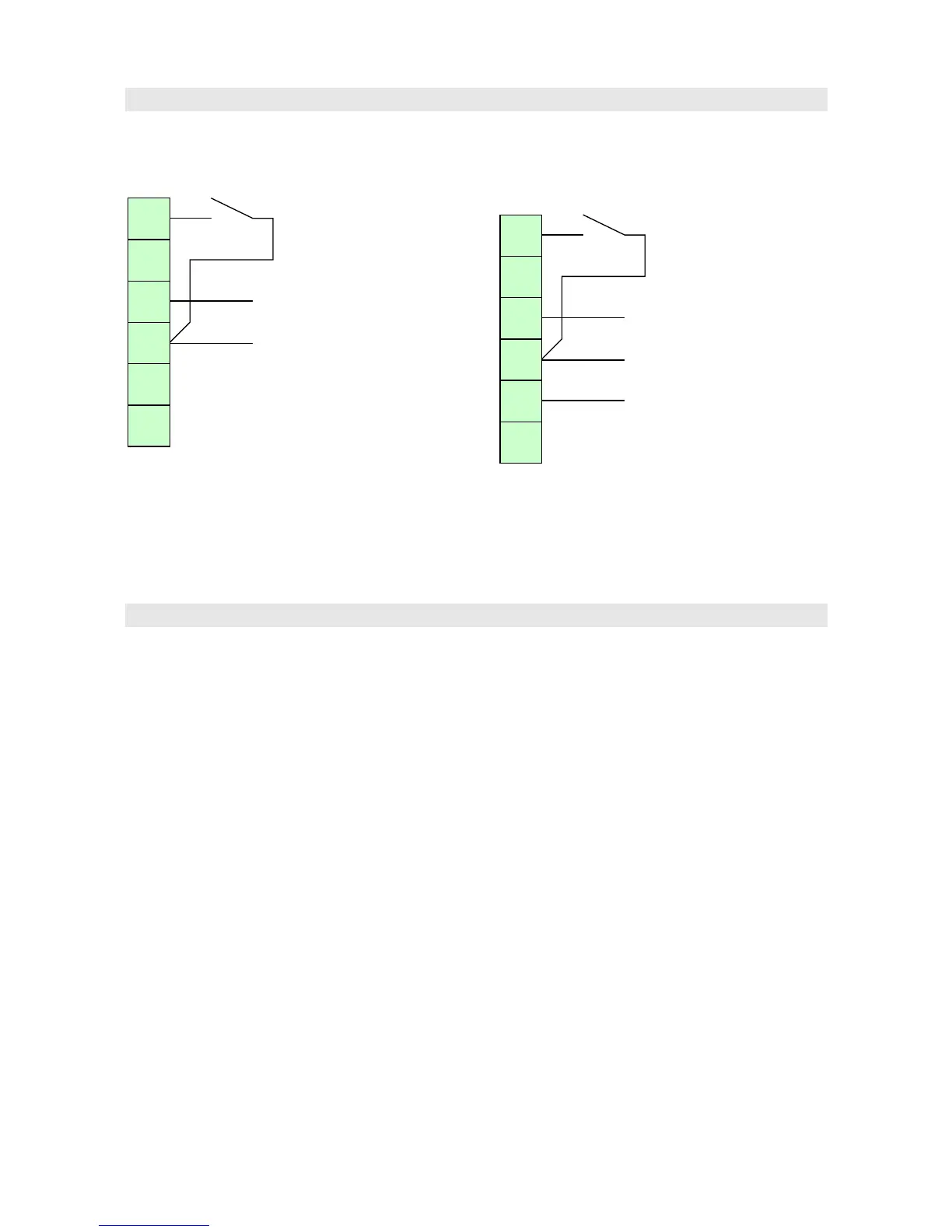
Bring the input signal in slot A terminal 4 and its
common in terminal 3.
Connect a potential-free switch between 6 and 3 to
use the ”Flt” function (when the switch is closed,
the display will show ”Flt” instead of the reading).
2211KCI
The 2-8 V analog signals are connected in slot A
terminals 4 (channel 1) and 2 (channel 2). The
common wire is connected in terminal 3.
Connect a potential-free switch between 6 and 3 to
use the Tare function.
Configuring
The display unit may be configured either on the
small display and buttons inside the main case, or
with a programming cable.
Inside buttons
Open the main case as explained above. Use the
small display and four buttons to configure the
display unit. Using the buttons is explained in
chapter User interface.
Via a programming cable
Using the programming cable is possible only on
models equipped with circuit board ”2012” in slot A.
The programming cable is attaced to a pin header
marked "POL" on the input card in slot A. To
access it, both the main case and the electronics
unit cover have to be opened. Removing the
electronics unit cover exposes parts carrying
lethal voltages on units with supply voltage
more than 24 volts!
Nokeval provides two alternative programming
cables: "POL-RS232" for RS-232 port, and
"DCS772" for USB port.
In addition, an adapter for the pin header, called
"POL-3PIN", is required.
A free software MekuWin is used, available for
Microsoft Windows. Select SCL protocol, 9600
baud, and address 0 or 126.
For the configuration menu contents, refer to the
chapter User interface.
6



 To Next Page