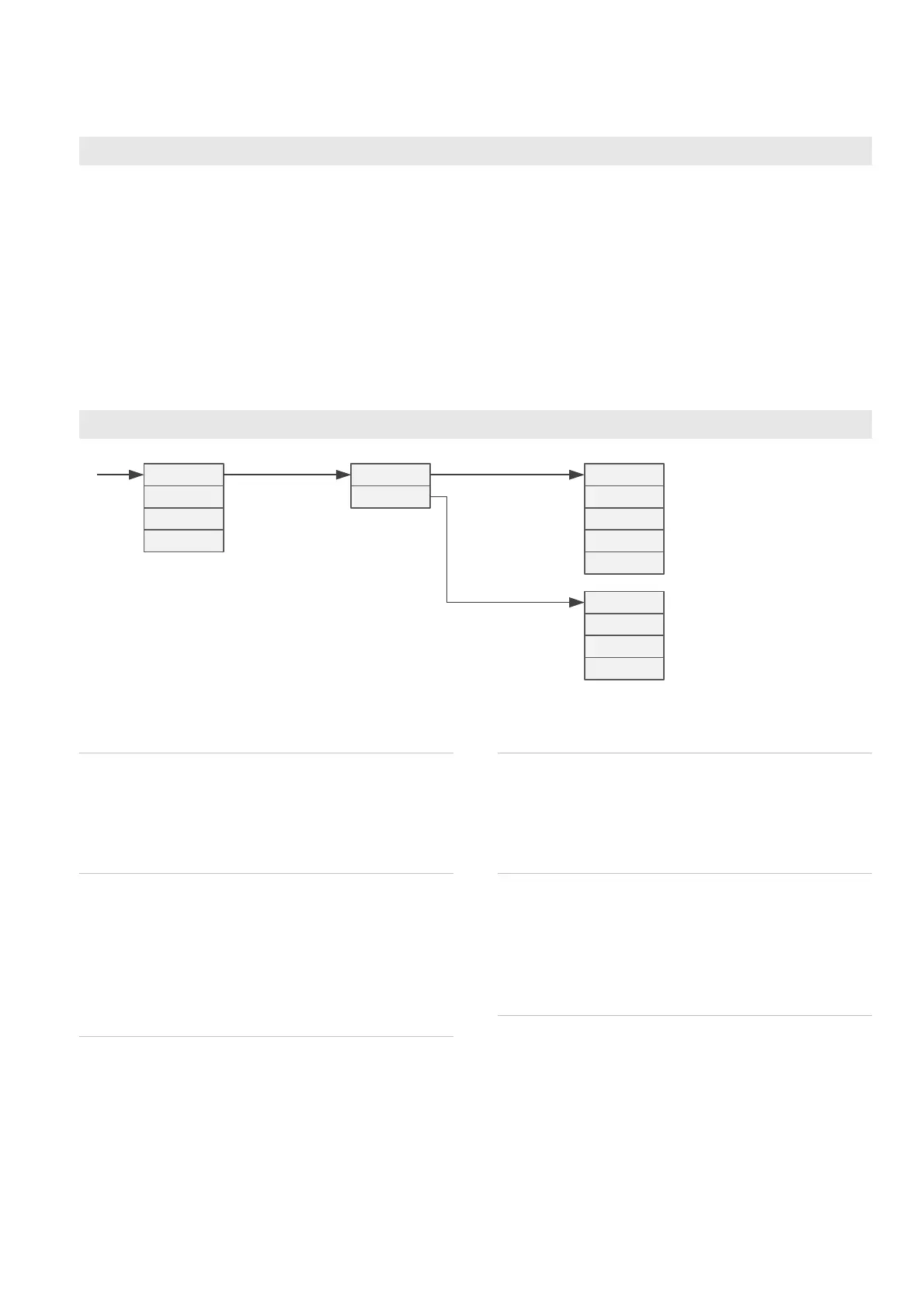
and press *. You will be in the slot selection menu. Select another slot or exit with *
button.
Monitor state
Monitoring means viewing some internal
values mainly for testing and
troubleshooting.
The monitoring mode is entered by pressing
* and v together. After that, a slot is
selected with ^v and entered with >. The
monitoring item can be changed with ^v.
The item name and the value are displayed
alternating.
The last item in the monitor menu is Diag,
allowing viewing self-diagnostics messages.
Press >. If nothing happens, there is no
active messages. If happens, use ^v to see
if there is more messages. Exit to the
monitoring menu with *.
The monitoring state is exited with *.
Master configuration menu
Gen/Mode
The display mode in the normal state. The
options are described above in section
Normal state and the indicator LEDs.
Gen/Ch
The channel to be displayed in the Single
mode. The channels are:
• 1 = slot A reading
• 2 = slot B reading
• 7 = math channel
Gen/Bright
Display brightness 1…15. Default value 7.
Does not affect the brightness of the large
displays of models 910E/920E/575F/1000F/-
1100F/1800F.
Gen/CfCode
Password for the configurations. If this is set,
the same password has to be entered when
next time entering the configuration state.
Gen/AlCode
Password for the operator menu. The alarm
levels may be quickly accessed from the
normal state, but if this password is set, it
must be entered first.
Math/From1
The channel to be used as the first operand
of the mathematical operation.
Math/From2
The channel to be used as the second
operand of the mathematical operation. Not
used with the Sqrt function.


 To Next Page