16
The menu allows you to operate or
check the setting of certain fea-
tures. Although the menu method
can take longer than the alternative
shortcut, it is often easier to
remember.
A Press MENU.
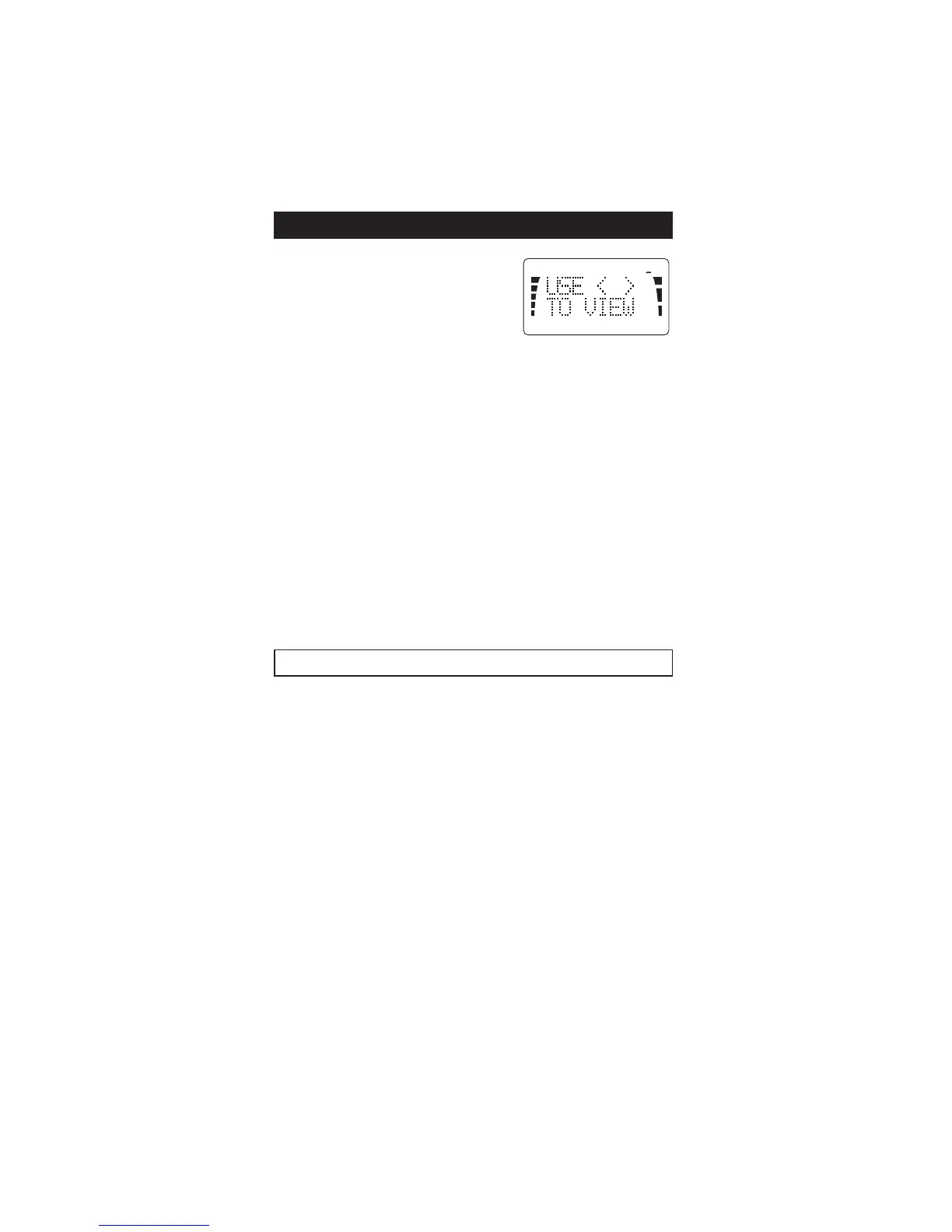
B The display will read USE
<>TO VIEW. Use either v
or V to step forward or backward through the list of the
functions available. Press STO when the desired function
is displayed.
C Use the v or V to change the setting of the function.
(The current setting is displayed first.)
D Press STO to set the new status (the one which is
displayed.)
E Use the CLR key to exit the menu function.
Each menu function can also be controlled by a shortcut;
the phone displays the shortcut number in the top right
corner of the display.
The following menu functions can be entered either by using
the menu method (press MENU, use v and V press STO) or
a shortcut (press MENU and a function number):
Menu Function Shortcut Description
LOCK PHONE MENU 0 lock, unlock phone
SYSTEM SELECT MENU 1 (system feature) select
roaming option from
home type, non-home
type, home area, or
both systems
RINGING TYPE MENU 2 select ringing type
from options 1-4
CALL TIMERS MENU 3 displays length of calls;
last, total own, total
optional: reset timers
MENU SHORTCUTS


 To Next Page