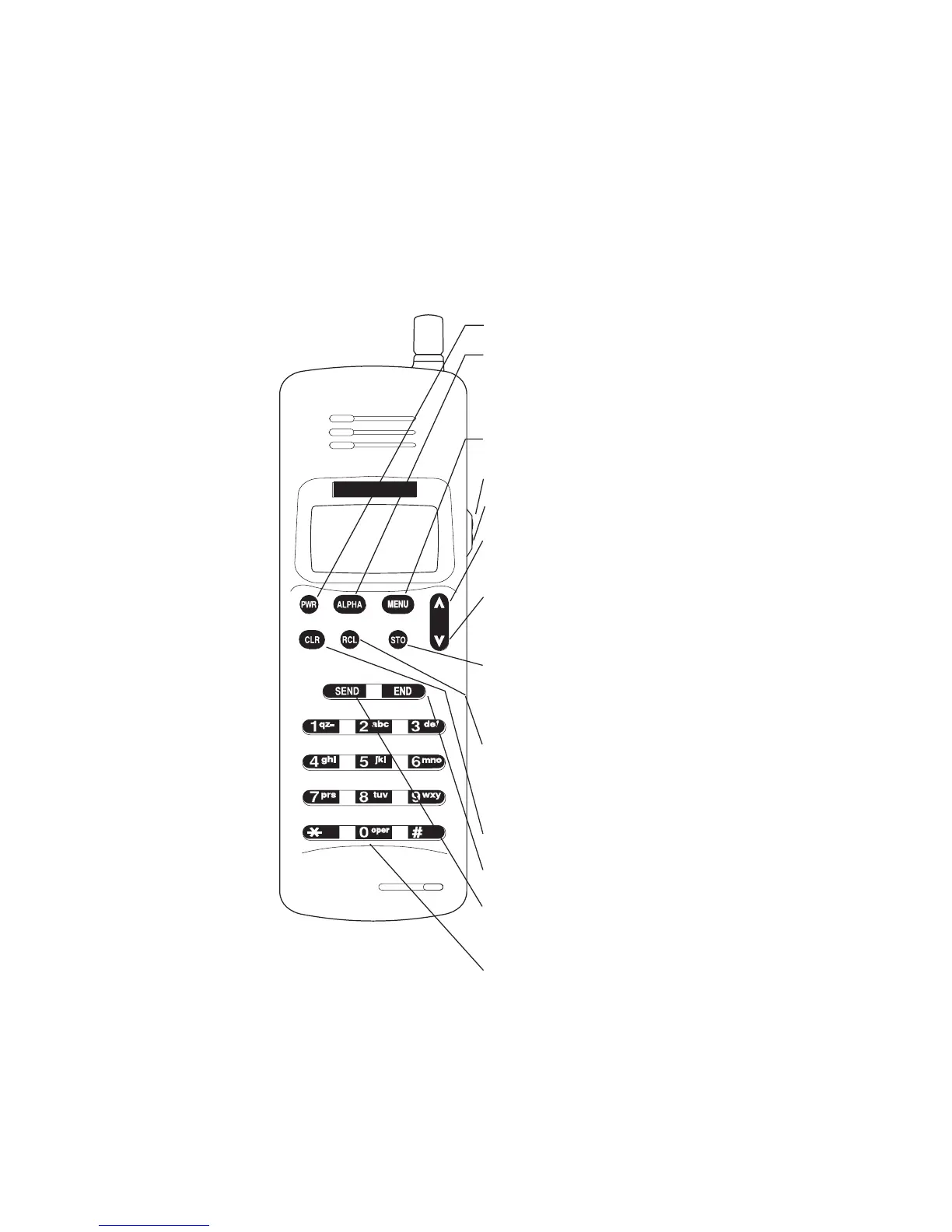
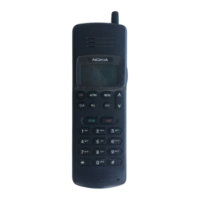
DESCRIPTION OF KEYS
More detailed information on each key is given throughout
the manual.
Press and hold to switch on or
off.
Number and alpha keys.
Used to “dial” a number. Also
to send DTMF numbers
(MENU + SEND).
After pressing RCL, press to
scroll through the memory
locations.
Recalls information from a
memory location. Also used to
show hidden digits, if the
display is full.
Used to store information in a
memory location. Also used to
confirm a setting for a feature
in the menu.
Used to enter menu functions.
Press to increase the volume;
Press to decrease the volume.
After pressing MENU, press to
scroll through the menu and to
select options.
Press to switch to alpha mode
and to key in or display letters;
press again to switch back to
numeric mode.
Deletes characters and cancels
keystrokes.
Used to end a phone call.
NOKIA


 To Next Page