[ 15 ]
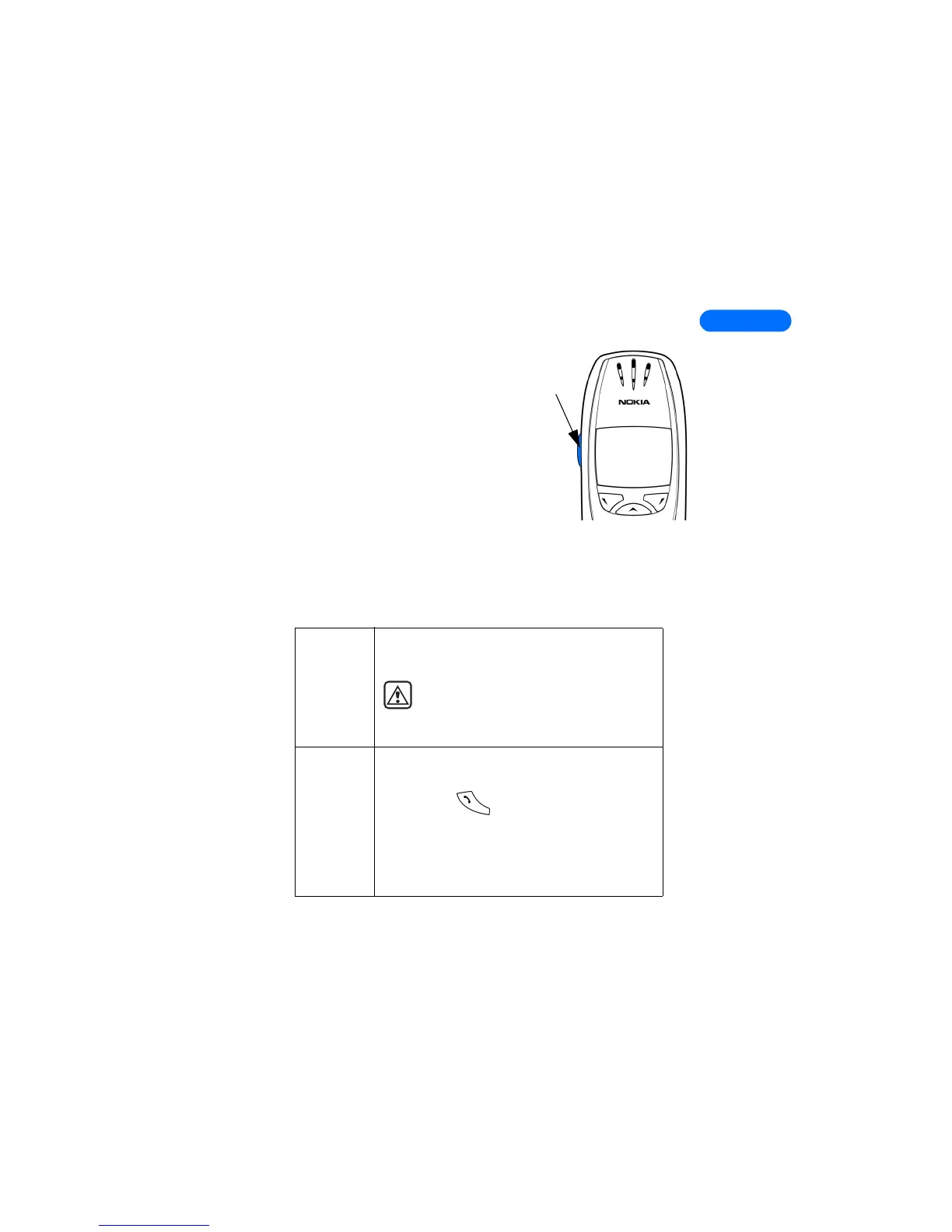
• ADJUST CALL VOLUME
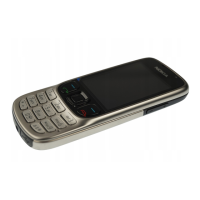
With the phone facing you, the volume key
is on the left side of the phone.
• Press the top portion of the key to
increase your call volume.
• Press the bottom portion of the key to
decrease your call volume.
A bar chart appears in the display,
indicating the volume level. There is no
need to confirm any changes.
• MAKE AND ANSWER CALLS
Use the following table as a quick guide for basic functions.
Switch the
phone on
Press and hold the power key on top of the phone
for 2 seconds.
Warning: Do not switch on the phone
when wireless phone use is prohibited or
when the phone may cause interference
or danger.
Make a call
1 Enter a phone number, including the
area code.
2 Press to dial the number.
3 Hold the phone with the earpiece over your
ear and microphone near your mouth.
• Or, connect and use the headset before
entering the number.
Volume
key



 To Next Page