Installation
34
“Integration with a car stereo system,” p. 23). For details, see the user
guide of the car radio.
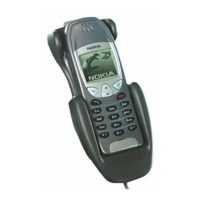
Mobile holder
If the mobile device is connected to the car kit with a cable or the car kit
is used through the CarMenu application, you need to mount a mobile
holder designed for the mobile device that is used with the car kit.
When mounting a mobile holder iin your car, ensure that the display of
the mobile device is clearly visible for the user and that the holder does
not interfere with or hinder the steering or braking systems or other
controls or systems used in the operation of the vehicle (for example,
airbags). For mounting instructions, see the documentation that came
with the mobile holder.
If you use a universal holder (a holder that can be used with different
mobile devices), you may have to plug the charging cable directly into
the mobile device after placing the device in the holder.
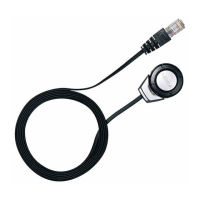
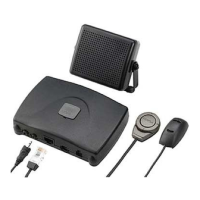
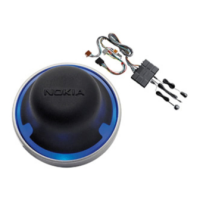
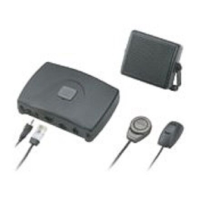
■ Optional enhancements
You can extend the features of the car kit with optional enhancements.
Consult your dealer or service technician for suitable enhancements for
the car kit. Use only approved and compatible enhancements.



 To Next Page