Bottom
1 Microphone
Keyboard
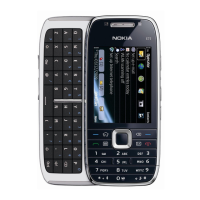
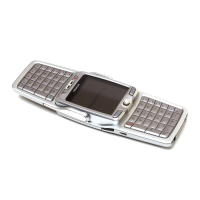
Your device has a full keyboard. To open the keyboard, push the touch screen up. The
display rotates automatically from portrait to landscape when you open the keyboard.
1 Function key. To insert special characters printed at the top of keys, press the
function key, and then press the corresponding key. To enter several special
characters in a row, press the function key twice. To return to normal mode, press
the function key.
2
Shift key. To switch between the upper and lower case modes, press the shift key
twice. To enter a single upper case letter in lower case mode, or a single lower case
letter in upper case mode, press the shift key, and then press the desired alphabet
key.
Get started 9



 To Next Page