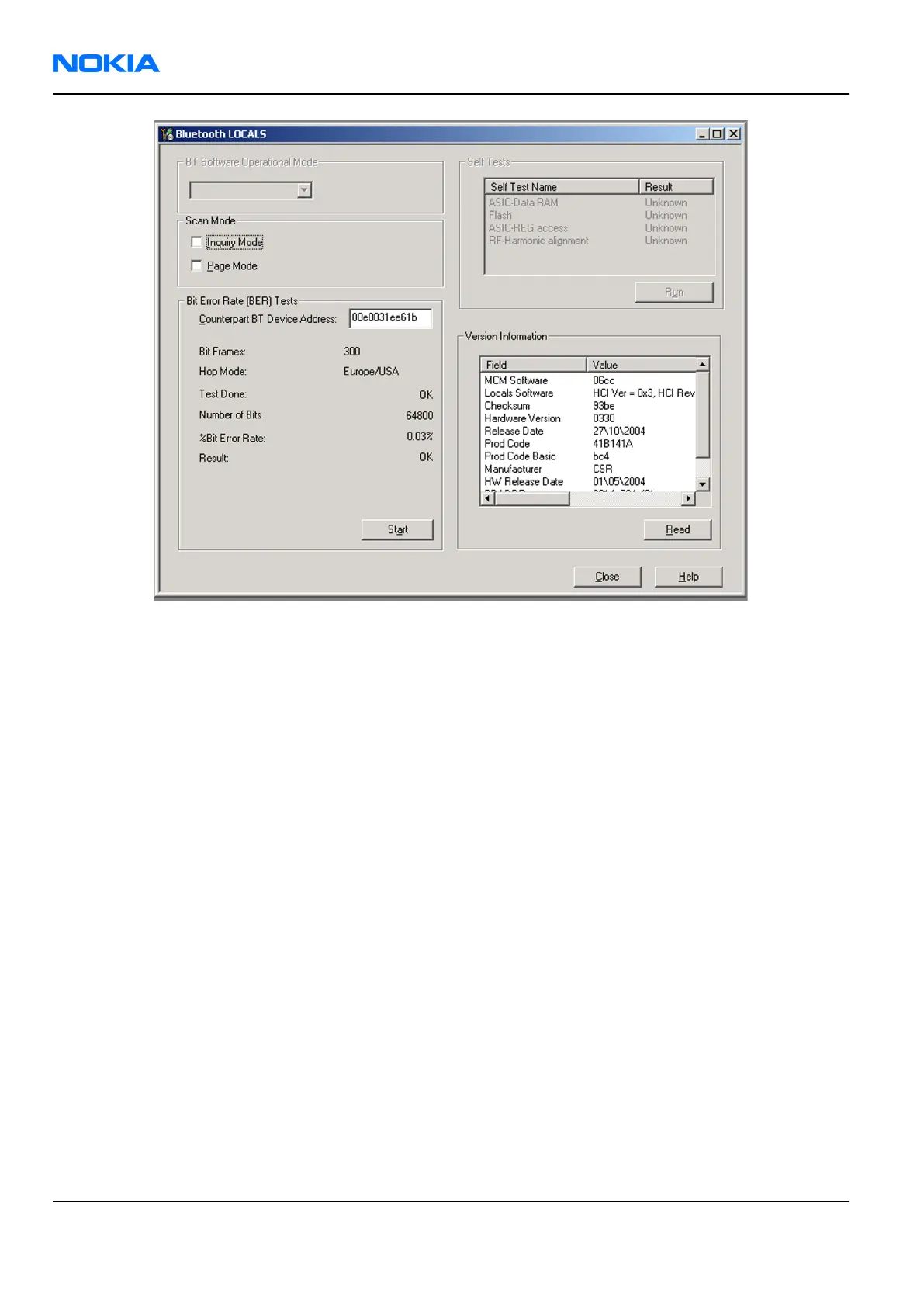
Figure 40 BER test result
Bluetooth self tests in Phoenix
Steps
1. Start
Phoenix
service software.
2. ChooseFile→Scan Product.
3. Place the phone to a flash adapter.
4. From the Mode drop-down menu, set mode to Local.
5. Choose Testing→Self Tests.
6. In the
Self Tests
window check the following Bluetooth related tests:
• ST_LPRF_IF_TEST
• ST_LPRF_AUDIO_LINES_TEST
• ST_BT_WAKEUP_TEST
RM-237
Nokia Customer Care BB Troubleshooting and Manual Tuning Guide
Page 6 –38 COMPANY CONFIDENTIAL Issue 1
Copyright © 2007 Nokia. All rights reserved.


 To Next Page