Change the volume of a call, song, or video
Use the volume keys.
You can adjust the volume during a call or when an application is active.
The built-in loudspeaker allows you to speak and listen from a short distance without
having to hold the device to your ear.
Activate or deactivate the loudspeaker during a call
Select
or .
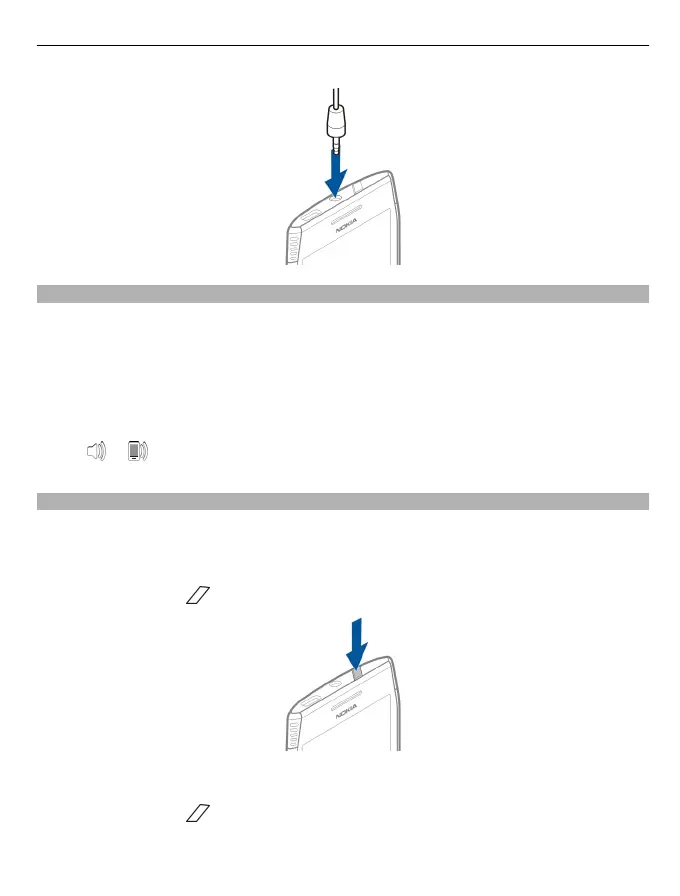
Lock or unlock the keys and screen
To avoid accidentally making a call when your device is in your pocket or bag, lock the
keys and screen of your device.
Lock the keys and screen
Press the power key
.
Unlock the keys and screen
Press the power key
or the menu key, and select Unlock.
Get started 9



 To Next Page