EasyManua.ls Logo

NOMA 052-8399-0 - User Manual

NOMA 052-8399-0
13 pages
Print Icon
To Next Page IconTo Next Page
Loading...
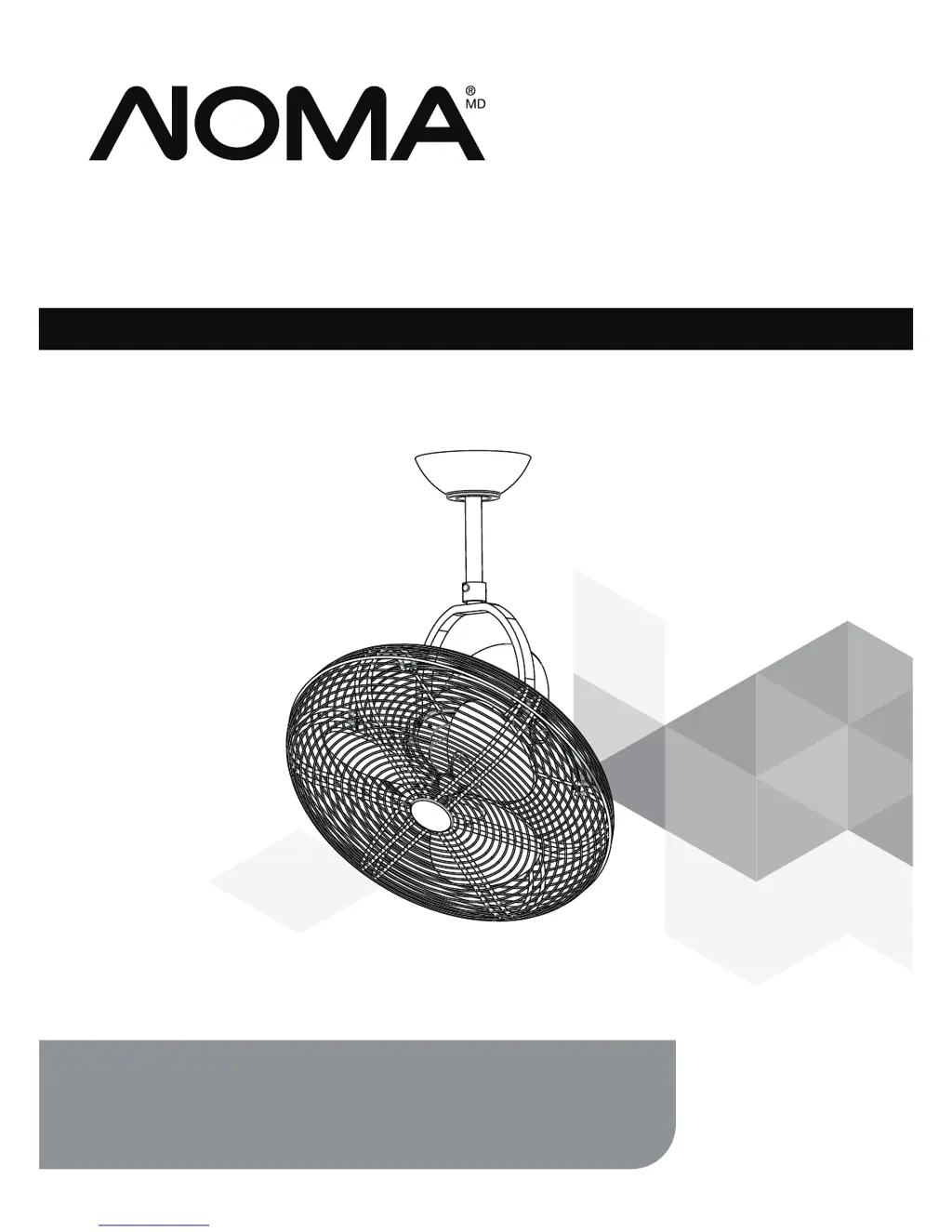
Oscillating Ceiling Fan
OWNER’S MANUAL
model no. 052-8399-0
Toll-free 1-866-827-4985
IMPORTANT:
For your safety please read and understand
this manual before installing or operating this product.

Questions and Answers

  • H
    Heather Jackson DDSAug 3, 2025
    What to do if my NOMA 052-8399-0 does not start?
    • W
      Walter SchwartzAug 3, 2025
      If your NOMA Fan isn't starting, first, check the main fuse and branch circuit fuses or the circuit breaker and repair if needed. Also, check all the wire connections to the fan and housing wiring, repairing as necessary.
  • A
    Alyssa MathewsAug 9, 2025
    How to fix a noisy NOMA 052-8399-0?
    • B
      Brian ScottAug 9, 2025
      If your NOMA Fan is noisy during operation, tighten the screws on the blades with a screwdriver. Check and fasten the screws on the mounting bracket or canopy. Check and fasten the screws securing the downrod to the hanger. Disconnect the power at the fuse box, loosen the canopy, and reposition the connectors if the wire connectors are vibrating against the inside of the canopy. Make sure the canopy is not touching the ceiling if it is rattling against the ceiling. Check and fasten the screws if the motor housing screws have come loose.
  • M
    Michele MaynardAug 18, 2025
    What to do if my NOMA Fan does not seem to move much air?
    • T
      Teresa LeonardAug 18, 2025
      If your NOMA Fan doesn't seem to move much air, ensure the fan isn't in reverse; counter-clockwise (forward) is recommended in warm weather. Also, place the fan in the center of the room, ensuring there's at least 12" (30 cm) between the end of the blades and any walls or obstructions.
  • C
    Christopher KingAug 26, 2025
    Why does my NOMA Fan wobble or shake excessively?
    • B
      Brianna DayAug 26, 2025
      If your NOMA Fan wobbles or shakes excessively, make sure that the screws which attach the fan blade clips to the motor are fastened and tightened. Ensure the screws of the fan blade to the blade clip are tightened securely. Also, check that the canopy and mounting bracket are tightened securely to the ceiling joist.

Summary

Safety Rules and Instructions

Electric Shock and Fire Prevention

Ensure electricity is off; follow codes; do not use solid-state controls; avoid variable controls.

Installation and Mounting Safety

Use provided screws; ensure outlet box supports 35 lb; mount fan at least 7 ft from floor.

Mounting and Electrical Warnings

Mount to approved box with provided screws; do not bend blades; consult electrician for complex installs.

Safety and Installation Guidance

Pre-Installation Safety Checks

Ensure all set screws are tight; turn off power before changing direction; use common sense.

Installation Instructions Overview

Read all instructions, consult electrician if needed, and save all documentation.

Mounting the Fan

Electrical Connections and Pairing

Remote and Receiver Pairing

Set identical dip switch codes on transmitter and receiver for communication; use unique codes for multiple fans.

Fan Operation

Maintenance and Troubleshooting

Troubleshooting Noisy Operation

Addresses issues like loose screws, vibrating wires, or rattling canopy for noisy fans.

Troubleshooting Fan Not Starting

Covers blown fuses, circuit breakers, or loose power line connections.

Advanced Troubleshooting and Environmental Notes

Troubleshooting Airflow and Wobbling

Addresses issues like reverse fan direction, improper location, loose blade clips, or loose mounting.

NOMA 052-8399-0 Specifications

General IconGeneral
BrandNOMA
Model052-8399-0
CategoryFan
LanguageEnglish

Related product manuals