EasyManua.ls Logo

NOMA 052-9340-2 - User Manual

NOMA 052-9340-2
24 pages
Print Icon
To Next Page IconTo Next Page
Loading...
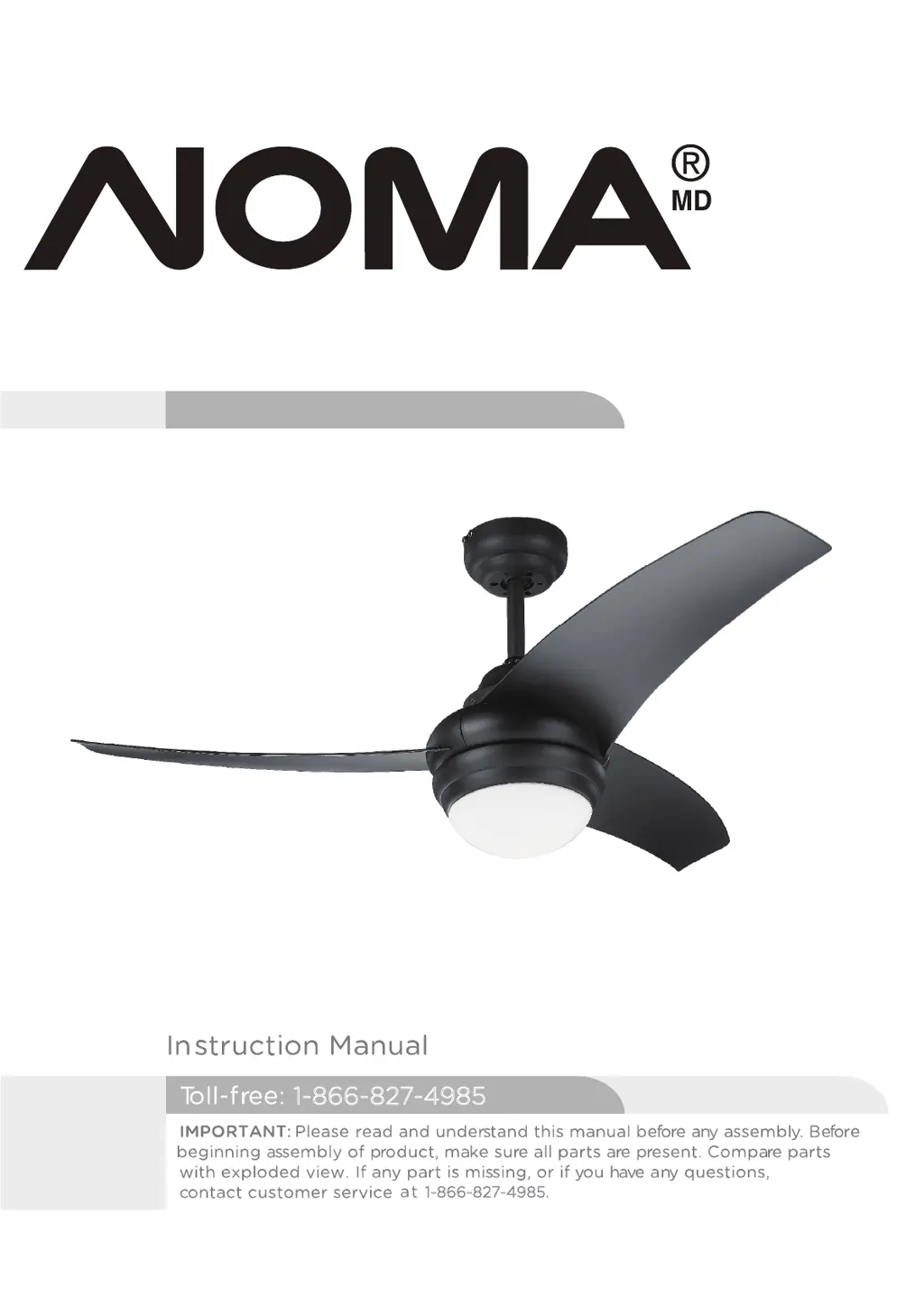
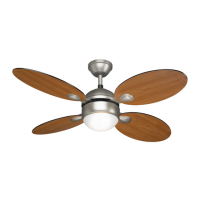
Contemporary 42” Ceiling Fan
1-866-827-4985
1-866-827-4985.
model no. 052-9340-2
Total weight of fan plus light kit are 5.5 kgs

Questions and Answers

  • C
    Carl PattersonAug 3, 2025
    What to do if my NOMA Fan does not start?
    • A
      Angela EvansAug 3, 2025
      If your NOMA Fan doesn't start, the issue might be a blown fuse or circuit breaker. Check the main fuse and branch circuit fuses or circuit breaker, and repair if needed. Also, inspect all wire connections to the fan and housing wiring to ensure they are secure and correct. Remember to proceed with caution and ensure the main power is off before checking any wiring.
  • A
    Amber Gonzales MDNov 17, 2025
    Why is my NOMA 052-9340-2 Fan so noisy?
    • R
      Robert PayneNov 17, 2025
      There are several reasons why your NOMA Fan might be noisy during operation. Here are a few things to check: * Make sure the blade screws are tightened with a screwdriver. * Check and fasten the screws on the mounting bracket or canopy. * Verify that the screws securing the decorative housing to the hanger are tightened. * Ensure the glass shade or bulb is tightened by hand. * Confirm that the screws securing the downrod to the hanger are fastened. * If wire connectors are vibrating against the inside of the canopy, disconnect power at the fuse box, loosen the canopy, and reposition the connectors. * Remove and re-attach the light kit or light bulb to ensure it is firmly attached. * Ensure the canopy is not touching the ceiling. * Check and fasten the motor housing screw...

Summary

Exploded View

Important Safety Instructions

Rules for Safe Installation

Tools Required for Assembly

Assembly Preparation and Location

Getting Ready for Assembly

Unpack and inspect all parts for completeness and damage before assembly.

Choosing Fan Location

Select a suitable location with adequate ceiling clearance and support.

Mounting Options Overview

Details on drop-mount installation for normal, sloped, or vaulted ceilings.

Assembly: Mounting Bracket and Drop-Mount

Mounting Bracket Installation

Instructions for attaching the mounting bracket to wooden or masonry ceilings.

Drop-Mount Assembly Steps

Guidance on assembling the downrod and attaching the fan to the bracket.

Assembly: Wiring and Receiver Installation

Safety Cable and Hook Installation

Securing the fan with a safety cable to a 'J' hook for added security.

Wiring Instructions and Connections

Detailed steps for connecting fan wires to the receiver and mains power.

Remote and Receiver Pairing

How to set dip switches for transmitter and receiver to communicate.

Assembly: Component Installation

Attaching Fan Assembly to Bracket

Securing the fan assembly to the installed mounting bracket.

Attaching Fan Blades to Motor

How to insert and tighten fan blades onto the motor.

Installing Bulb and Glass Shade

Steps for installing the light bulb and the glass shade.

Operation

Remote Control Battery Installation

Instructions for installing batteries into the remote control.

Fan and Light Controls

How to turn the fan on/off, select fan speed, and control the light.

Forward and Reverse Direction Function

How to change the fan's rotation direction for cooling or heating.

Maintenance

Care and Cleaning

Troubleshooting Common Issues

Troubleshooting Additional Issues

Troubleshooting Light and Airflow

Solutions for when the light does not work or the fan moves little air.

Troubleshooting Fan Wobble

Fixes for excessive fan wobbling or shaking, including blade balancing.

Environmental Protection

Warranty Information

NOMA 052-9340-2 Specifications

General IconGeneral
BrandNOMA
Model052-9340-2
CategoryFan
LanguageEnglish

Related product manuals