EasyManua.ls Logo

Nomadic R150 - Add App

Default Icon
108 pages
Print Icon
To Next Page IconTo Next Page
To Previous Page IconTo Previous Page
Loading...
76
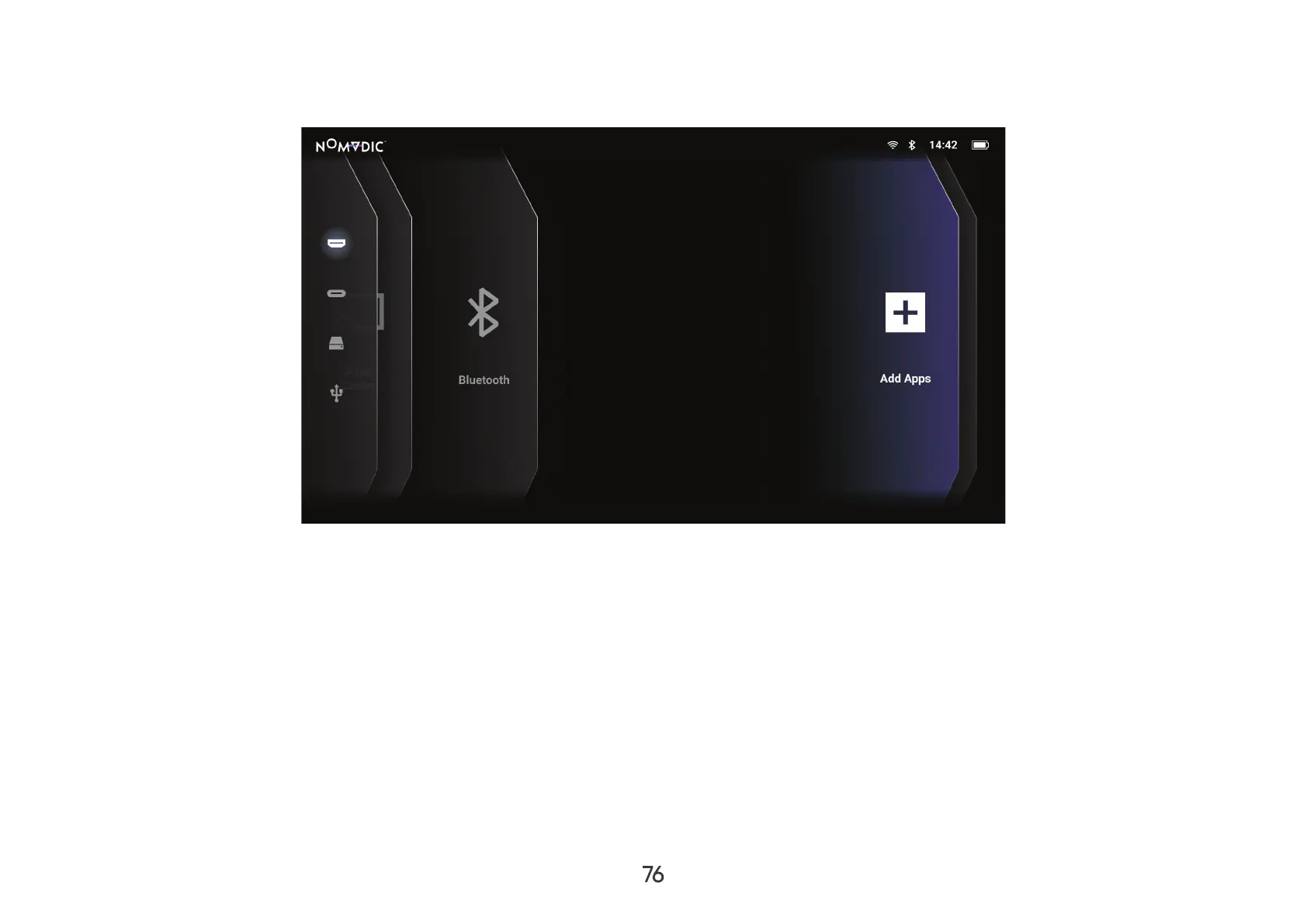
Add App
Add your favorite Apps to the Home Screen.
1. Home Screen, select Add App and then press OK
2. OK.
3. Now your favorite App will appear on the Home Screen.
NOTE: Home Screen.
Delete Apps from the Home Screen
1. Home Screen, select the App you want to delete and press and hold OK
2. 
3. Yes, and press OK to delete the App.

Table of Contents

Other manuals for Nomadic R150

Related product manuals