EasyManua.ls Logo

Nomadic R150 - Advanced Setting Menu

Default Icon
108 pages
Print Icon
To Next Page IconTo Next Page
To Previous Page IconTo Previous Page
Loading...
84
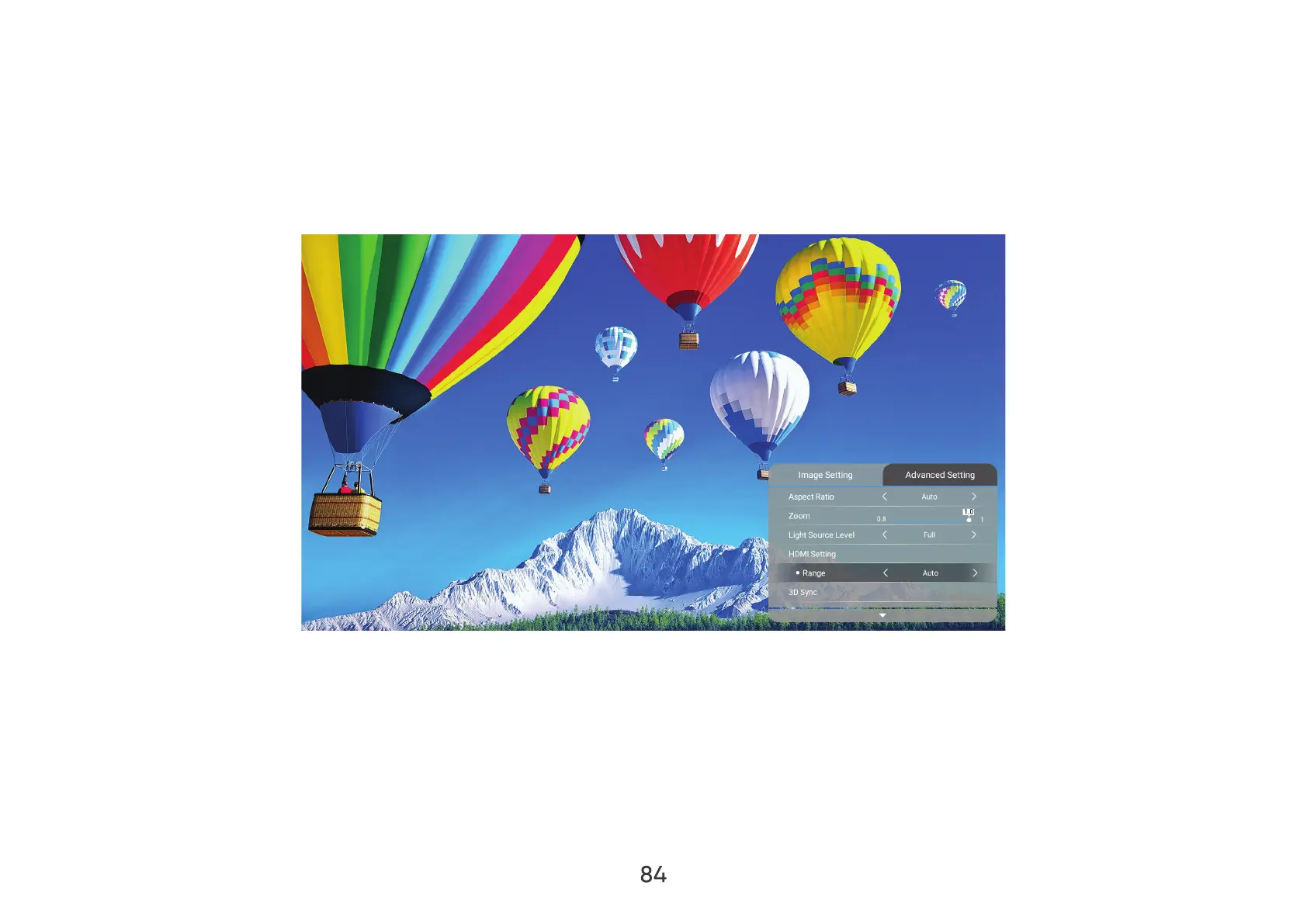
Advanced Setting Menu
After your input source is selected, you can adjust the Advanced Setting
To access the Advanced Setting
1. Press Setting
2. RightAdvanced Setting.
3. Then use the UpDown
4. LeftRight
5. Press the Return

Table of Contents

Other manuals for Nomadic R150

Related product manuals