80
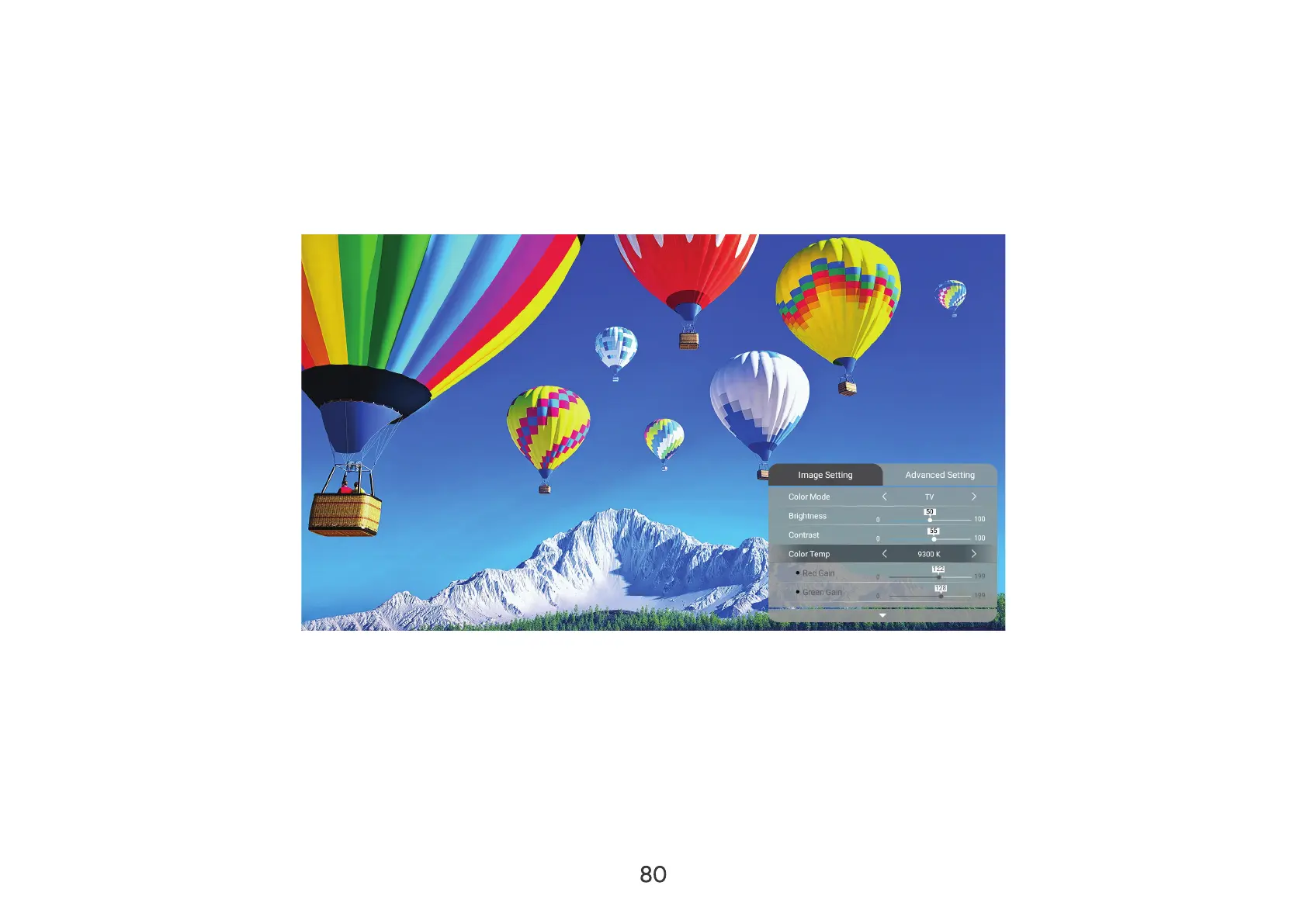
Image Setting Menu
After your input source is selected, you can adjust the Image Setting
To access the Image Setting
1. Press Setting
2. LeftRightImage Setting
3. Then use the UpDown
4. LeftRight
5. Press the Return



 To Next Page