18
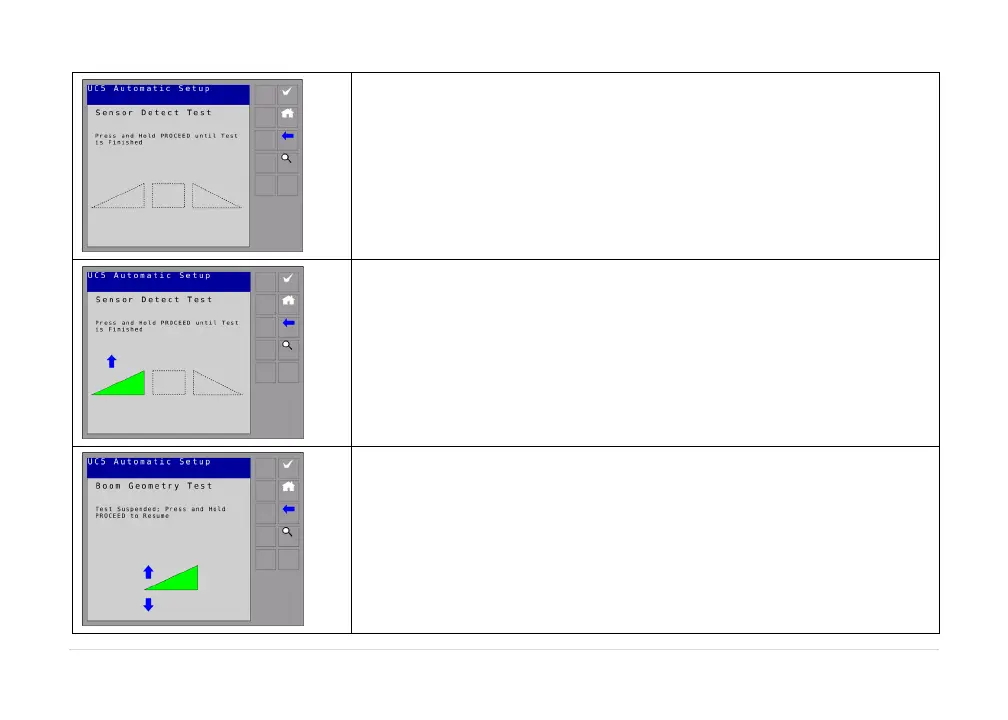
You will then be instructed to hold the check button.Continue
holdingwhileeachboomsectionismoved.
The display will show an arrow.At this time the boom will be in
motion.When it is done thedisplay will instruct you to releasethe
checkbutton.Donotmovetheboomsatthistime.
You will then be instructed to hold the check button.The terminal
willdisplay“cruising”.



 To Next Page