EasyManua.ls Logo

Norac UC4+ - User Manual

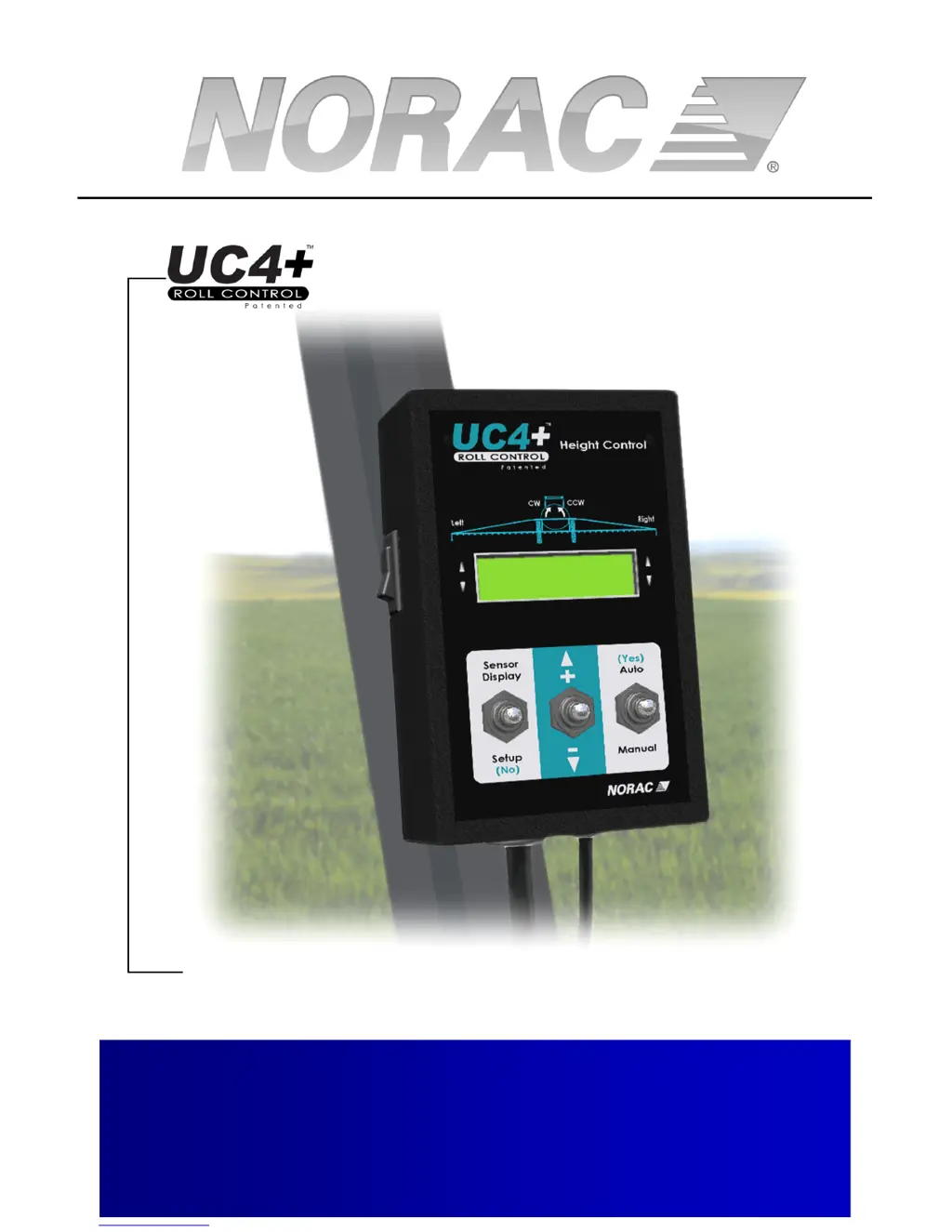
Norac UC4+
60 pages
Print Icon
To Next Page IconTo Next Page
Loading...
Spray Height Controller
Improving the competitiveness of Industry and
Agriculture through Precision Measurement
Operators Manual
Version 6 - 2008

Other manuals for Norac UC4+

Questions and Answers

  • J
    Jennifer McdonaldAug 19, 2025
    What to do if the Norac UC4+ Controller LCD screen does not light up?
    • C
      Charles WebbAug 20, 2025
      If the LCD screen on your Norac Controller doesn't light up, there are several potential causes: * **Inadequate power supply:** Ensure the UC4+ power cable is properly connected to both the UC4+ control panel and the sprayer's power supply. Verify the sprayer's power supply voltage is above +12V, measuring it while the valve is in use to account for potential voltage drops. * **Defective power cable:** Follow the steps above to check the power supply. Wiggle the cables/wires. If the screen still doesn't light up, the cable may need repair. * **Damaged LCD screen:** If checking the power and cable doesn't resolve the issue, the LCD screen itself may need replacement.
  • D
    Derrick DonaldsonAug 21, 2025
    Why does my Norac Controller UC4+ randomly switch between AUTO and MANUAL modes?
    • A
      Adrian RobinsonAug 22, 2025
      The random switching between AUTO and MANUAL modes on your Norac UC4+ controller could be due to: * **Poor cable connection:** Ensure all cables are correctly and tightly connected according to the UC4+ Installation Manual, and that they are free of corrosion. Wiggling the cables in AUTO mode can help detect interruptions, as this will switch the system to MANUAL mode. * **Defective cables:** If the connections are secure but the issue persists, the cable(s) may need repairing. * **Electrical noise:** Electrical noise on the sprayer's D.C. system might be the cause. Try adding a power line filter or freewheeling diodes on one or more of the sprayer's solenoid valves to mitigate this.
  • P
    Pamela BaldwinAug 26, 2025
    Why does height increase/decrease unintentionally on Norac Controller?
    • D
      Daniel OrtizAug 26, 2025
      Unintentional height adjustments on your Norac Controller may be caused by intermittent electrical noise on the main lift interface cable(s). Try installing a power line filter to mitigate this. Additionally, diodes may need to be installed in the main lift lines, sized appropriately for the sprayer (e.g., IN5408 for a 3 Amp or smaller coil). Contact NORAC for further details.
  • A
    Angel SchneiderAug 29, 2025
    What to do if Norac UC4+ sensor appears not to work and displays "NC"?
    • J
      Jordan PatelAug 29, 2025
      If your Norac Controller displays "NC", indicating the sensor isn't working, it could be due to: * **Serial number mismatch:** Verify the serial number (SN) entered in the control panel matches the connected sensor's SN for the respective boom location. Re-enter the correct SN if necessary. * **Cable issues:** Ensure all cables are correctly connected according to the UC4+ Installation Manual and perform Sensor Swapping. If the issue continues, the cable(s) may need repair. * **Damaged sensor:** If the problem persists after swapping the sensor to a different boom location, the sensor may need repairing.
  • R
    Robert BenderSep 1, 2025
    Why is part of the LCD screen black on my Norac UC4+?
    • N
      Nicholas OneillSep 1, 2025
      If part of the LCD screen on your Norac Controller is black, it's likely due to the control panel being mounted in direct sunlight. High temperatures cause the LCD screen to turn black (high contrast). This should disappear when the LCD cools down.
  • J
    jennifer62Sep 4, 2025
    What causes boom to raise when it should lower, or vice versa, on Norac UC4+ Controller?
    • J
      Jerry SmithSep 5, 2025
      If your boom raises when it should lower, or vice versa, on your Norac Controller, the problem likely lies in: * **Valve cable connection:** Double-check the cable connection to the NORAC valve block. * **Plumbing:** Ensure the plumbing is correct: the boom raise line(s) should connect to the “B” port(s) on the NORAC valve block, the boom lower line(s) to the “A” port(s), and the Tank and Pressure lines to the Tank (“T”) and Pressure (“P”) ports, respectively.
  • R
    Rita WalkerSep 6, 2025
    Why is Norac Controller displaying "SNR xxxx" during Automatic System Setup?
    • C
      Connie BakerSep 7, 2025
      The "SNR xxxx" message during Automatic System Setup on your Norac Controller indicates: * **Improper sensor alignment:** Check the alignment of the sensor involved with the error. For instance, if the System Setup is performing a "LftDet" and this message appears, check the Left wing sensor(s). * **Poor targets:** The sensor may be having trouble reading from wet gravel or stubble. Try a different target.
  • M
    montgomerymackenzieSep 8, 2025
    What causes boom to creep upwards when in the transport position on Norac UC4+ Controller?
    • J
      Jennifer SteeleSep 8, 2025
      If the boom creeps upwards when in the transport position on your Norac Controller, consider these causes: * **Valve leakage:** The valve block may need repairing or replacing. * **Faulty check valves:** The check valve(s) may need replacing.
  • S
    Steven BarnesSep 12, 2025
    What does it mean when Norac UC4+ Controller sensor is displaying "###" or "-##"?
    • B
      Brandon DunnSep 12, 2025
      If the Norac Controller sensor is displaying "###" or "-##", indicating a value that's too high or low, it could mean: * **Boom section height:** The boom section might be too high ("###"). Lower the boom section. The sensor is reporting a reading that has too many digits to display on the LCD screen. When the boom returns to normal heights, the reading should reappear on the screen. * **Sensor Zero Height:** The sensor Zero Height setting may be incorrect. Check the sensor “Zero Height” and calibrate if necessary. This can occur when sensors have been “swapped” from different mounting locations. * **Sonic targets:** The sensor may be facing very strong sonic targets (e.g., concrete). Try a different/adequate target.
  • S
    Sarah GordonSep 13, 2025
    What causes hydraulic oil overheat in Norac UC4+ Controller?
    • M
      Michael WatersSep 13, 2025
      Hydraulic oil overheating in your Norac system can be attributed to: * **Setpoint maintenance:** Maintaining the setpoint increases oil temperature. Lowering the Sensitivity ("Sensi") setting may reduce system activity and lower the temperature. * **Plumbing configuration:** Plumbing single acting systems as double acting with both A ports orificed may reduce heating. Contact NORAC for more information.

Summary

Operator Safety

System Operation

Typical Operation

Guides the user through normal field operation of the system.

Changing to Automatic or Manual Mode

Instructions for switching between automatic and manual control modes.

Adjusting the Target Height (Setpoint)

How to set and adjust the desired spray height for the system.

System Setup

Automatic System Setup

Step-by-step guide for automatic system configuration and calibration.

Wiring Test

Verifies the correct wiring of booms and sensors for system operation.

Sensor Detect

System identifies and confirms connected sensors.

Boom Geometry Tuning

Calibrates system to the sprayer's boom geometry and movements.

Control System Test

Final test to ensure the automatic control system functions correctly.

ReTune

Procedure to recalibrate the system to sprayer hydraulics.

Manual System Setup

Alternative setup method for manual configuration of system parameters.

Setting Up Sensors

Manually entering sensor serial numbers and physical locations.

Setting Up Hydraulic Valves

Configuring DeadZone and Gain settings for hydraulic valve operation.

Valve DeadZone Test

Testing and setting the DeadZone parameter for hydraulic valves.

Valve Gain Test

Testing and setting the Gain parameter for hydraulic valves.

Maintenance

Troubleshooting

UC4+ Randomly Switches Between Auto and Manual Modes

Troubleshooting issues with automatic mode switching.

Height Increases;Decreases Unintentionally

Resolving unintended boom height adjustments.

UC4+ Spray Height Control System Does Not Go into Auto Mode

Fixing problems preventing the system from entering AUTO mode.

Boom Does Not Appear to be Sufficiently Level After System Setup

Diagnosing and correcting boom leveling issues post-setup.

Norac UC4+ Specifications

General IconGeneral
GPS IntegrationYes
Auto Height ControlYes
Input Voltage9-32 VDC
CommunicationCAN
CPUARM-based
USBYes
Serial Ports2
Output Voltage12V DC
ModelNorac UC4+
Display7” LCD Touchscreen
Operating Temperature-20°C to +70°C

Related product manuals