49
9 SYSTEM MESSAGES
9.1 SETUP MESSAGES
• During an Install or ReTune if any of the following messages appear
on the LCD screen, the system will halt any valve action and wait for
operator acknowledgement.
• Some of these messages appear after the operator is prompted to
"Release" "Switch" while holding "AUTO (YES)".
• Release the switch and correct the problem using Table 10.
• Exit the procedure by toggling the "SETUP (NO)" switch.
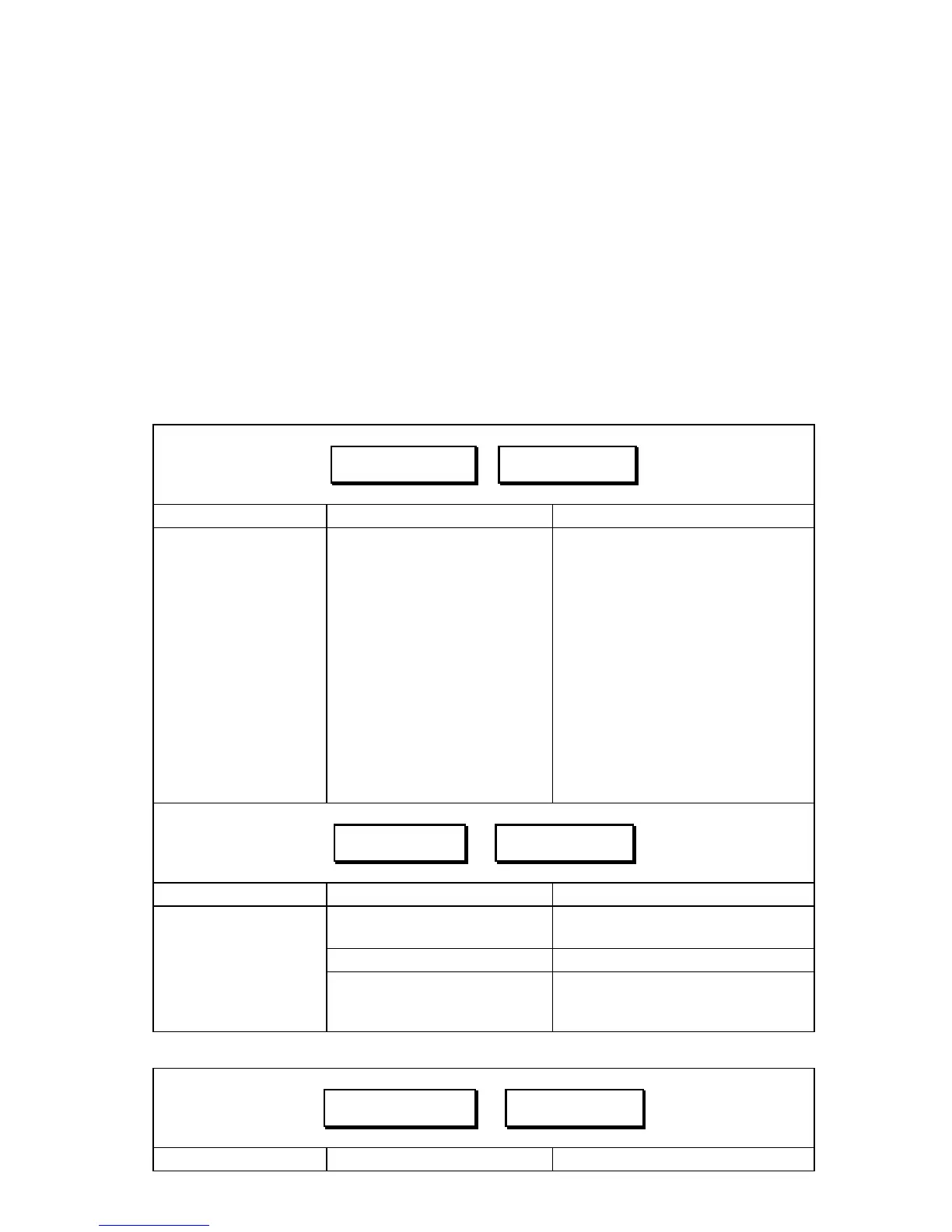
Table 10 – System Setup Error Messages
↓TimeOut!↓ ⇒ ↓Retry ?↓
Explanation Possible Causes Required Action
a. Hydraulic cylinder has
reached the end of its
stroke, but the system is
still trying to move in that
direction.
a. Follow 8.3.3 a).
b. Boom is moving too
slow.
b. Follow 8.3.3 b).
c. There is not enough
hydraulic pressure to
move the boom.
c. Follow 8.3.3 c).
Boom Geometry
Tuning has taken too
long to complete.
d. If the boom was moving
before this message
appeared, this is probably
not an error of concern.
d. Some booms will take longer
than others to calibrate,
triggering a "Timeout!".
↓Wiring!↓ ⇒ ↓Retry ?↓
Explanation Possible Causes Required Action
a. Wrong or poor cable
connection.
a. Follow 8.1.3 a).
b. Defective cable(s). b. Follow 8.1.3 b).
Setup cannot proceed
because the control
panel cannot receive
appropriate signal from
a sensor.
c. Pressing the wrong
switch on the sprayer’s
hand-control.
c. Toggle the "AUTO (YES)"
switch to restart the wiring test.
↓SNR 2521↓ ⇒ ↓Retry ?↓
Explanation Possible Causes Required Action



 To Next Page