EasyManua.ls Logo

Norac UC4+ - User Manual

Norac UC4+
60 pages
Print Icon
To Next Page IconTo Next Page
Loading...
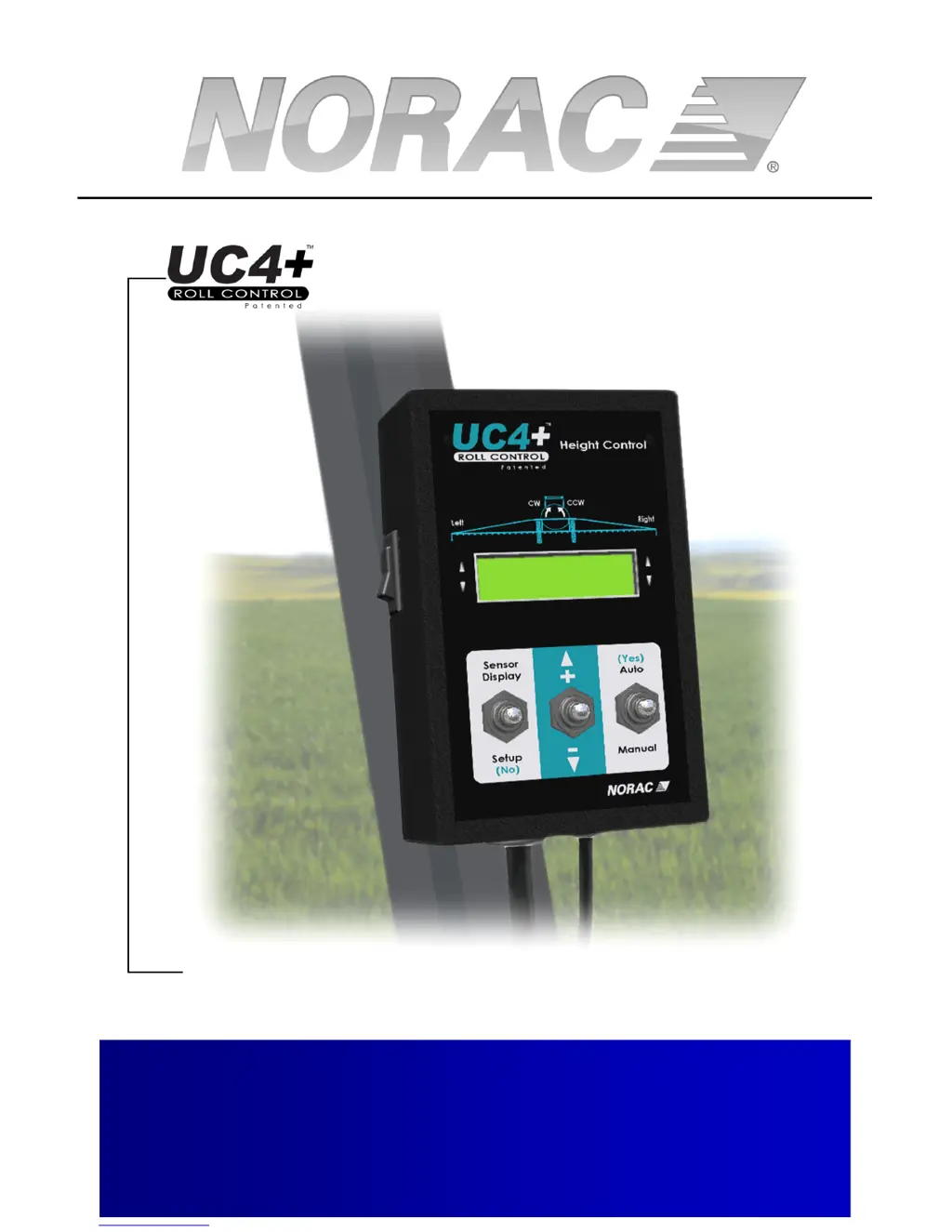
Spray Height Controller
Improving the competitiveness of Industry and
Agriculture through Precision Measurement
Operators Manual
Version 6 - 2008

Other manuals for Norac UC4+

Questions and Answers

  • A
    Andrew ChapmanSep 16, 2025
    Why is Norac UC4+ display stuck at “Mo|ot’n Dly" or "KP Stp 9"?
    • T
      Tracy BurnsSep 16, 2025
      If your Norac Controller display is stuck at “Mo|ot’n Dly" or "KP Stp 9", it could be due to: * **Sensor proximity:** The sensor may be too close to the boom. Move the sensor to a better location, ideally 25cm (9 inches) in front of and 25cm (9 inches) above the spray nozzle, ensuring a 30cm (12 inch) diameter clear view of the ground. * **Weak target:** The target may be too weak. Move to a new location with dirt or gravel on the ground. Ensure there is no grass or other plants under the sprayer boom, and verify the sensor is approximately parallel to the ground.
  • D
    Dawn JarvisNov 22, 2025
    What to do if boom does not raise or lower on Norac UC4+ Controller?
    • K
      Kimberly MasonNov 22, 2025
      If the boom on your Norac Controller isn't raising or lowering, consider these potential causes: * **Hydraulic oil supply:** Make sure oil is being supplied to the NORAC valve block in the correct direction (Tank and Pressure lines). A check valve might prevent oil flow if the direction is incorrect. * **Quick coupler connections:** Ensure all hydraulic quick couplers are properly connected. * **Back-pressure:** There may not be enough back-pressure to activate the check valves in the NORAC valve block. Place orifices in the “A” lines going to Tank (“T”) to create sufficient back-pressure. * **Cable/valve issues:** Check cable connections between the control panel and valve block for tightness and corrosion. Verify voltage at the valve connection; if there's no voltage, the cable(...
  • C
    Carl BuchananNov 26, 2025
    How to fix Timeout! error during System Setup on Norac UC4+ Controller?
    • J
      Jessica BrownNov 27, 2025
      A "Timeout!" error during System Setup on your Norac controller can arise from several factors: * **Hydraulic cylinder stroke:** Ensure the hydraulic cylinders are not obstructed by a cylinder cap. If a cylinder is fully extended or retracted, manually reposition the boom to the middle of the cylinder stroke and resume setup with the "AUTO (YES)" switch. For booms that don't adjust below the main boom level, ensure the main boom is within 125cm (50 inches) above ground before attempting an Install or ReTune. * **Boom speed:** Ensure the hydraulic oil is at working temperature, as a slow-moving boom can trigger this error. * **Hydraulic pressure:** Confirm the solution pump is running and manually put the hydraulic system into high pressure during main lift ("MlfDet") Boom Geometry T...
  • M
    mario02Dec 3, 2025
    How to troubleshoot boom creeping up or down in MANUAL mode on Norac UC4+?

    Summary

    Operator Safety

    System Operation

    Typical Operation

    Guides the user through normal field operation of the system.

    Changing to Automatic or Manual Mode

    Instructions for switching between automatic and manual control modes.

    Adjusting the Target Height (Setpoint)

    How to set and adjust the desired spray height for the system.

    System Setup

    Automatic System Setup

    Step-by-step guide for automatic system configuration and calibration.

    Wiring Test

    Verifies the correct wiring of booms and sensors for system operation.

    Sensor Detect

    System identifies and confirms connected sensors.

    Boom Geometry Tuning

    Calibrates system to the sprayer's boom geometry and movements.

    Control System Test

    Final test to ensure the automatic control system functions correctly.

    ReTune

    Procedure to recalibrate the system to sprayer hydraulics.

    Manual System Setup

    Alternative setup method for manual configuration of system parameters.

    Setting Up Sensors

    Manually entering sensor serial numbers and physical locations.

    Setting Up Hydraulic Valves

    Configuring DeadZone and Gain settings for hydraulic valve operation.

    Valve DeadZone Test

    Testing and setting the DeadZone parameter for hydraulic valves.

    Valve Gain Test

    Testing and setting the Gain parameter for hydraulic valves.

    Maintenance

    Troubleshooting

    UC4+ Randomly Switches Between Auto and Manual Modes

    Troubleshooting issues with automatic mode switching.

    Height Increases;Decreases Unintentionally

    Resolving unintended boom height adjustments.

    UC4+ Spray Height Control System Does Not Go into Auto Mode

    Fixing problems preventing the system from entering AUTO mode.

    Boom Does Not Appear to be Sufficiently Level After System Setup

    Diagnosing and correcting boom leveling issues post-setup.

    Norac UC4+ Specifications

    General IconGeneral
    GPS IntegrationYes
    Auto Height ControlYes
    Input Voltage9-32 VDC
    CommunicationCAN
    CPUARM-based
    USBYes
    Serial Ports2
    Output Voltage12V DC
    ModelNorac UC4+
    Display7” LCD Touchscreen
    Operating Temperature-20°C to +70°C

    Related product manuals