10.4.3 User Manual Contents April 17, 2020
Firmware: 5.2.1 Page 55 of 142
Playback
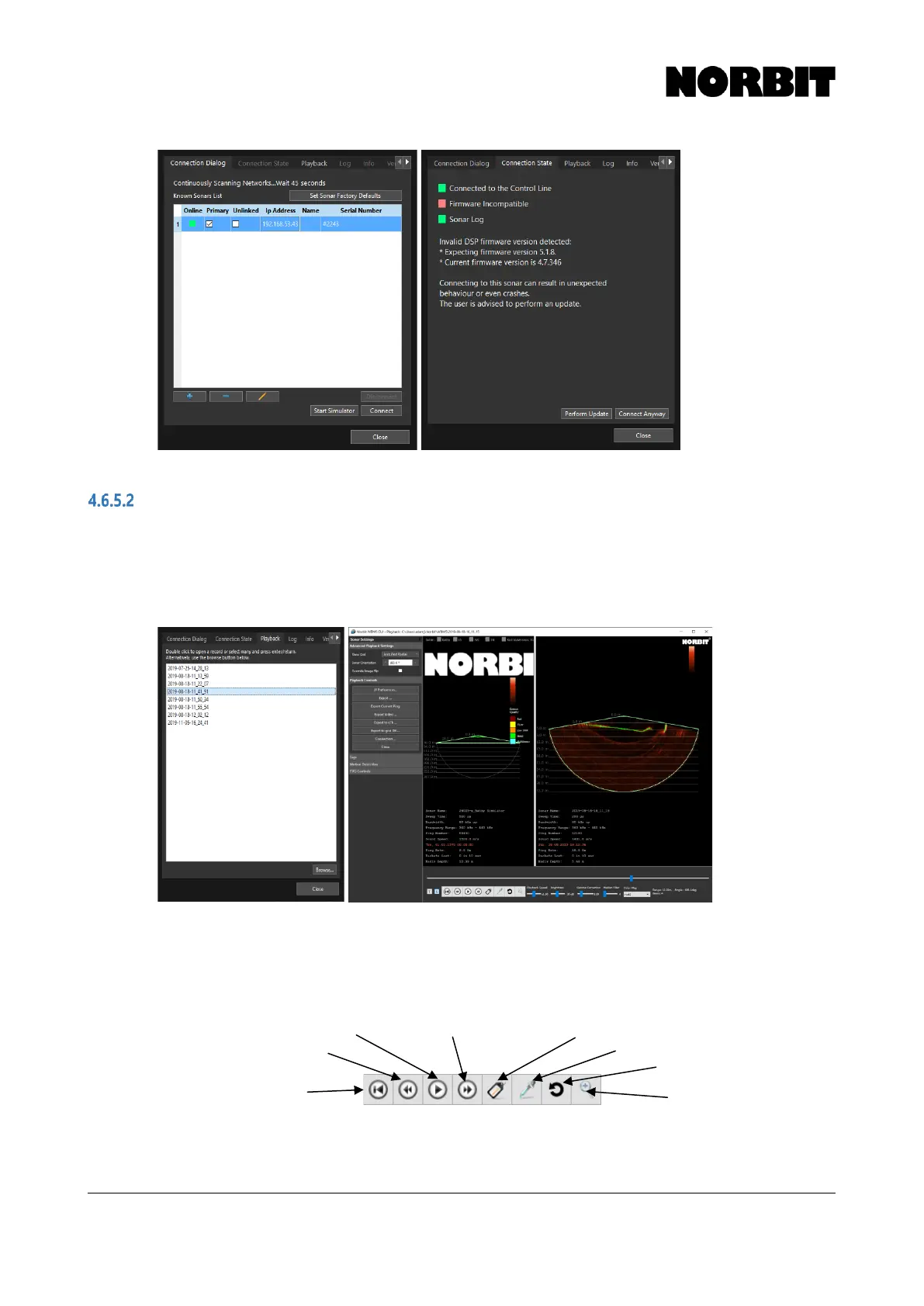
The Playback tab displays all detected GUI recordings. If there are GUI recordings in other folders,
USB drives, etc. select Browse and navigate to the correct folder. To play back a recording, double-
click the file name. This opens a second display next to the active wedge showing the recorded data.
By default, recordings are stored in: C:\Users\<user>\NORBIT\WBMS\
During playback, only bathymetry and water column data will be displayed.
The playback window can be resized by clicking/dragging the central divider. Settings and Controls
are found on the left. Users can change the Sonar Orientation as required. To export the current
ping, or a series of pings, use the Export Current Ping and Export buttons. Playback controls are
displayed at the bottom:
Other options including s7k export and video export are found on the left menu.



 To Next Page