Version 3/01 Page 16/25
F6 Timescale
--> 6 min
Changes the time scale shown on the screen. The time
alternatives are 24 hours, 6 hours, 60 minutes (1 h), and 6
minutes.
F7 Close Exit to diagnostics display.
3.3 Input and output data
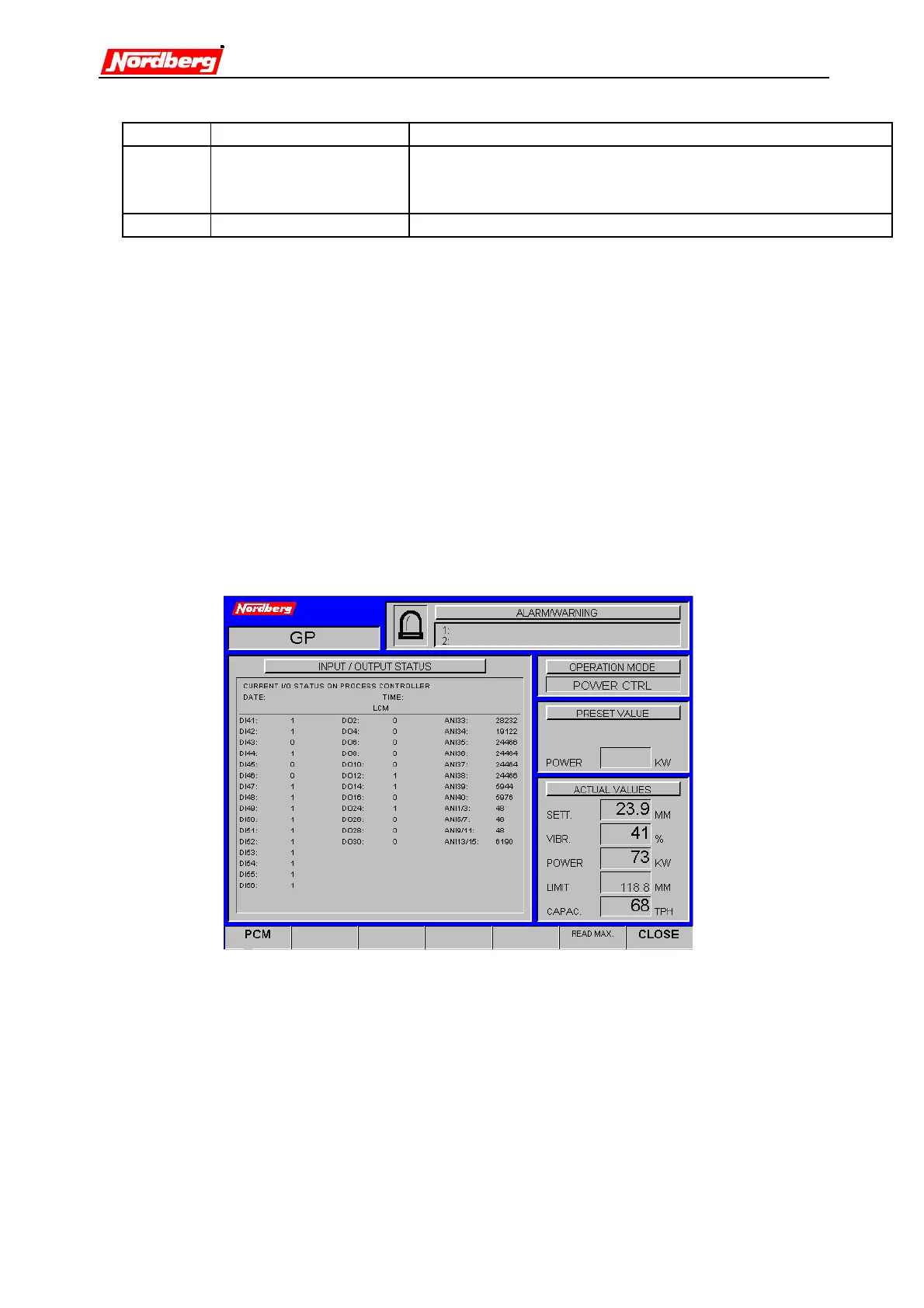
The diagnostics monitor the condition of sensors and actuators. The system also indicates
the I/O statuses of the control units.
•
Enter main menu (Press F7 a sufficient number of times).
•
Select diagnostics (Press F2).
•
Select I/O status (press F2).
•
Press F1 to view next page.
•
Press F7 to exit.
The left column on the screen shows the digital inputs. The centre column shows the
outputs. These have either one or zero as their value. The right column presents the
analog inputs.
Detailed information about inputs and outputs can be found on appendix 2.
3.4 Starting and stopping crusher


 To Next Page
 Loading...