Version 3/01 Page 6/25
2. Crusher control
2.1 Crusher control display
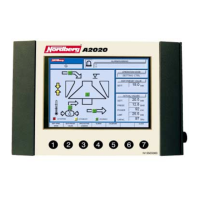
To enter the crusher control display, press F1 in the main menu. In the crusher control
display you can choose operating mode; preset values; alarm, warning, and event data;
and calibrating functions.
The crusher control screen shows the following functions:
•
Arrows describing increasing or decreasing of setting
•
Lubrication oil temperature. The temperature may be low (blue), OK (black), or high
(red).
•
Running mode messages for discharge conveyor, lubrication, crusher and feeding
device.
2.2 Selecting operation mode
Operation modes: manual control, setting control, and load control.


 To Next Page
 Loading...