44
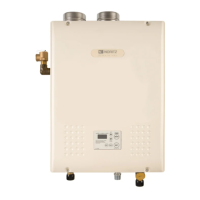
16. Turn the ‘Dial Button’ until ‘C.Lo’ is
displayed. ‘C.Lo’ allows for adjustment of
the design low temperature setting.
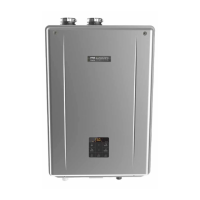
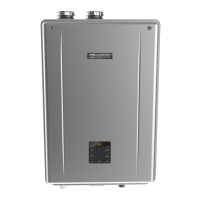
17. Press the ‘Dial Button’. The default design
cold weather temperature (20°F) will ash on
the display. Turn the ‘Dial Button’ to adjust to
the desired temperature.
18. Press the ‘Dial Button’ to conrm the setting.
19. To return to the ‘Installer Mode’ main menu,
press the ‘Function Button’. Use the ‘Dial Button’
to scroll through the other menu options.
To exit ‘Installer Mode’, press the ‘Function
Button’ once more.
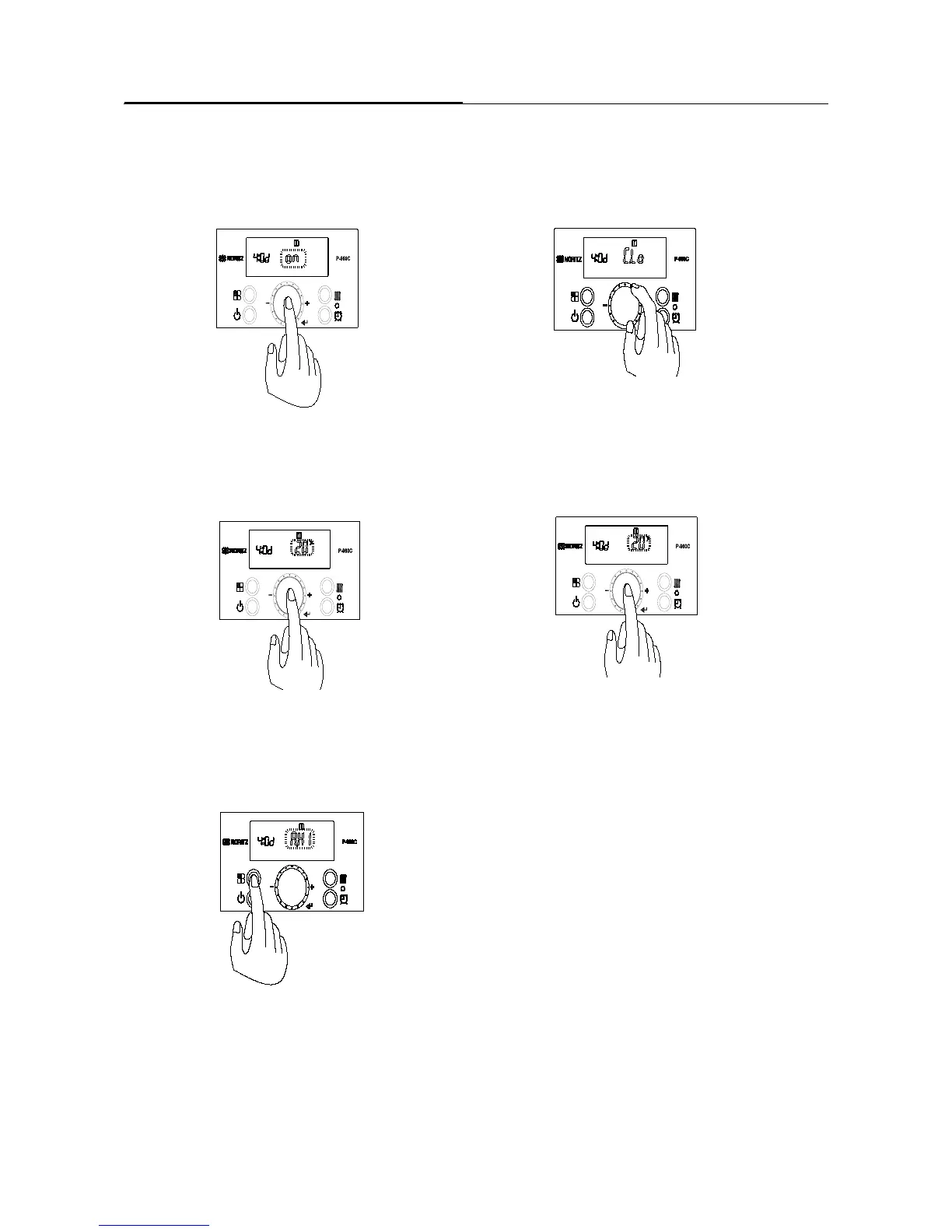
15. Press the ‘Dial Button’ to conrm the setting.
Outdoor Temperature Reset
Chapter5.–Setting


 To Next Page