EasyManua.ls Logo

NORPOLE NPCIM90B - User Manual

NORPOLE NPCIM90B
32 pages
Print Icon
To Next Page IconTo Next Page
Loading...
NORPOLE
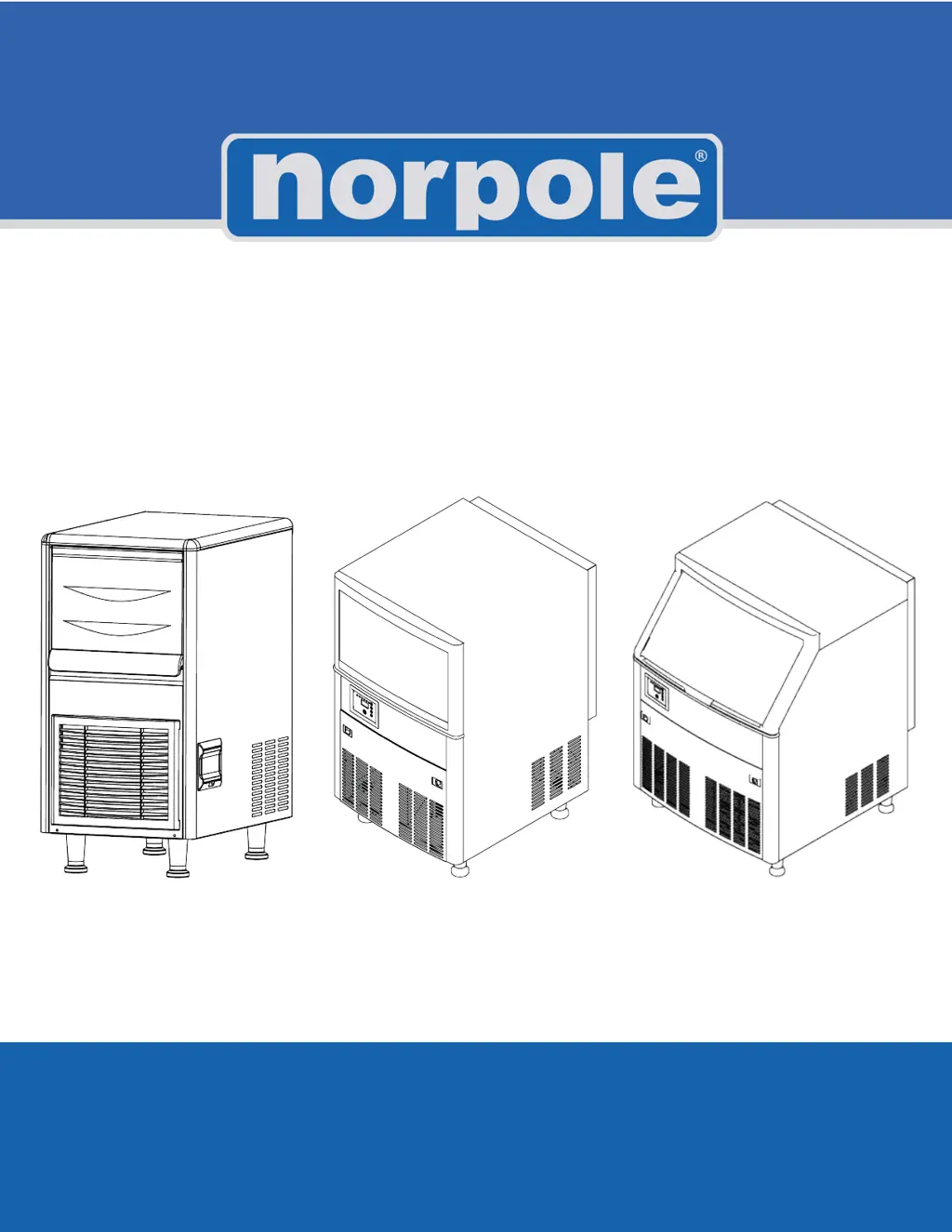
Commercial Undercounter Ice Maker
User’s Manual
READ THIS MANUAL CAREFULLY BEFORE USING YOUR COMMERCIAL ICE MAKER AND KEEP IT FOR
FUTURE REFERENCE.
Models: NPCIM90B, NPCIM120H, NPCIM160H, NPCIM210, NPCIM280

Questions and Answers

  • M
    Michael RobinsonAug 3, 2025
    What to do if my NORPOLE NPCIM90B shows 'E04' error?
    • D
      Dustin RiveraAug 3, 2025
      If the NORPOLE Ice Maker displays an 'E04' error code, it indicates a high temperature issue. Ensure the unit is in an environment with an ambient temperature between 41-104°F (5-40°C). Also, clean the condenser and ensure nothing is blocking airflow. Finally, check that the fan is running and is free from obstructions.
  • J
    Jordan AndersonAug 8, 2025
    Why is my NORPOLE NPCIM90B ice making process too slow?
    • M
      Marissa MartinAug 8, 2025
      If your NORPOLE Ice Maker is producing ice too slowly, several factors could be at play. First, clean or replace the condenser and air filter if they are dirty. Ensure the unit is in an environment with an ambient temperature between 41-104°F (5-40°C). Also, make sure there is adequate space around the unit for proper ventilation. Finally, verify that the water temperature is between 41-95°F (5-35°C).
  • L
    Larry ByrdAug 13, 2025
    What to do if the indicator is ‘Off’ on my NORPOLE NPCIM90B Ice Maker?
    • D
      Denise BlairAug 14, 2025
      If the indicator light on your NORPOLE Ice Maker is off, first ensure that the power switch is turned on. Next, verify that the plug is securely connected to a working outlet.
  • A
    anthony60Aug 18, 2025
    Why is my NORPOLE NPCIM90B Ice Maker not defrosting?
    • B
      Brandon BarnesAug 18, 2025
      If the NORPOLE Ice Maker is not defrosting properly, make sure the unit is installed somewhere with an ambient temperature of 41-104°F (5-40°C). Check the defrost valve and correct any issues if found. Also, check the ice thickness setting.
  • K
    Kevin DuranAug 23, 2025
    What does 'E06' error mean on my NORPOLE NPCIM90B?
    • P
      Patrick HarrisAug 23, 2025
      If the NORPOLE Ice Maker displays an 'E06' high pressure error code, check and connect the wires on the high pressure switch.
  • R
    Richard MorrisAug 28, 2025
    Why are the ice cubes from my NORPOLE Ice Maker too thin?
    • M
      Michael GarciaAug 28, 2025
      If your NORPOLE Ice Maker is making ice cubes with poor transparency, or the ice cubes are too thin or incomplete, check the ice thickness setting. Verify that the water supply pressure is 1.3 Bar to 5.5 Bar. Ensure the water temperature is between 41-95°F (5-35°C). Check the water inlet valve and correct any issues. Check all water connections and tighten as needed. Replace the water inlet filter if it hasn't been replaced for a long time.

Summary

Product Registration

Important Information

Warning Labels on Ice Maker

Details various warning labels related to electric shock, flammable agents, and mechanical hazards.

Instruction of Symbols in this Manual

Explains the meaning of warning signs and symbols used within the manual for safety.

Important Safety Instructions

General Safety Warnings

Provides comprehensive warnings and cautions for safe operation, installation, and maintenance.

Specific Safety Precautions

Lists detailed instructions regarding electrical safety, installation, handling, and usage to prevent injury.

R290 Refrigerant Information

R290 Refrigerant Safety Precautions

Highlights dangers and precautions associated with the flammable R290 refrigerant used in the unit.

General Usage Environments

Describes typical commercial environments where the ice machine is used and states it's not for home use.

Specifications

Model Specifications and Capacities

Details the physical dimensions, ice making capacity, bin capacity, and weight for each model.

Installation

Installation Location Requirements

Specifies ideal indoor conditions, ambient and water temperature, and altitude for proper installation.

Electrical Supply Requirements

Outlines the need for a properly grounded outlet, dedicated circuit, and appropriate overcurrent protection.

Installing the Ice Maker

Pre-Installation Checks and Preparation

Ensures unit is in good condition, packing removed, and accessories cleared before installation.

Water, Drain, and Power Connections

Guides connecting water supply, filter, drain pipe, and confirming power requirements for safe operation.

Operation

Control Panel and Display Overview

Explains the functions of the LED display, indicators, and buttons for operation and error codes.

Ice Cube Thickness Adjustment

Describes how to adjust the thickness of ice cubes by using the '+' or '-' buttons.

Cleaning Function Operation

Details initiating the cleaning process using the 'Clean' button, adding solutions, and the cycle steps.

Startup and Operation

Initial Setup and Startup Procedure

Guides through pre-startup checks, turning the unit on, and confirming normal operation.

Ice Making Cycle Explained

Explains the stages of ice making, including pre-cooling, freezing, and harvest cycles.

Ice Bin Full Detection

Describes how the unit stops ice making when the bin is full and resumes when ice is removed.

Care and Maintenance

Exterior and Interior Cleaning

Provides instructions for cleaning the exterior, interior, condenser, and filter for optimal performance and hygiene.

Water Filter and Pipe Maintenance

Recommends regular inspection and replacement of the water filter and cleaning of the water pipe.

Wintering and Storage

Details steps for storing the unit for extended periods, including draining water and disconnecting power.

Clean Function

Cleaning and Sterilization Steps

Step-by-step guide for using cleaning and sterilization solutions, including manual application.

Rinsing and Post-Cleaning Procedures

Explains the rinsing cycle and the recommendation to discard the first few batches of ice after cleaning.

Troubleshooting

Pre-Service Troubleshooting Checks

Lists initial checks for water supply and power supply before contacting service.

Common Issues and Solutions Guide

Provides a table matching symptoms like 'Not working' or error codes with possible causes and corrective actions.

Display Error Codes

Error Code Meanings and Modes

Lists specific error codes (E01-E08) and their corresponding causes and operational modes.

Limited Warranty

Warranty Coverage and Duration

Details the warranty period for parts, labor, and compressor, and what is covered.

Warranty Exclusions and Limitations

Lists conditions not covered by warranty and limitations on remedies and implied warranties.

NORPOLE NPCIM90B Specifications

General IconGeneral
BrandNORPOLE
ModelNPCIM90B
CategoryIce Maker
LanguageEnglish

Related product manuals